General Information
AP05
Date: 22.08.2022 Art. No. 90885 Mod. status 108/22 Page 5 of 50
1 General Information
1.1 Documentation
The following documents are associated with this document:
• The data sheet describes the technical data, the dimensions, the pin assignment, the
accessories and the order key.
• The installation instructions describe the mechanical and electrical installation with all
safety-relevant conditions and the associated technical specifications.
• User manual for connecting the display to an IO-Link master and for commissioning.
• IODD file (IO-Link Device Description); with the help of this file, the connection and
configuration with an IO-Link master is possible by means of commercially available IO-
Link masters and their configurators.
You can also download these documents at http://www.siko-global.com/p/ap05.
1.1.1 History
1.2 Definitions
If not explicitly stated otherwise, decimal values are given as figures without an extension (e.
g., 1234), binary values are marked after the figure with a "b" (e. g., 1011b), hexadecimal
values with an "h" (e. g., 280h).
1.3 Intended use
Unless otherwise described normal operation of the system with unchanged factory setting is
assumed for the further description of functions.
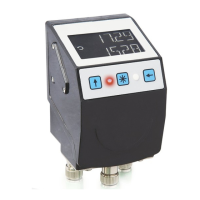
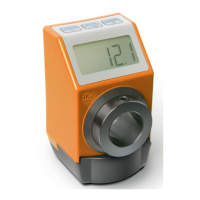
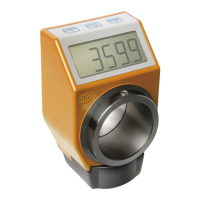
The present device is an absolute position indicator with integrated IO-Link interface and a
hollow shaft for direct shaft mounting. Indicators, control buttons and interface are only
active with external power supply. The sensor of measurement encoder works magnetically
incrementally. Without an external power supply, encoder changes are recorded with battery
support. The status of the replaceable battery is monitored. A volatile TargetValue can be
displayed below the ActualValue via the backlit two-line LC display A direction display
(indicator) is displayed if there is a deviation between the actual value and the target window
(target value including TargetWindow parameter). The arrow direction indicates in which
direction the shaft must be rotated to reach the target window. In addition, different
visualization tasks can be realized with the help of two two-color LEDs (green and red). Device
malfunctions or inadmissible operating conditions are displayed.


 To Next Page