SD9K digital drum kit User manual
10
Invariousmodes,itispossibletoinputanameupto8characters.(UserKitname,UserSongname,CardSavelename)
In naming mode, the [PAGE]buttonsareusedasleft/rightcursorcontrolstoselecteachcharacter.
Thehighlightedcharactercanbechangedusingthedatawheelorthe[+]/[-]buttons.Pressingboth[+]and[-]buttons
simultaneouslyallowsyoutojumpquicklythroughthefollowingcharactergroups:
• SpecialCharacters(space,‘,-,_)
• Numeric(0,1,…,9)
• UpperCase(A,B,…,Z)
• LowerCase(a,b,…,z)
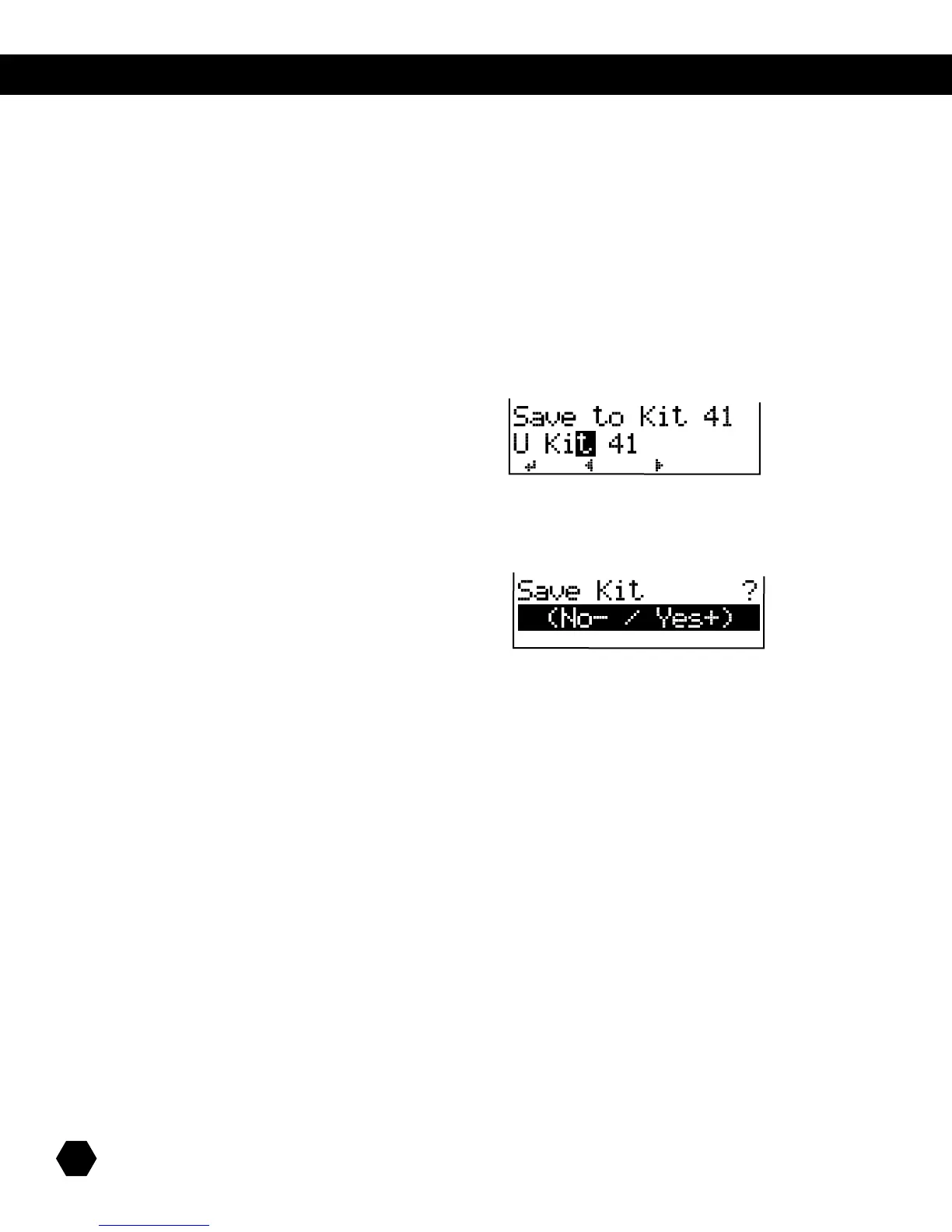
Naming screen example:
When you have finished creating the name, press the [SAVE] button.
Aconrmationscreenwillappear.
Press the [+] button to confirm or the [-] button to cancel.
NAMING



 To Next Page