SD9K digital drum kit User manual
16
TempoisaglobalsettingacrossalloftheSD9K’sfeatures.
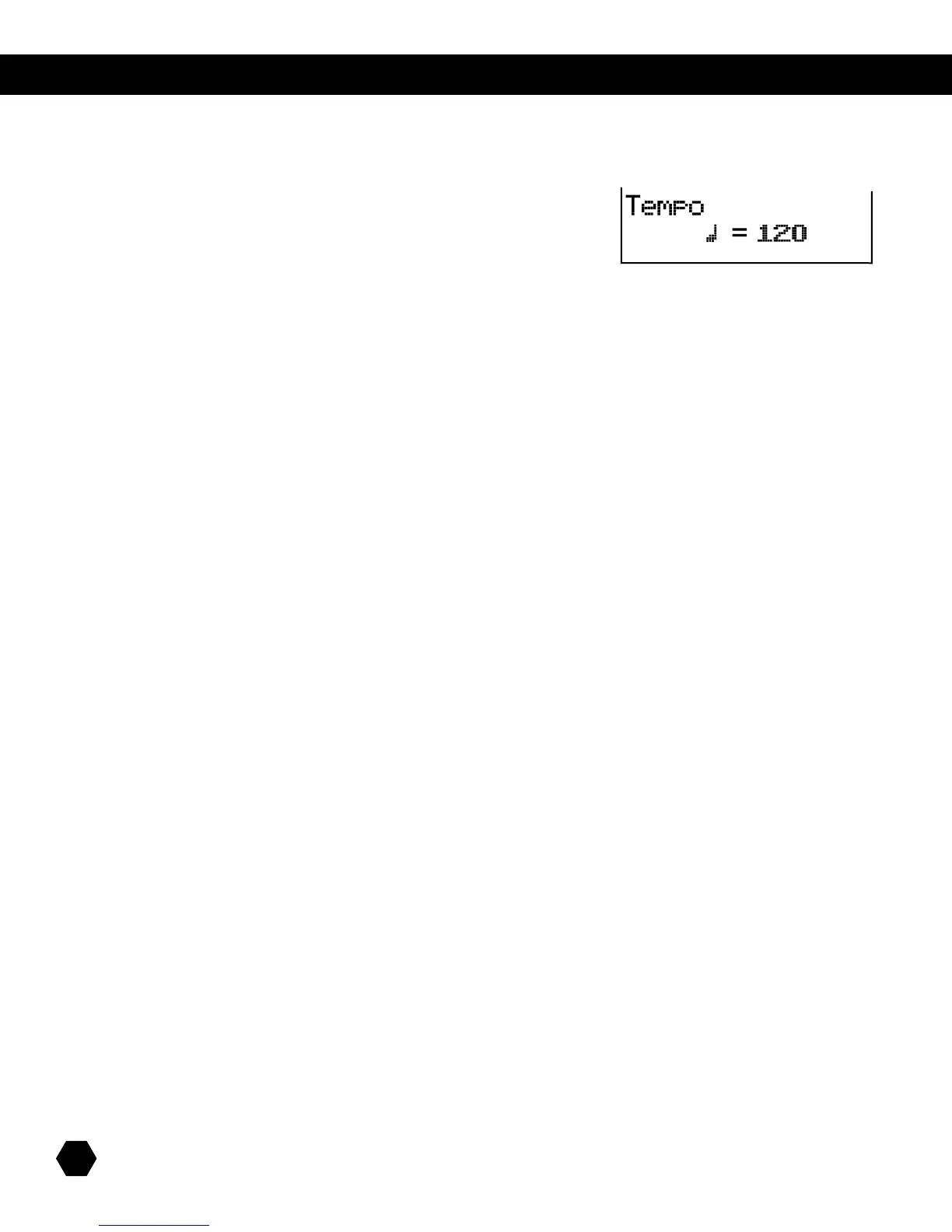
Press the [TEMPO]buttontoentertheTempoadjustmentscreen:
ThisscreenisusedtoadjustthetempooftheMetronome,thecurrentSongoraMIDIleonanSDcard.
The tempo range is 30 – 280.
UseDataWheelor [+] and [-]buttonstoadjusttempo.
Press [+] and [-] together to reset the tempo to the current song’s default.
Press [EXIT] or [TEMPO] to exit the Tempo screen and return to the previous menu.
NOTE: Pressing the [KIT], [SONG] or [CARD] button also exits the Tempo menu and enters the corresponding mode.
TEMPO



 To Next Page