www.simmonsdrums.net
29
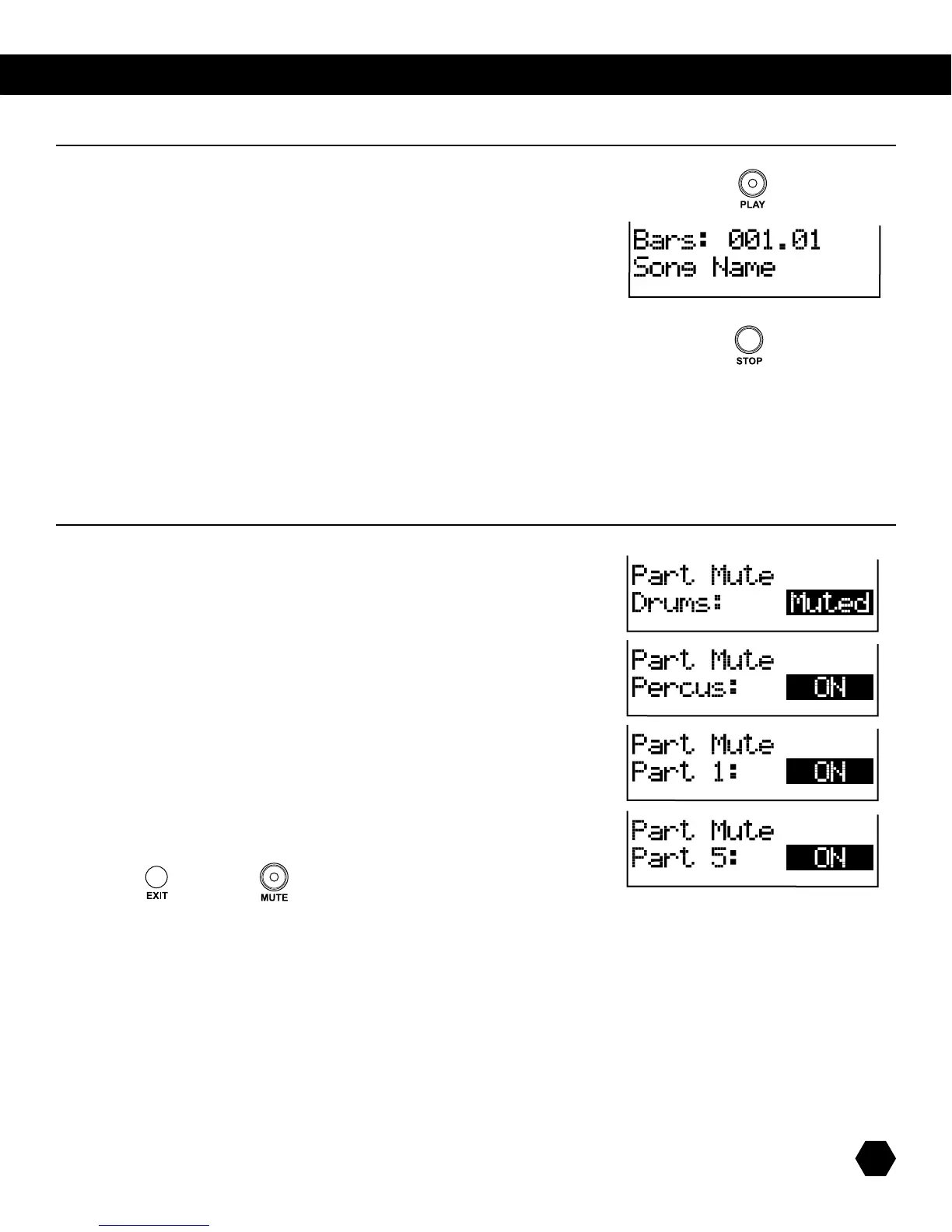
Press [PLAY] to play the current song. The Play indicator will light up, Beat indicators
willashatthecurrenttempoandsignature,whiletheLCDwilldisplaythecurrent
playing measure and beat.
Press [PLAY] again to pause the song at the current measure.
Press [PLAY]againtoresumeplaybackfromtheheadofthepausedmeasure.
Press [STOP] to stop the song and return to the first measure.
NOTE: If the song number is changed while playing a song, the new song will start playing at the next bar.
NOTE: When the external song is selected, pressing only the [PLAY] or [STOP]buttonssendsMIDIClockandRealTime
Commandmessages(Start/Stop/Continue)tocontrolanexternalsequencer.
TherstPartMuteisDrums.
UsetheDatawheelorthe[+]/[-]buttonstoselectMutedorOn.
Press [PAGE DOWN] to access the next part, Percussion.
UsetheDatawheelorthe[+]/[-]buttonstoselectMutedorOn.
Press [PAGE DOWN]toaccessthenextpart,Part1-5
UsetheDatawheelorthe[+] /[-]buttonstoselectMutedorOn.
Press the [EXIT] or [MUTE] buttons to return to the previous menu.
song play
part mute



 To Next Page