www.simmonsdrums.net
31
part parameters
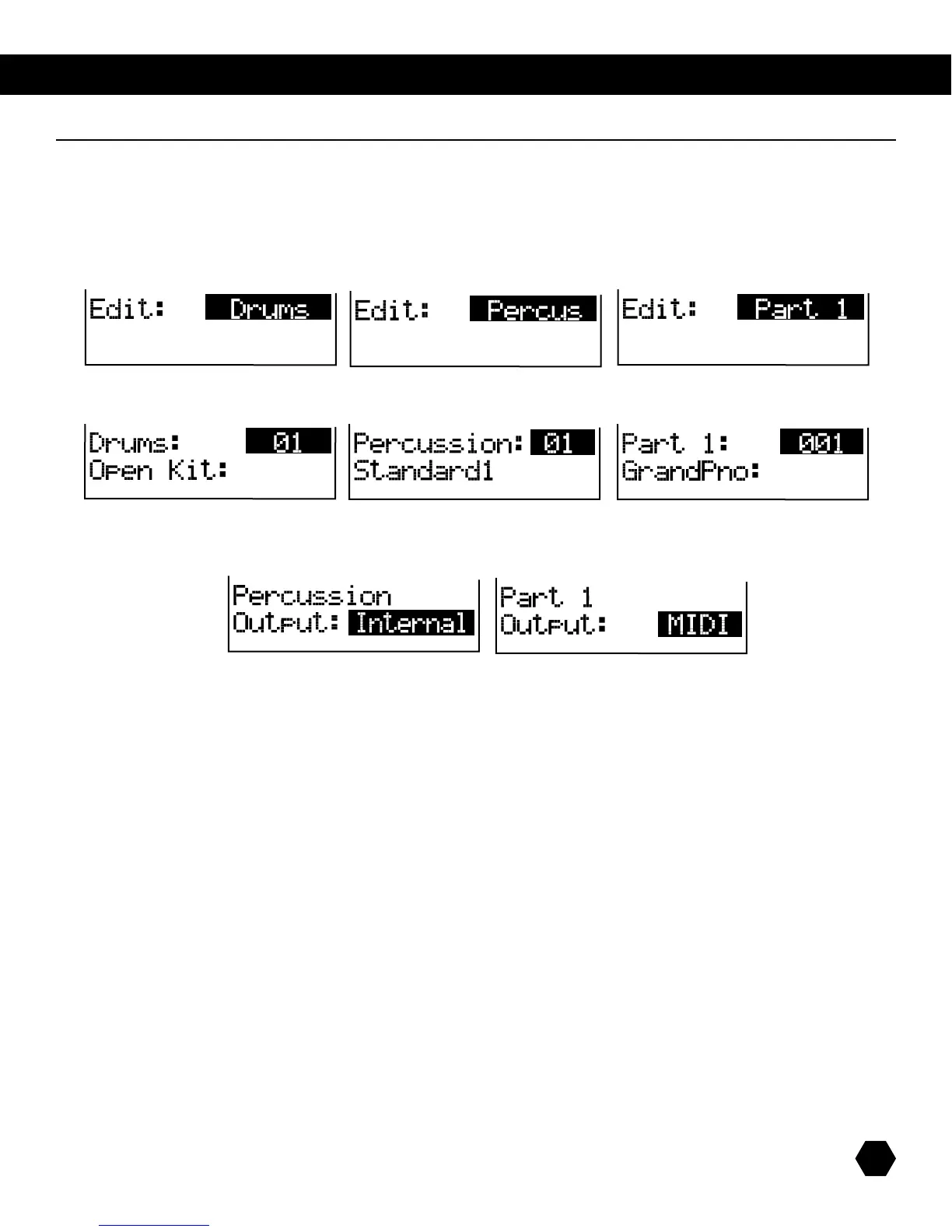
Eachsonghas7tracks(orparts):drums,percussion,andparts1through5.Eachtrack’sparameterscanbeedited.
Press [EDIT] to enter the Song Edit menus. Press [+]/[-] or [EDIT] repeatedly to select a part, then press [PAGE DOWN] to enter the
partparameters’sub-menu.
Press [PAGE DOWN]toeditthetrack'svoice.
Press [PAGE DOWN]todeterminewhetherthetrack'sdataissenttotheinternalGMsoundmodule,oriftheMIDIwillbeplayedby
an external sound module.



 To Next Page