SD9K digital drum kit User manual
30
song edit
InSONGmode,press[EDIT] to enter the Song Edit menus. The Edit indicator will light up.
TherstpageofSongEditselectstheEditsub-menu:Song,Drums,PercussionParts1through5.
Aswithanyparameter,thisselectioncanbemadeusingthedatawheelorthe[+]/[-] buttons.
Alternatively,thissub-menucanalsobechangedbypressingthe[EDIT] button repeatedly.
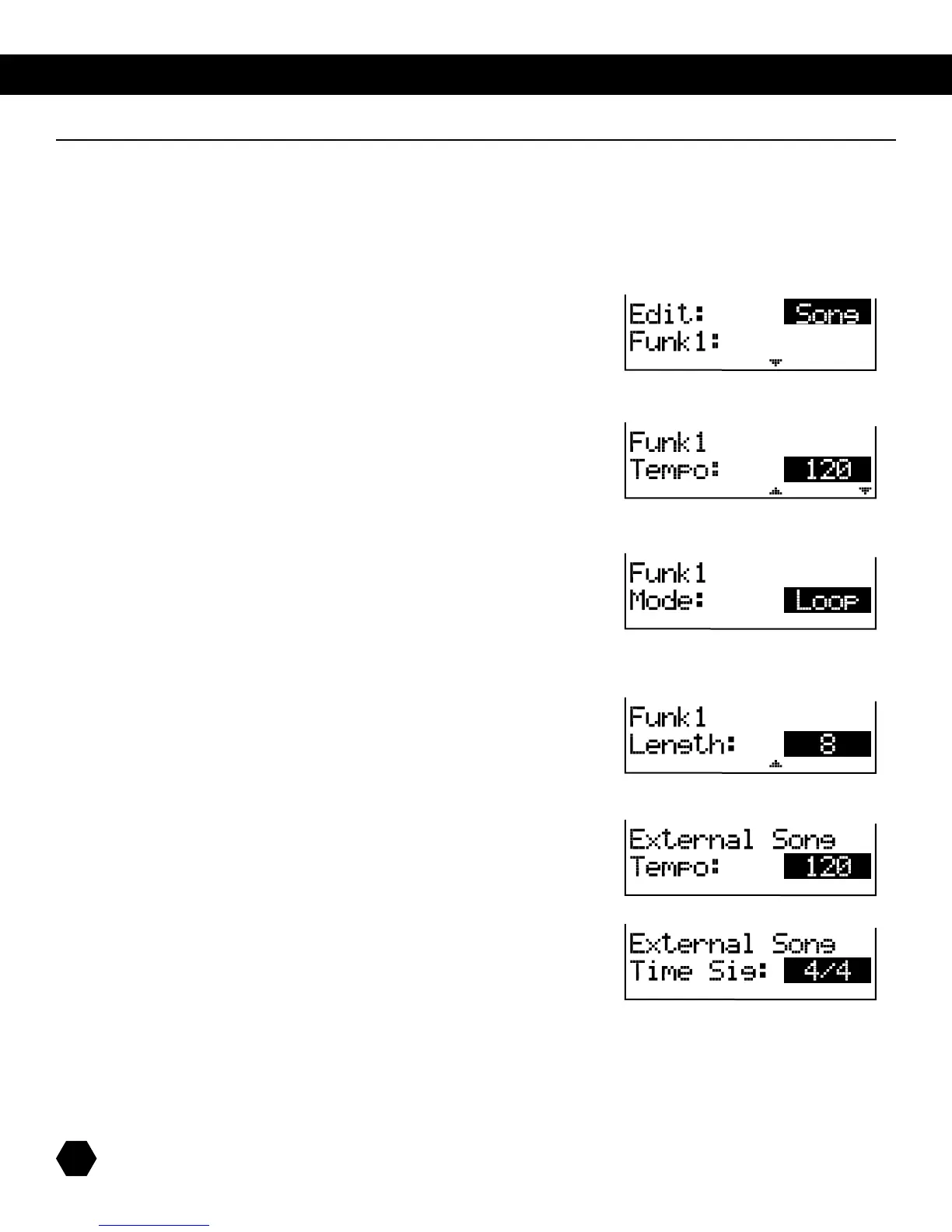
The first option is Global Song parameters:
Press [PAGE DOWN]toentertheSongparameterssub-menu.
Tempoallowsyoutoadjustthetempoofthesong.
DefaultstarttempooftheSong.
Press [PAGE DOWN] to access the next parameter.
ModeallowsyoutoselectLooporOneShot.
DefaultstarttempooftheSong.
Press [PAGE DOWN] to access the next parameter.
Songlengthisnotadjustable,andshownforinformativepurposesonly.
Song length in bars
(displayedforinformationonly).
Foranexistingsong,defaulttempoandplayingmodecanbeedited;lengthis
displayed for your information, but it cannot be changed.
If the External Song 000 is selected, only the tempo and time signature can be edited.



 To Next Page