www.simmonsdrums.net
51
Press the [MUTE]buttontotoggletheMUTEfunction.
TheMuteindicatorwilllightupwhenMUTEisenabledandturnoffwhenMUTEisdisabled.
T(Channel10Muted),butthiscanbechangedtoanycombinationofchannelsintheMUTEsetupmenu.
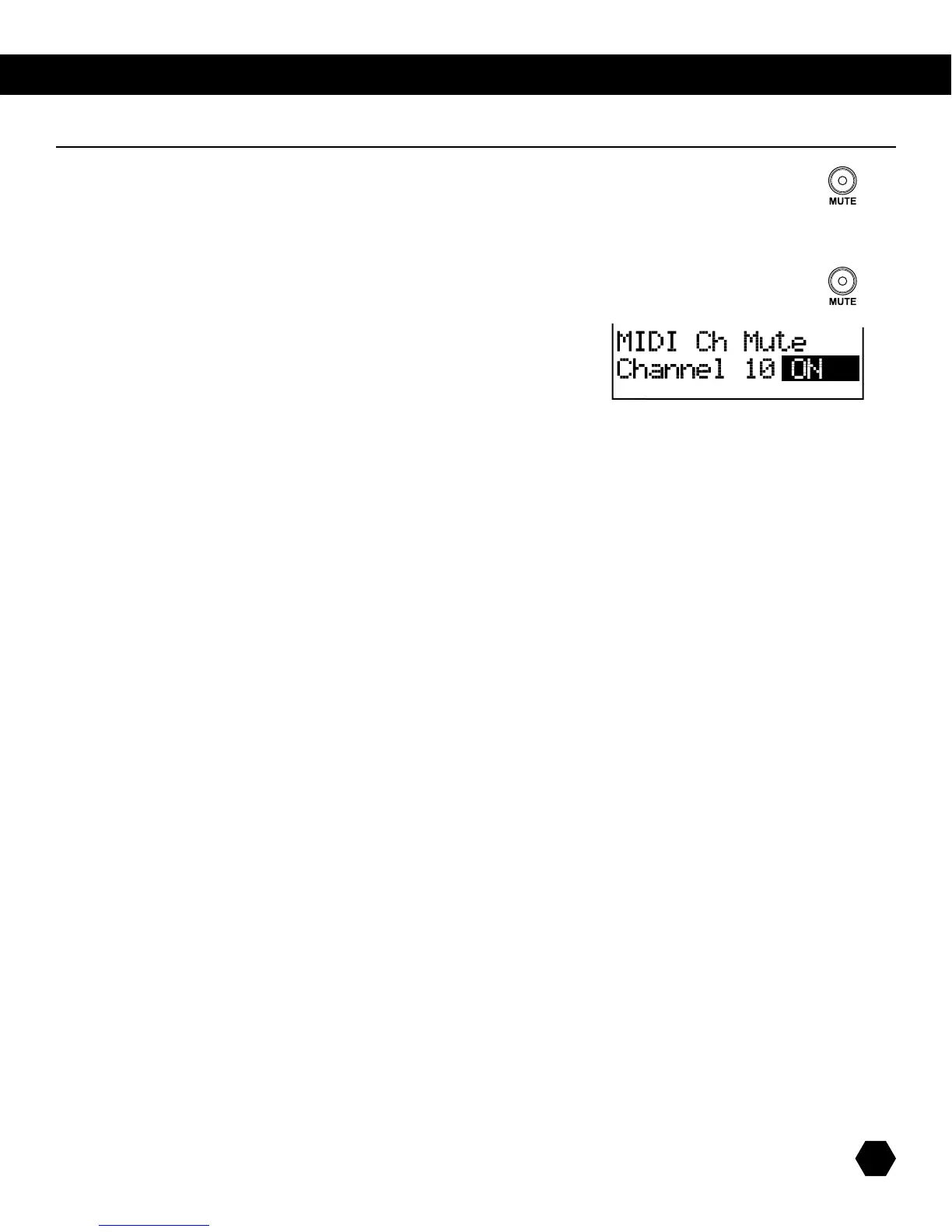
ToentertheChannelMUTEsetup,holddownthe[MUTE] button for 3 seconds.
TheMUTEindicatorwilllightup(withMUTEfunctionenabled).
Usethe[PAGE UP]/[PAGE DOWN] buttons to scroll through channels.
Usethe[+]/[-]buttonstosetthechannel’sMutestatustoONorMuted.
NOTE:TheChannelMutesetupwillreverttoDrumsOffafterpoweringdown.
Press the [MUTE]buttonagaintodisabletheMUTEfunctionandreturntothepreviousmenu.
OR
Press the [EXIT]buttontoreturntothepreviousmenuandkeeptheMUTEfunctionenabled.
mute function



 To Next Page