www.simmonsdrums.net
19
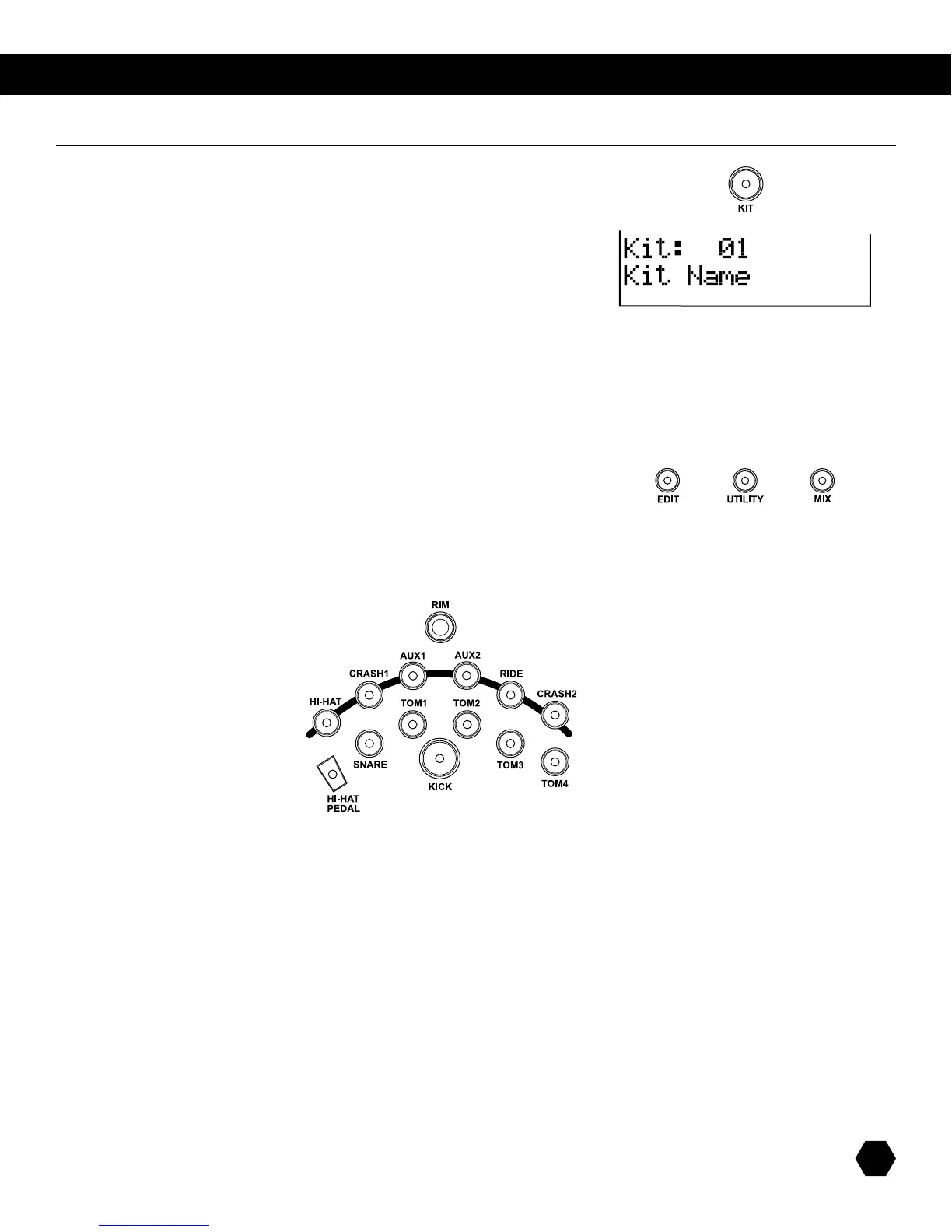
IftheSD9KisnotyetinKITmode,pressthe[KIT] button to enter it.
TheKitindicatorwilllightup,andtheLCDwilldisplaythecurrent
kitnumberandkitname:
Usethedatawheelorthe [+]/ [-]buttonstoselectakit,and/orthe
[PAGE UP] or [PAGE DOWN]buttonstoquicklyskipthroughkitgroups(presetkits,
userkits,orexternalkit).
InKITmenu,
Press [EDIT]buttontoeditPadVoicesofthecurrentkit.
(orMIDIparametersoftheExternalKit).
Press [MIX]buttontoadjustPadVoicesorKitMixparametersofthecurrentkit.
Press [UTILITY]buttontoadjustTriggerparameters.
ThecurrentpadtobeeditedcanbeselectedeitherbypressingitsPadSelectbutton,orbystrikingthepaditself.ThePadSelectindi-
cator will light up to show which pad is currently selected.
If the rim of a pad is selected, both the Pad indicator and the Rim indicator will turn on.
NOTE:WhileeditingVoiceNumber,Tuning,DecayLevel,Pan,andReverb,youcanalsopreviewtheresultofthecurrentsettingsby
pressing the Pad Select button to play the edited voice.
IfyouchangeanyoftheKitEditorMixparameters,theKitEDITiconontheLCDwilldisplaytoindicatethatthecurrentlyactivekit
hasbeeneditedandisthereforedifferentfromthekitstoredinmemory.ThisiconwilldisappearwhentheeditedkitissavedtoaUser
Kit,orwhenanotherkitisselected.
Kit Select



 To Next Page