SD9K digital drum kit User manual
26
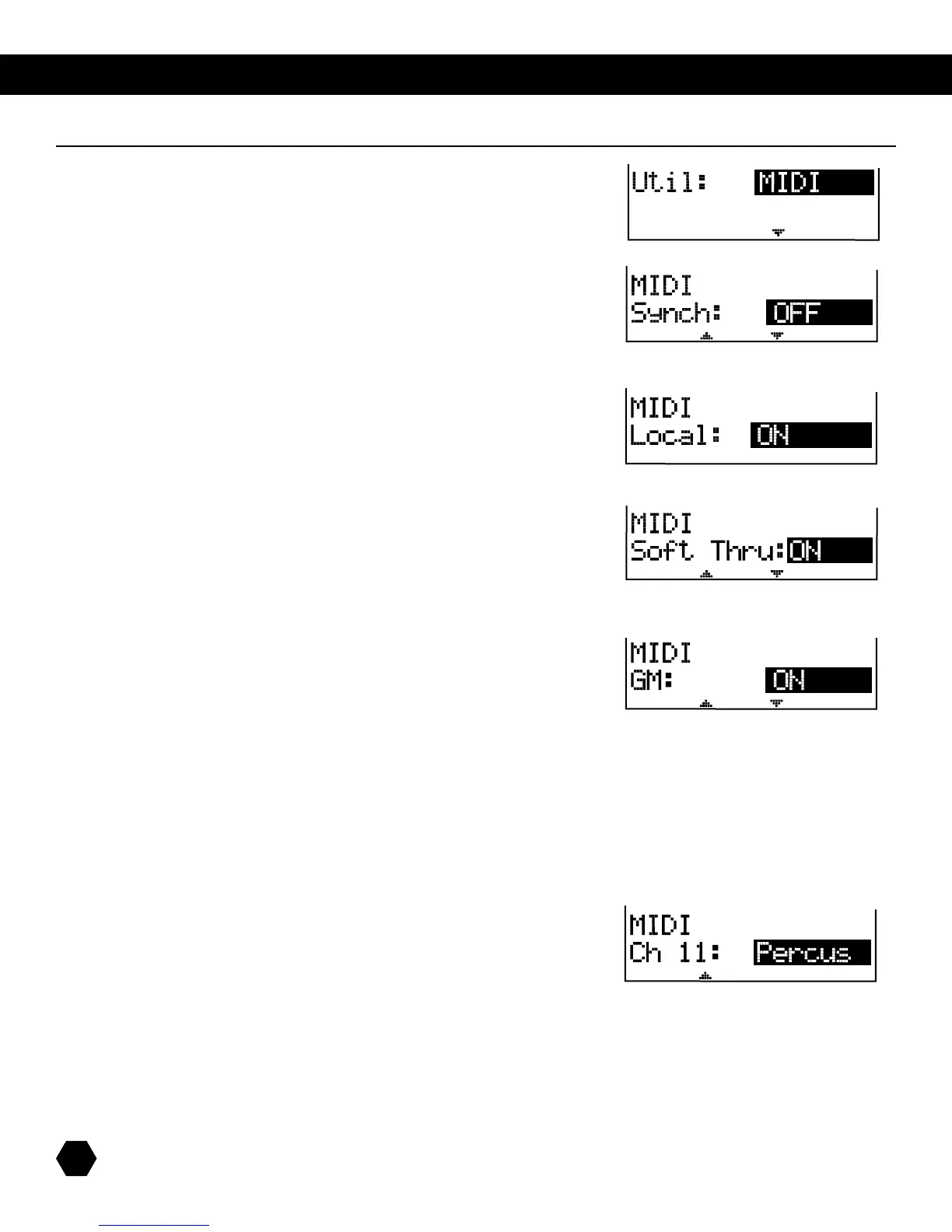
ThenextUtilitysub-menuaffectsglobalMIDIparameters:
NOTE:ToaccessthenextMIDIparameter,press[PAGE DOWN] on the
system’s console.
Sync
TurnthisfeatureonwhenyouwanttosynctheSD9K’splaybacktoother
sequencers.
Press [PAGE DOWN] to access the next parameter.
Local
ON:ThepadswillgeneratesoundsandsendsoutMIDIinformation.
OFF:ThepadswillonlysendoutMIDIinformation.
Press [PAGE DOWN] to access the next parameter.
Soft Thru
ON:MIDIinformationcomingfromtheMIDIOutisloopedbackinthroughthe
MIDIIn.
OFF:MIDIOutinformationisnotloopedbackthroughtheMIDIIn.
Press [PAGE DOWN] to access the next parameter.
GM
ON:IntheGMmode,theprogramchangemessageisonlyusedtochangeGM
KIT(youcanalsoselecttheinternaldrumgroupnumber).
OFF:TheprogramchangemessageisnowusedtochangetheinternalKITnumber,
internalkit(0-98).Ifprogramchangevalueisbetween99-127,itisuseless.The
GMmodeswitchiscontrolledbythestandardMIDImessage:
0xF0 SysEx
0x7ENon-Realtime
0x7FTheSysExchannel.Couldbefrom0x00to0x7F.
Hereitissetitto“disregardchannel”.
0x09Sub-ID--GMSystemEnable/Disable
0xNNSub-ID2--NN=00fordisable,NN=01forenable
0xF7EndofSysEx
Press [PAGE DOWN] to access the next parameter.
Channel 11: Choose whether Channel 11 is used for Percussion or Instrument.
MIDI parameters



 To Next Page