SD9K digital drum kit User manual
38
When the metronome begins to count, start playing the pads.
NOTE:Whenstartingrecordingwiththe[PLAY]button,acount-inprecedesrecordingasdenedintheClickmenu
(RCount:OFF<1Bar,or2Bars).Whenstartingrecordingbyplayingthepads/MIDI,recordingwillstartimmediately.
IftheSongisinLOOPmode,youcanoverdubthesamesectionateachpassoftheloop.
If you want to try adding to the part without actually recording, press the [PLAY] button.
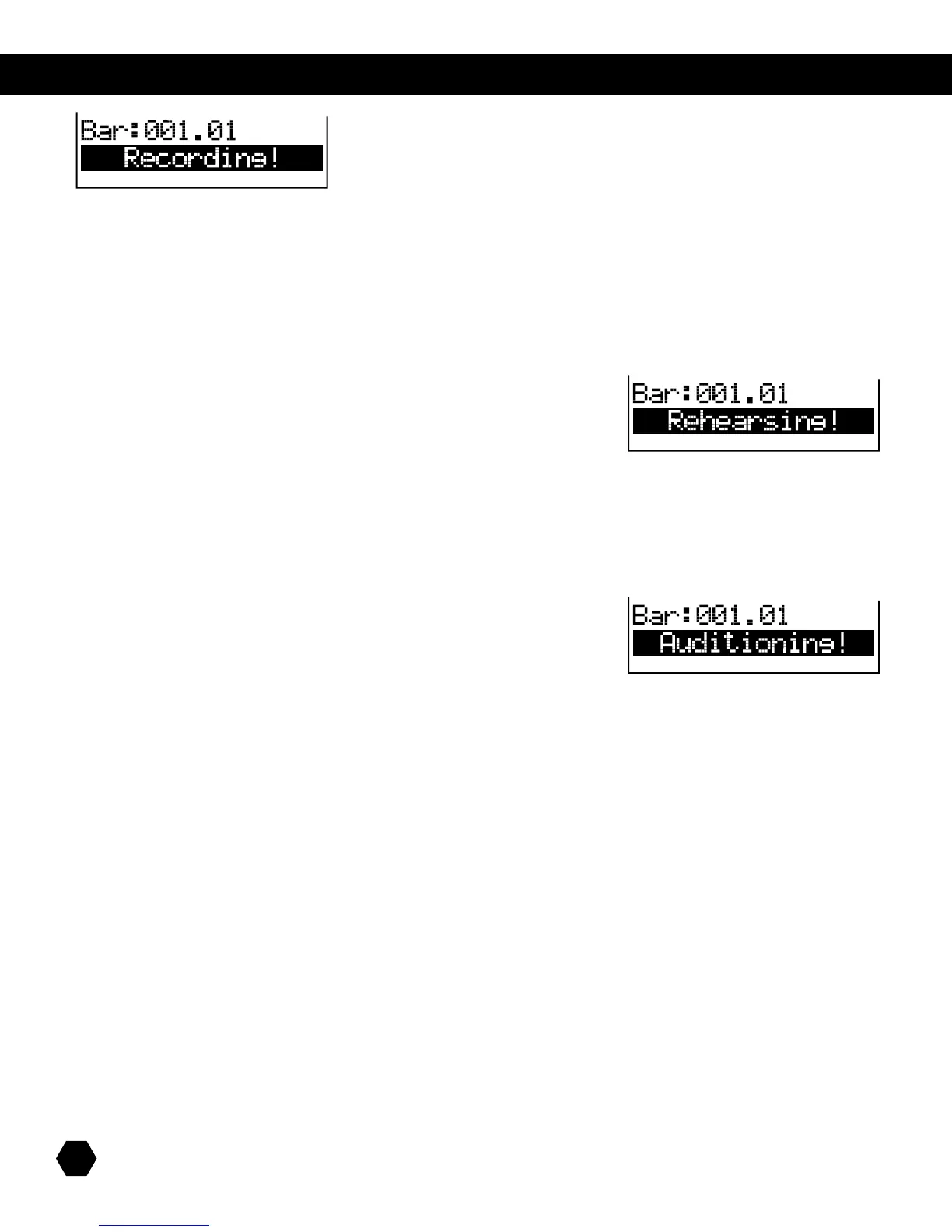
TheRecordindicatorwillash(withthePlayindicatorstillon),andthedisplaywillshow:
Thepreviouslyrecordeddatawillplayback,andyoucanrehearseoveritwithoutrecording.
Whenready,presstheashing[RECORD]buttontogobackintooverdubrecording.
When finished recording, press the [STOP]buttontostopplayback.
When the display returns to the top of the Record menu, the Play indicator will turn off, and the Record indicator will stay on.
Youcanauditionyourrecordingbypressingthe[PLAY] button. The Record indicator will turn off and the Play indicator will light up.
The display will show:
Press [STOP]tostopplayback.
If you are not satisfied with your recording, press the [RECORD] button to arm recording again. This time, the previously recorded
dataforthatpartwillbereplaced/overwrittenbythenewdataassoonasyoustartrecording(bypressing[PLAY] or playing the
pads/MIDIcontroller).
If you are satisfied with your recording, you can either select another part for recording or press the [EXIT]buttontoexittheRECORD
mode.Thedisplaywillbrieyshow“SaveSongOK!”andreturntotheSongSelectmenu.
Adding/replacing parts on an existing User Song
YoucanaddanewpartorreplacepartsonanexistingUserSong.
SimplyselecttheUserSongandpressthe[RECORD] button to enter the Record menu, and follow the same recording procedure as
above.
Adding/replacing parts on a Preset Song
YoucanalsoreplacepartsoraddanewpartonaPresetSongbyrstcopyingthePresetSongintoaUsersong,andthenproceed
as above.
Song utilitiy menu
InadditiontotheNewSongandErasesub-menus,otherUtilitymenus(MIDI,Reset,Prompt)arethesameinKITmode,asdescribed
onpages26-27.



 To Next Page