3:4
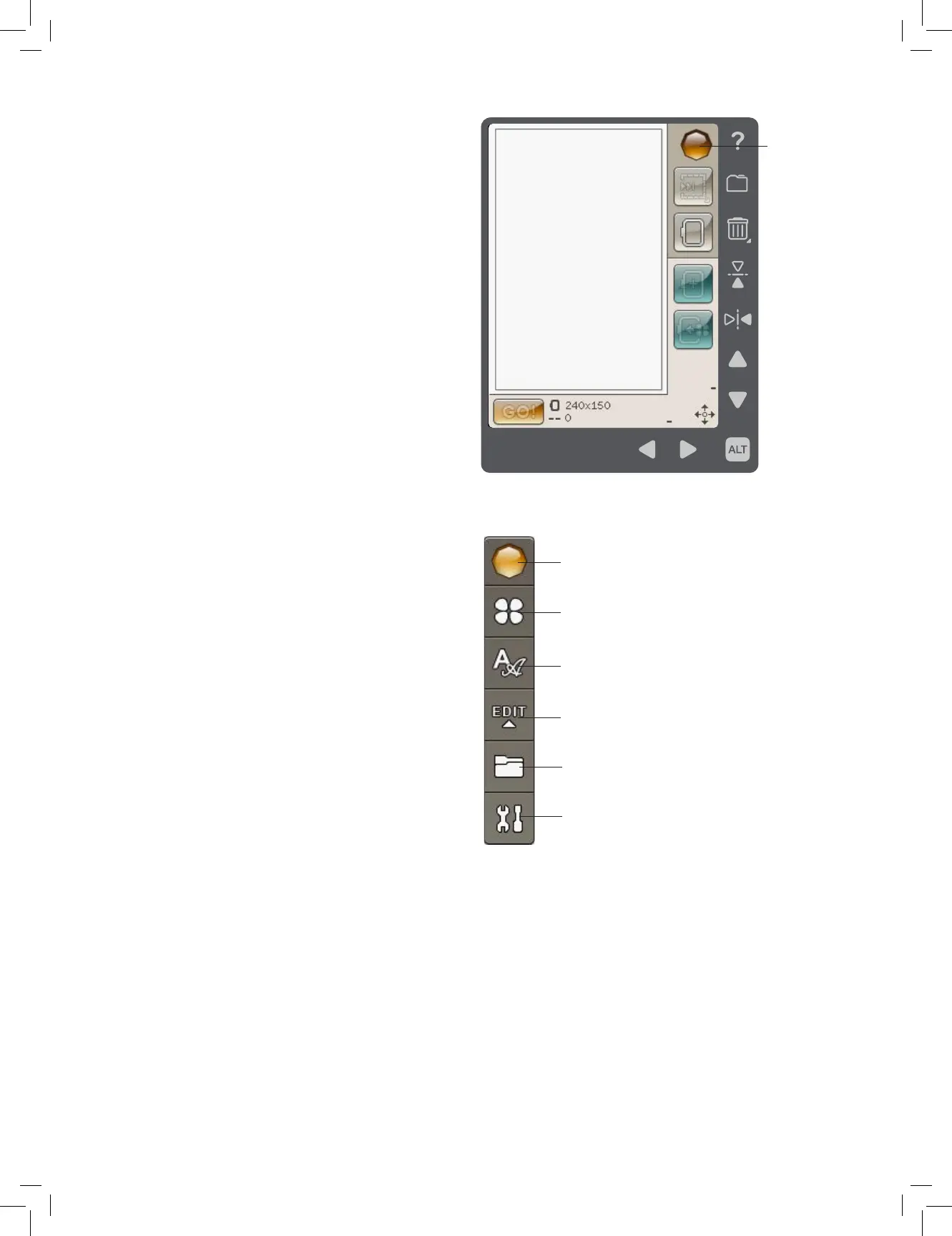
Start Menu
Design Menu
Embroidery Font Menu
Embroidery Text Edit
File Manager
SET Menu
Start Menu
COLOR TOUCH SCREEN
START MENU
Touch the Start Menu icon to open the Toolbar. The Toolbar is
used for selecting and activating different windows.
TOOLBAR
From the toolbar you will be able to enter the Design Menu,
Embroidery Font Menu, Embroidery Text Edit, File Manager
and SET Menu. Touch the function you want to activate.
Design Menu
Touch the Design Menu icon to open a window where you can
see your built-in designs. Touch a design to load it.
Embroidery Font Menu
Touch the Embroidery Font Menu icon to open a window
with the available embroidery fonts. Select a font by touching
it. When a font is selected, you will automatically enter the
Embroidery Text Edit mode.
Embroidery Text Edit
If you want to edit an Embroidery Font program that you
have created in Embroidery Edit, touch the Embroidery Text
Edit icon. The program window will open to let you make
adjustments. You can insert new letters or delete letters.
File Manager
The File Manager is used to open, organize, add, move, remove
and copy your designs and fonts les. Use either built-in
memory or an external device connected to your machine for
storing designs and les. Learn more about the File Manager
on page 7:1.
SET Menu
In the SET Menu you can make personal adjustments to the
Machine Settings and Embroidery Settings. Learn more about
the SET Menu on page 3:5.











 To Next Page