6:2
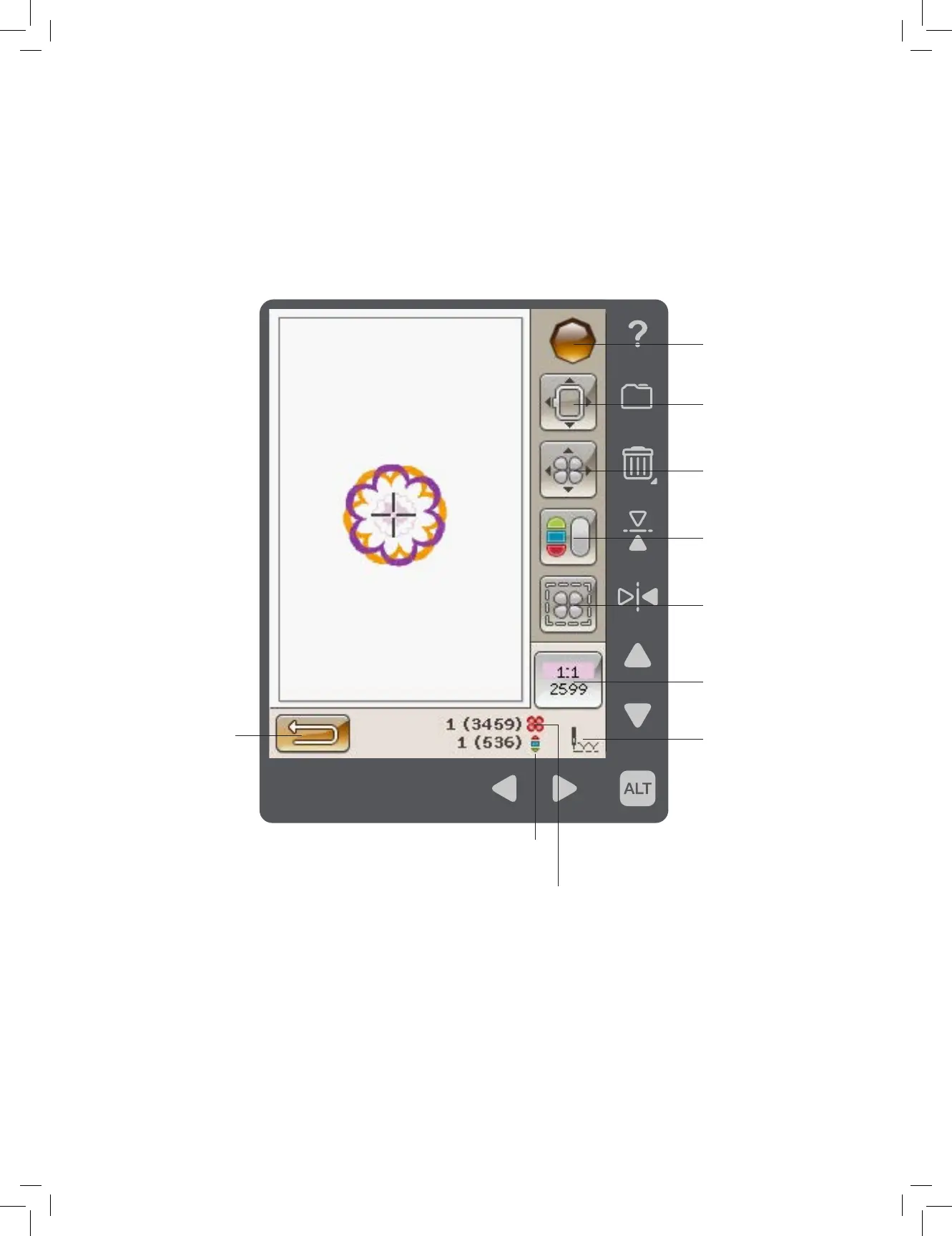
EMBROIDERY STITCH-OUT - OVERVIEW OF ICONS
TO ENTER EMBROIDERY STITCH-OUT
To embroider your design(s), enter Embroidery Stitch-Out by touching the GO! icon in the lower left hand corner of the
Embroidery Edit window. The embroidery unit must be connected when the machine enters Embroidery Stitch-Out.
Note: If the embroidery unit has not been calibrated before it will calibrate when you enter Embroidery Stitch-Out. A popup will
inform you. See “Embroidery Unit Calibration” on page 6:8.
Start Menu
Return to Embroidery
Edit
Move Hoop
Basic Design Positioning
Monochrome
Baste Around Design
Color Block List
Selected ALT function
Number of stitches in
Embroidery Combination
Number of stitches in
Current Color Block











 To Next Page