7:2
FILE MANAGER
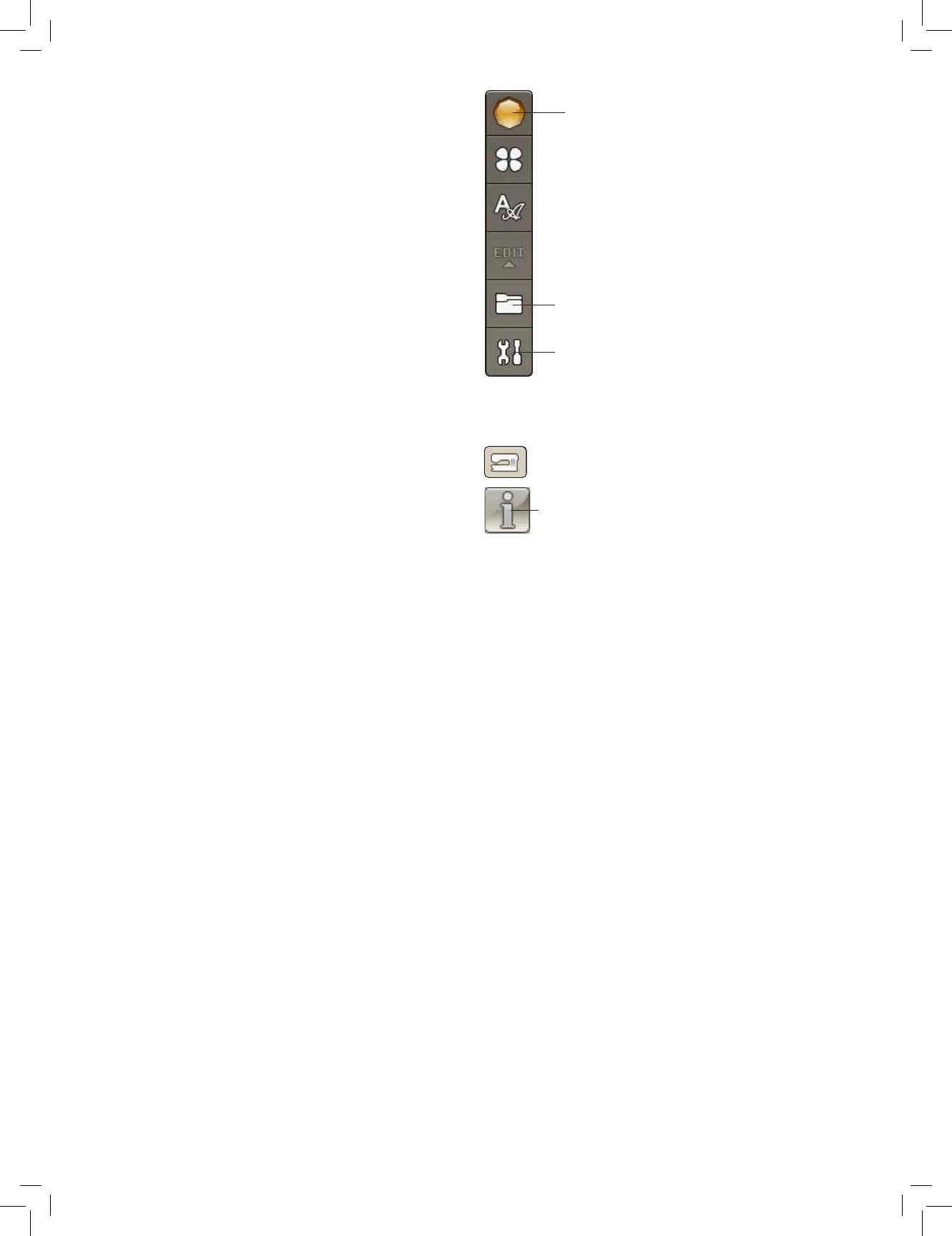
The File Manager is used to open, organize, add, move, remove
and copy your designs and fonts. Use either built-in memory
or an external device connected to your machine for storing
designs and les. To open the File Manager, touch the Start
Menu icon and touch the File Manager icon.
AVAILABLE MEMORY
The built-in memory can store designs and other les. To check
how much memory is used in the built-in memory, touch the
Start Menu icon, and SET menu, Machine Settings and touch
the Information icon. A pop-up window shows how much
memory is used.
FILE FORMATS
Your machine can load the following le formats:
• .SHV, .DHV, .VP3, .VIP, .HUS, .PEC, .PES, .PCS, .XXX,
.SEW, .JEF, .EXP, .10* and .DST (embroidery les)
• .VF3 (embroidery font les)
Note: If the le type or le version is not supported by your
machine, or the le is damaged, it is shown in the selection
area as an unrecognized le.
File Manager
Start Menu
SET Menu
Information icon











 To Next Page