6:3
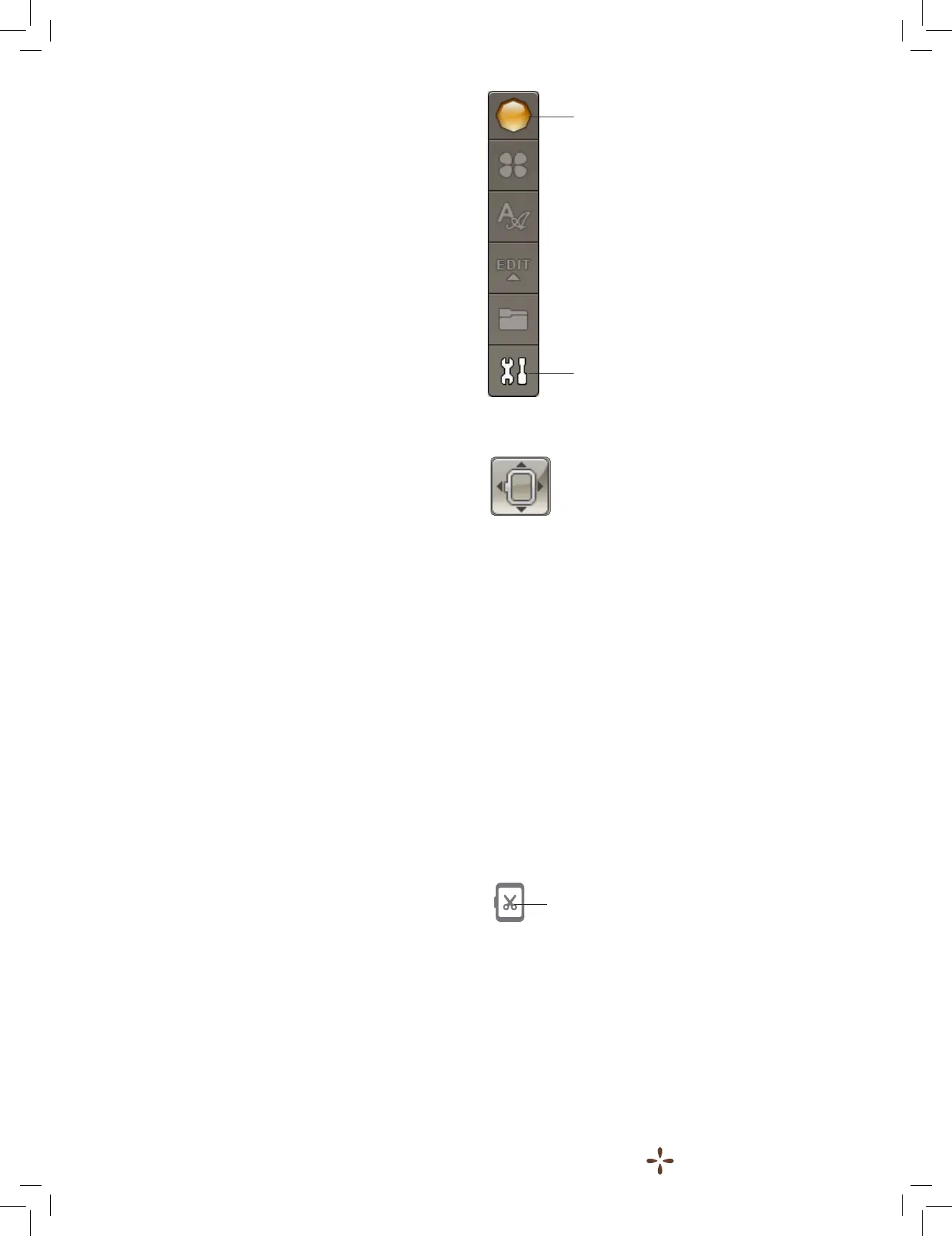
START MENU
Touch the Start Menu icon to open the toolbar. From the
toolbar in the Stitch-Out Mode you can only make changes in
the SET menu.
MOVE HOOP
Use the Move Hoop functions to move the embroidery arm and
hoop to different positions.
Current Stitch Position
When you want to return to the current stitch position and
continue embroidering where the embroidery was interrupted,
touch the Current Stitch Position icon. You can also press the
Start/Stop button once to return to the current stitch position
and start to embroider.
Park Position
When you have nished your embroidery, remove the hoop and
select Park Position. The embroidery arm will be placed in the
correct position for storage.
Note: It is important that the hoop is removed before selecting
Park Position to prevent damage.
Bobbin Position
To make it easier to change the bobbin, touch Bobbin Position.
The hoop will move away from you, allowing you to open the
bobbin cover and replace the bobbin.
Trim Position
Trim Position will move the hoop towards you making it
easier to trim your jump stitches and trim fabric for specialty
techniques.
Note: You can also touch the Trim position button on your
machine to move the hoop to trim position.
Center Position
Use the Center Position if you want to check where the center
position of the hoop is.
Start Menu
SET Menu
Trim position











 To Next Page