3:5
SettingS & Function buttonS
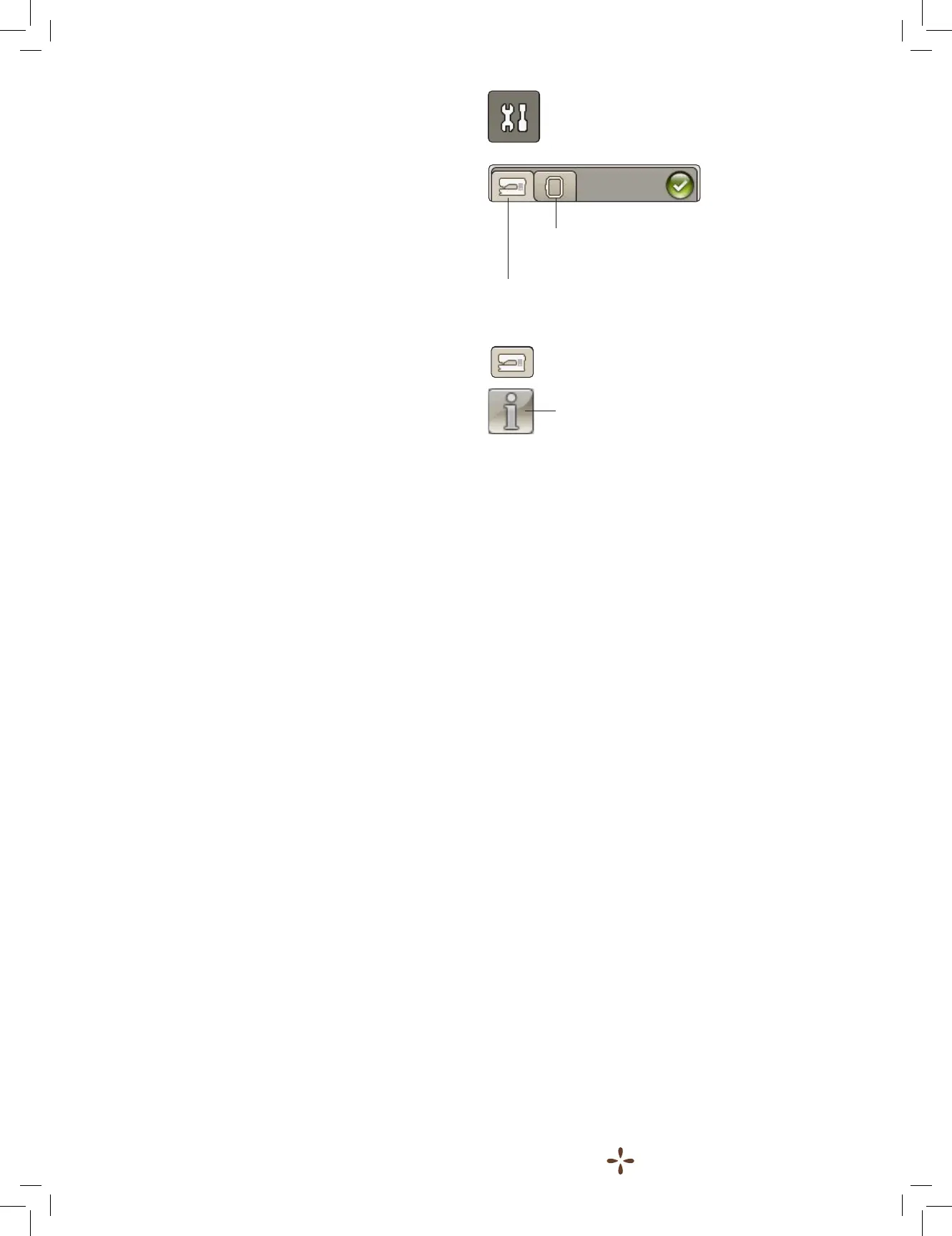
SET Menu
Embroidery Settings
Machine Settings
Information icon
SET MENU
In the SET Menu you can make personal adjustments to the
Machine Settings and Embroidery Settings.
Touch the icons to activate a function or open a list of choices.
When changing the Embroidery Settings, the settings are saved
after turning off the machine.
MACHINE SETTINGS
Information icon
The information icon opens a window which contains the
machine’s software version, memory usage and license
information.
Language
Touch Language to view the languages. Select your desired
language by touching it.
Audio Repeat
When active, the signal for some warning alerts or attention
pop-up messages is repeated in intervals until it is cancelled.
Lock Screen
Activate Lock screen if there is a risk of someone or something
bumping into the screen, changing the settings while
embroidering.
When Lock Screen is activated, the screen is automatically
locked everytime it is inactive for 10 seconds. A pop-up is
opened and the screen will remain locked until you touch OK
on the pop-up.
Touch Screen Adjust
The screen might need to be calibrated to adjust to your touch.
Touch to open a view for calibrating the touch screen.
Follow the instructions on the screen to calibrate it.











 To Next Page