5:2
EMBROIDERY EDIT MODE
In Embroidery Edit Mode you can adjust, combine, save and
delete designs. You do not need to have the embroidery unit
connected to your machine to edit your design(s).
START MENU
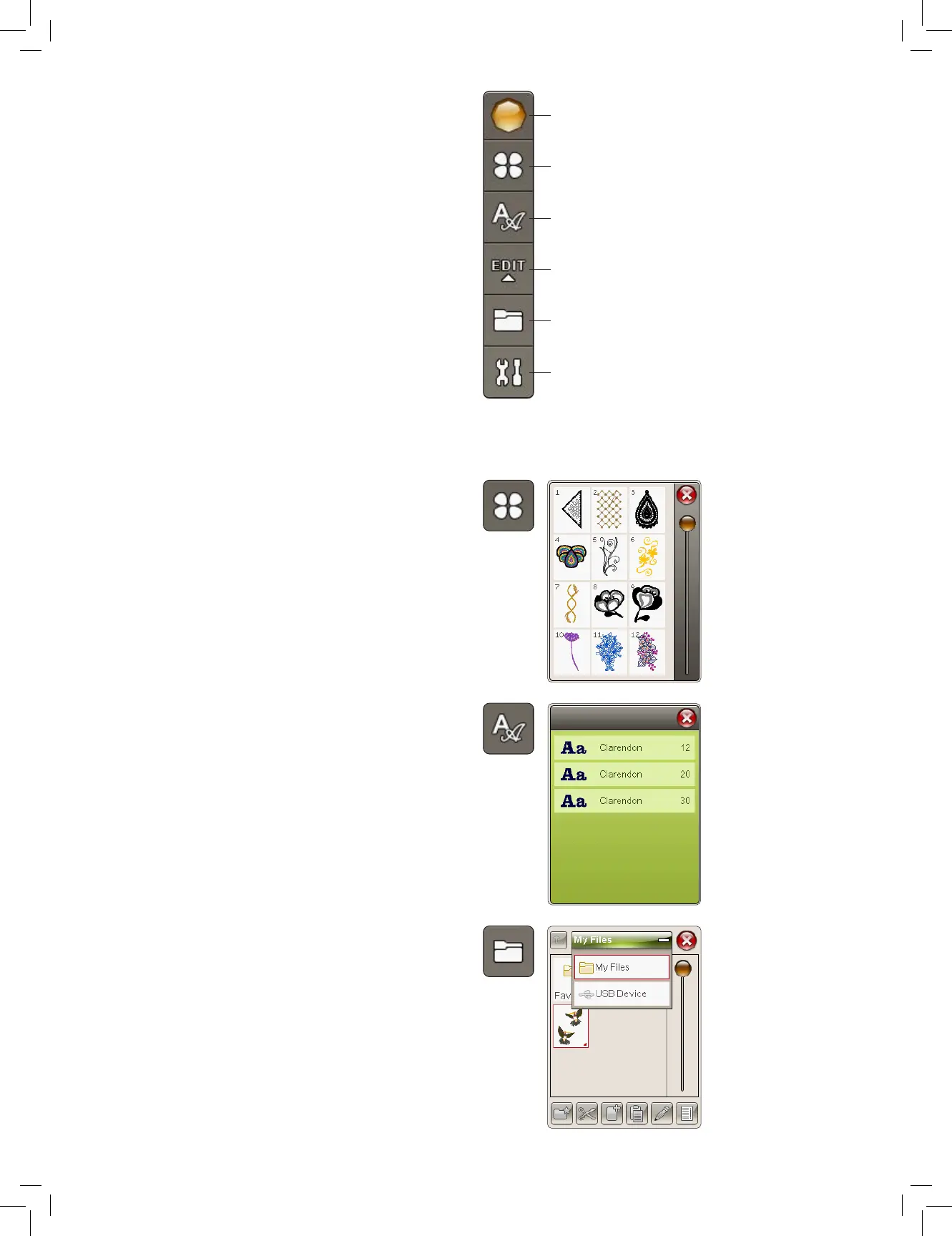
Touch the Start Menu icon to open the toolbar. From
the toolbar you can load a design, load a font, reach the
Embroidery Text Editor, Enter the File Manager and make
changes in SET Menu.
LOAD A DESIGN
Load a design by touching the Design Menu icon on the toolbar
and a window will open showing all built-in designs. Touch a
design on the screen once and it will be loaded into Embroidery
Edit.
LOAD A FONT
Load a font by selecting the Font Menu from the toolbar and
touch your desired font on the screen. A window will open
where you can write your text. Write your text and touch OK to
load the text into Embroidery Edit.
LOAD FROM USB OR MY FILES
You can also load a design or font from the USB-stick or My
Files. Touch the File Manager icon on the toolbar and choose
the USB or My Files to load a design from there.
Start Menu
Design Menu
Font Menu
Embroidery Text Editor
File Manager
SET Menu











 To Next Page