© Jan 2022 6-20 0607SE Maintenance Manual
REPAIR
Weighing device
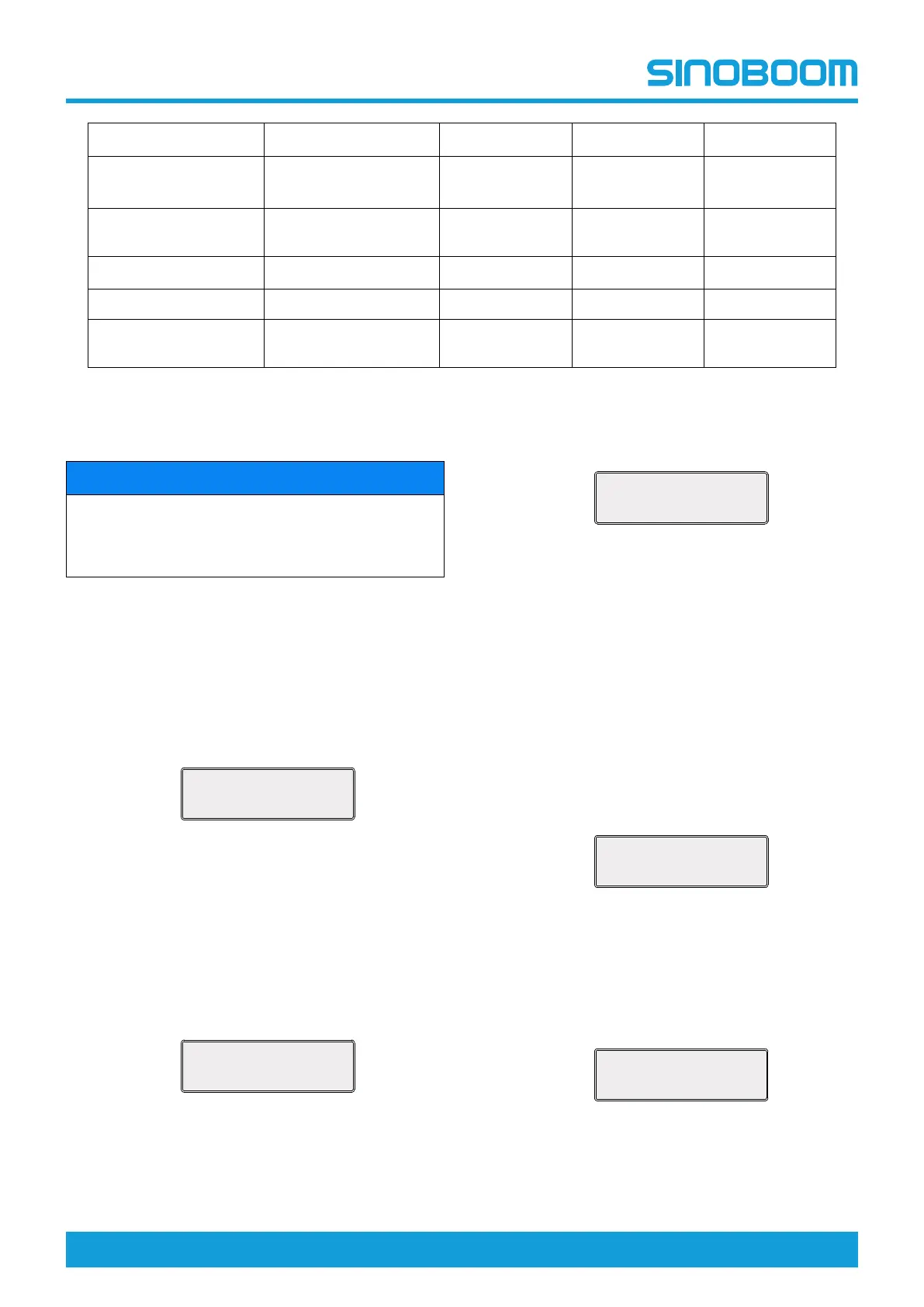
OFF ON ON ON
Angle sensor
ON (depend on
models)
ON ON ON
Down overload
restraint
OFF ON ON ON
Walk limit on pit
OFF OFF ON ON
Foot switch OFF OFF ON ON
80/90 overweight
alarm
OFF OFF OFF ON
3. Return to the main interface through the Esc key,
and power off the machine as needed.
Calibrate joystick
NOTICE
Calibrating joystick includes calibrating joystick upper
end, middle end and lower end. Please perform the
calibration with the ECU panel within one cycle as
per the following procedures.
1. Enter the ECU menu selection mode.
2. Calibrate joystick upper end: push the joystick to
the uppermost end and hold it, select and enter the
Calibrate joystick upper end (as shown in the figure
below), and then press and hold the Enter key.
When “OK” is prompted in the lower right corner of
the screen, the joystick upper end is successfully
calibrated. Press the Esc key to return to the
Calibrate joystick interface.
Figure 6-16
3. Calibrate joystick middle end: push the joystick to
the middle end and hold it, select and enter the
Calibrate joystick middle end (as shown in the
figure below), and then press and hold the Enter
key. When “OK” is prompted in the lower right
corner of the screen, the joystick middle end is
successfully calibrated. Press the Esc key to return
to the Calibrate joystick interface.
Figure 6-17
4. Calibrate joystick lower end: push the joystick to the
lowermost end and hold it, select and enter the
Calibrate joystick lower end (as shown in the figure
below), and then press and hold the Enter key.
When “OK” is prompted in the lower right corner of
the screen, the joystick lower end is successfully
calibrated.
Figure 6-18
5. Return to the main interface through the Esc key,
and power off the machine as needed.
Calibrate height
1. Lower the platform to the stowed position, and
ensure that the space above the platform allows the
platform to be safely lifted to the maximum height.
2. Make sure no heavy objects are placed on the
platform.
3. After entering the ECU menu selection mode, select
and enter Calibrate height interface, and press the
Enter key.
Figure 6-19
4. The platform will automatically rise to the highest
position, and then descend to the stowed position.
5. When the screen displays “Height calibration done”,
the height calibration is successfully done.
Figure 6-20
Calibrate joystick
upper end
Calibrate joystick
middle end
Calibrate joystick
lower end


 To Next Page