© Mar. 2023
110 AB16EJ Plus Maintenance Manual
CONTROL SYSTEM
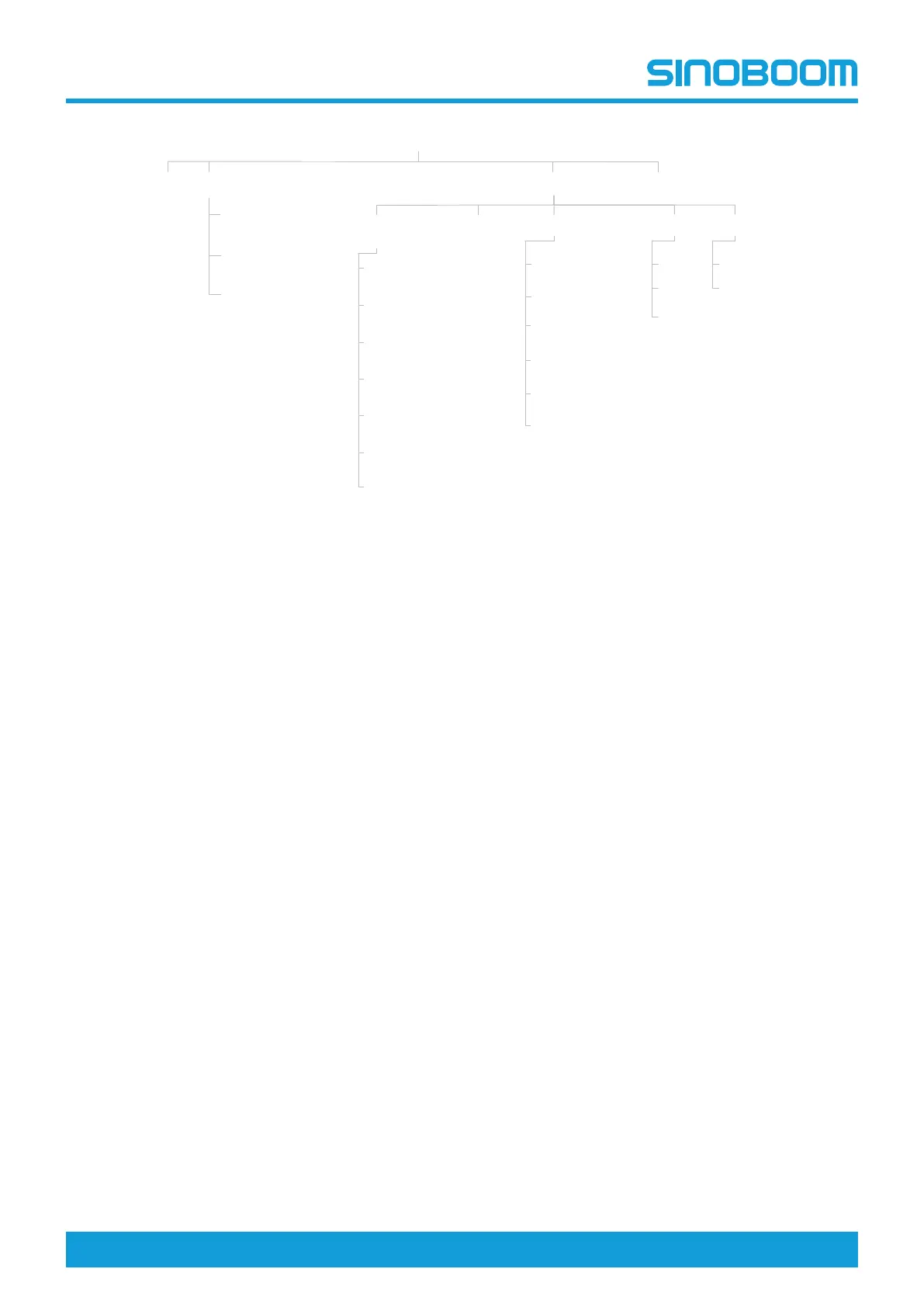
Fig 1 Display interface navigation
10.2 HOME INTERFACE AFTER
BOOTING
Turn the ground/platform selector switch on the ground
controller to the ground control position, pull out the
emergency stop button to the ON position, the system
will be powered on.
Main Interface
State Monitor
Faults
Setting
Machine State (1/3)
Machine State (2/3)
Machine State (3/3)
Time Setting Machine Information
PD Model
PD Number
Machine Parameter Setting
Machine Parameter Setting (2/7)
Machine Parameter Setting (3/7)
Machine Parameter Setting (1/7)
Machine Parameter Setting (4/7)
Machine Parameter Setting (5/7)
Machine Parameter Setting (6/7)
Machine Parameter Setting (7/7)
Turntable Program Version
Platform Program Version
HMI Program Version
Clear Current Working Time
(Access with a password)
Language Unit
中文
English
日本語
Internation
Imperial
Home
主界面
状态监控
故障查询
参数设置
检测开关状态
手柄状态
电位器状态
电机控制器状态
传感器状态
系统时间设置
设备信息
产品型号
产品编号
设备参数设置
传感器标定
超重限制
手柄标定
行走限制(工作状态)
位参数设置
解除互锁(行走/臂架)
标准设置
清除总工作时间
产品编号设置
恢复总小时数
转台程序版本号
平台程序版本号
显示屏程序版本号
清除当前工作时间
(需密码进入)
语言设置 单位设置
中文
English
日本語
国际
英制
回到主界面








 To Next Page