© Mar. 2023
116 AB16EJ Plus Maintenance Manual
CONTROL SYSTEM
9) Press the Home button to return to the Home in-
terface, and power off the machine as needed.
Note:
• Under the KG mode, all movements of the ma-
chine in operating position will be restricted
when the platform is overloaded. For the differ-
ences between the KG mode and non-KG mode,
refer to the Test Weighing System section in
the maintenance procedures of this manual.
• Under the DR mode, the drive function will be re-
stricted when the machine is in operating
position.
• Under the D/B mode, the drive function and
boom movement can be performed at the same
time.
6. On the Machine Parameter Setting (4/7) interface,
press the Next button to enter Machine Parameter
Setting (5/7) interface.
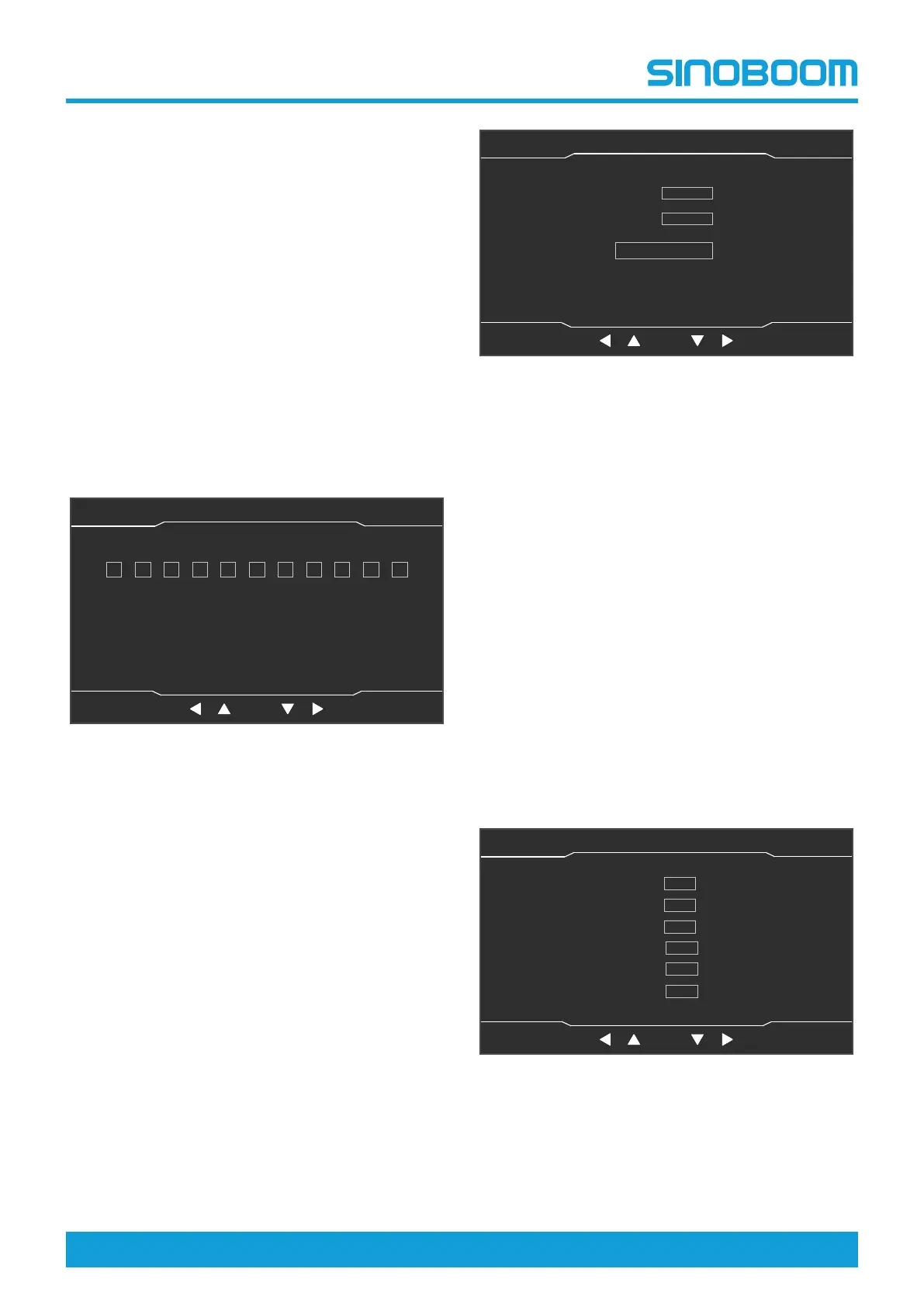
Fig 13 Machine Parameter Setting (5/7) interface
1) On the interface, the machine serial number
can be set. Change the selected option by
pressing the left shift key and right shift key, and
adjust the value by pressing the up shift key and
down shift key, press the OK button to confirm
and save the setting.
2) If re-setting is required, press the Setting button
to return to the System Setting interface, then
enter the Machine Parameter Setting (4/7)
again and repeat the previous steps.
3) Press the Home button to return to the Home in-
terface, and power off the machine as needed.
7. On the Machine Parameter Setting (6/7) interface,
press the Next button to enter Machine Parameter
Setting (7/7) interface. On the interface, select the
“Restore Total Hour” option, then press the OK but-
ton, and 6 minutes later, the total work time of the
machine can be restored.
Fig 14 Machine Parameter Setting (7/7) interface
Note:
• The controller collects the working time of the
machine and sends data to the display screen
every 6 minutes. The Received Value is the data
received by the display screen; the Save Value
is the data saved by the display screen. The Re-
ceived Value and Save Value are the same
normally.
• If a new controller is installed after the machine
operates for a period of time, the Received Value
will be 0, and the Save Value is the total working
hour of the machine. Select the “Restore Total
Hour” option, then press the OK button, and 6
minutes later, the Received Value can be re-
stored to the total working hour of the machine.
Time Setting
1. On the System Setting interface, select Time Setting
by pressing the up shift key and down shift key, and
press the OK button to enter Time Setting interface.
Fig 15 Time Setting interface
2. On the interface, change the selected item by press-
ing the left shift key and right shift key, adjust the
value by pressing the up shift key and down shift
key, and press the OK button to confirm and save
OK
Machine Parameter Setting(5/7)
主页面 主页面 状态监控 状态监控 参数设置 参数设置
故障查询 故障查询
OK
设备状态(1/3)
主辅臂检测开关
机器处于工作状态
脚踏开关
折臂降到位开关
折臂升到位开关
主臂降到位开关
主臂升到位开关
主臂缩到位开关
后方检测开关
水平开关
0 1 0 3 0 1 0
0
1 0
1
Home Setting
Faults
Next
Home Setting
Faults
OK
Machine Parameter Setting(7/7)
主页面 主页面 状态监控 状态监控 参数设置 参数设置
故障查询 故障查询
OK
设备状态(1/3)
主辅臂检测开关
机器处于工作状态
脚踏开关
折臂降到位开关
折臂升到位开关
主臂降到位开关
主臂升到位开关
主臂缩到位开关
后方检测开关
水平开关
Next
Save Value
Received Value
0.01h
0.01h
Restore Total Hour
OK
Time Setting
主页面 主页面 状态监控 状态监控 参数设置 参数设置
故障查询 故障查询
OK
设备状态(1/3)
主辅臂检测开关
机器处于工作状态
脚踏开关
折臂降到位开关
折臂升到位开关
主臂降到位开关
主臂升到位开关
主臂缩到位开关
后方检测开关
水平开关
Year 2022
Month
5
Day
Hour
Minute
Second
21
9
30
29
2022-05-21 07:09:38
Home StateMonitor Seeting Faults








 To Next Page