© Mar. 2023 112 AB16EJ Plus Maintenance Manual
CONTROL SYSTEM
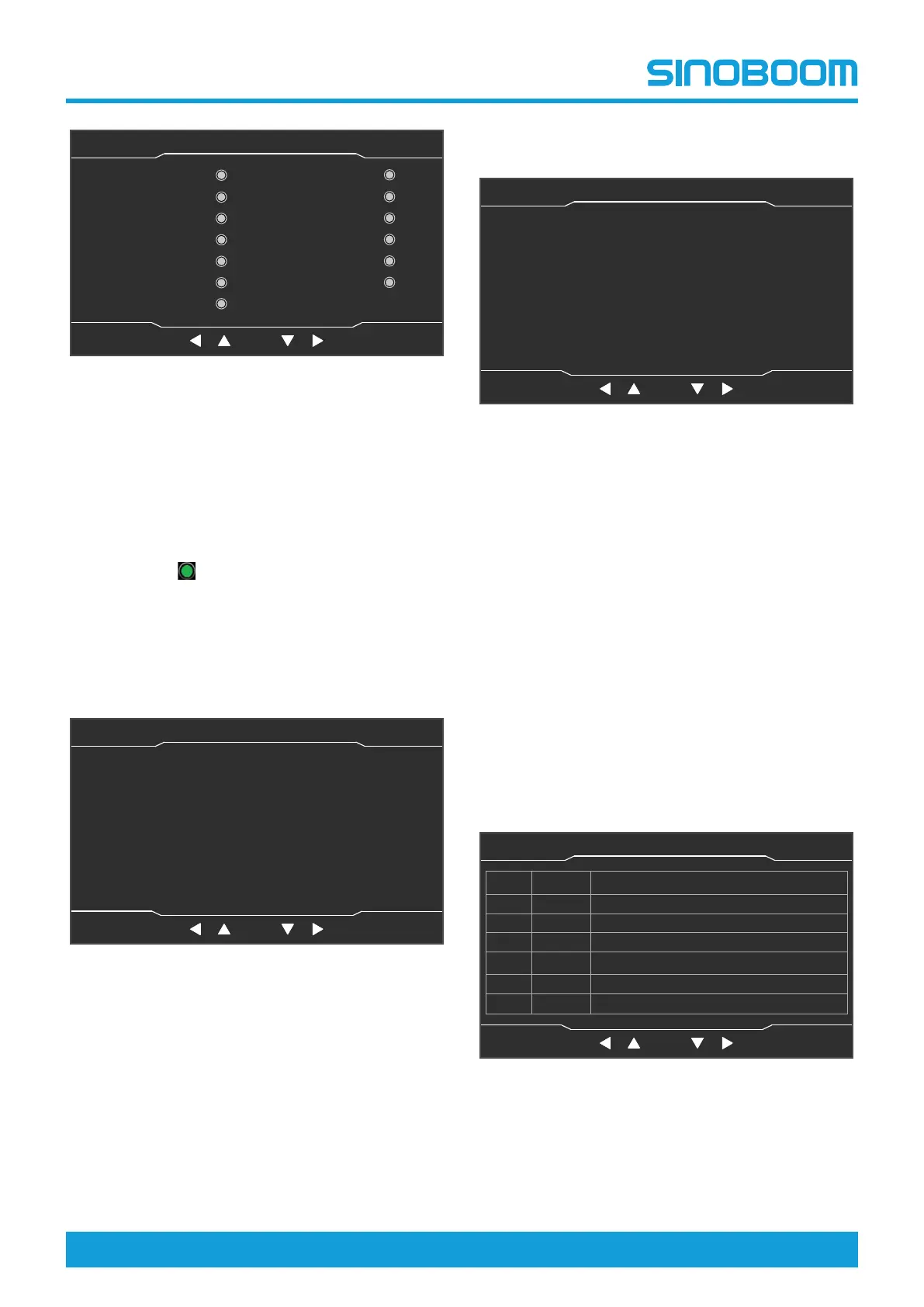
Fig 3 Machine State (1/3) interface
• The Machine State (1/3) interface is mainly used
to query the signal detection status of the detec-
tion switches (such as travel switches and prox-
imity switches) configured on the machine, to
determine whether the detection switches are
working normally and whether the working status
of the machine meets the requirements. When
the indicator light corresponding to the option
lights up
, it means that the switch has de-
tected a signal; when the indicator light is off, it
means that the switch has not detected a signal.
• The configuration of switches is subject to the
actual machine configurations.
2. On the Machine State (1/3) interface, press the right
shift key to enter the Machine State (2/3) interface.
Fig 4 Machine state (2/3) interface
• This interface is mainly used to query the current
actual value of each joystick/potentiometer and
the actual value of the sensors configured on the
machine, to check whether the position status of
each joystick/potentiometer is normal, and to de-
termine whether each sensor is working
normally.
• The configuration of switches is subject to the
actual machine configurations.
3. On the Machine State (2/3) interface, press the right
shift key to enter the Machine State (3/3) interface.
Fig 5 Machine state (3/3) interface
• This interface is mainly used to query the current
fault codes of each motor controller and the ac-
tual value of the sensors configured on the ma-
chine, to check whether the status of each motor
controller is normal, and to determine whether
each sensor is working normally.
4. Press the Home button to return to the Home inter-
face, and power off the machine as needed.
10.4 FAULT INQUIRY
1. On the Home interface, press the Faults button to
enter the “Current Faults (1/1)” interface, which is
mainly used to query the current faults of the ma-
chine. For detailed fault descriptions, see the Fault
Code Description section in the Maintenance
Manual.
Fig 6 Current Faults (1/1) interface
2. Press the Home button to return to the Home inter-
face, and power off the machine as needed.
OK
MB/TB Inspect Switch(
Down)
Work State
Foot Switch
TB Inspect(Down Limit)
TB Inspect(Up Limit)
MB Inspect(Down Limit)
MB Inspect(Up Limit)
MB Inspect(Retract
Limit)
Rear Inspect
Turntable Level Switch
主页面 主页面 状态监控 状态监控 参数设置 参数设置
故障查询 故障查询
OK
设备状态(1/3)
主辅臂检测开关
机器处于工作状态
脚踏开关
折臂降到位开关
折臂升到位开关
主臂降到位开关
主臂升到位开关
主臂缩到位开关
后方检测开关
水平开关
MB extends Ⅲ/Ⅳ
Turntable Enable
Switch
MB extendsⅠ/Ⅱ
Machine State(1/3)
Home StateMonitor Seeting Faults
OK
Machine State(2/3)
主页面 主页面 状态监控 状态监控 参数设置 参数设置
故障查询 故障查询
OK
设备状态(1/3)
主辅臂检测开关
机器处于工作状态
脚踏开关
折臂降到位开关
折臂升到位开关
主臂降到位开关
主臂升到位开关
主臂缩到位开关
后方检测开关
水平开关
Turntable Swinf Joystick(%)
0%
0%
0%
0%
0%
0%
0%
0.00
0.00
0.00
0.00
0.00
0.00
MB Lift Joystick(%)
MB Telescope Joystick(%)
Drive Joystick(%)
Steer Joystick(%)
Platform Potentionmeter(%)
Jib Rotate Joystick(%)
MB Relative Angle1(Actual)
MB Relative Angle2(Actual)
TB Relative Angle1(Actual)
TB Relative Angle2(Actual)
Steer Angle(Actual)
Main Valve System Pre.(Mpa)
Home StateMonitor Seeting Faults
OK
Machine State(3/3)
主页面 主页面 状态监控 状态监控 参数设置 参数设置
故障查询 故障查询
OK
设备状态(1/3)
主辅臂检测开关
机器处于工作状态
脚踏开关
折臂降到位开关
折臂升到位开关
主臂降到位开关
主臂升到位开关
主臂缩到位开关
后方检测开关
水平开关
Drive Controller Fault Code
0
0.00
0.00
0.00
Lift Controller Fault Code
MB Absolute Angle1
Weight Value1(Actual)
Weight Value2(Actual)
MB Absolute Angle2
0.00
0
Home StateMonitor Seeting Faults
Home
StateMonitor
Setting
Faults
OK
主页面 主页面 状态监控 状态监控 参数设置 参数设置
故障查询 故障查询
OK
设备状态(1/3)
主辅臂检测开关
机器处于工作状态
脚踏开关
折臂降到位开关
折臂升到位开关
主臂降到位开关
主臂升到位开关
主臂缩到位开关
后方检测开关
水平开关
Current Faults(1/1)
No. Fault ID Fault Description








 To Next Page