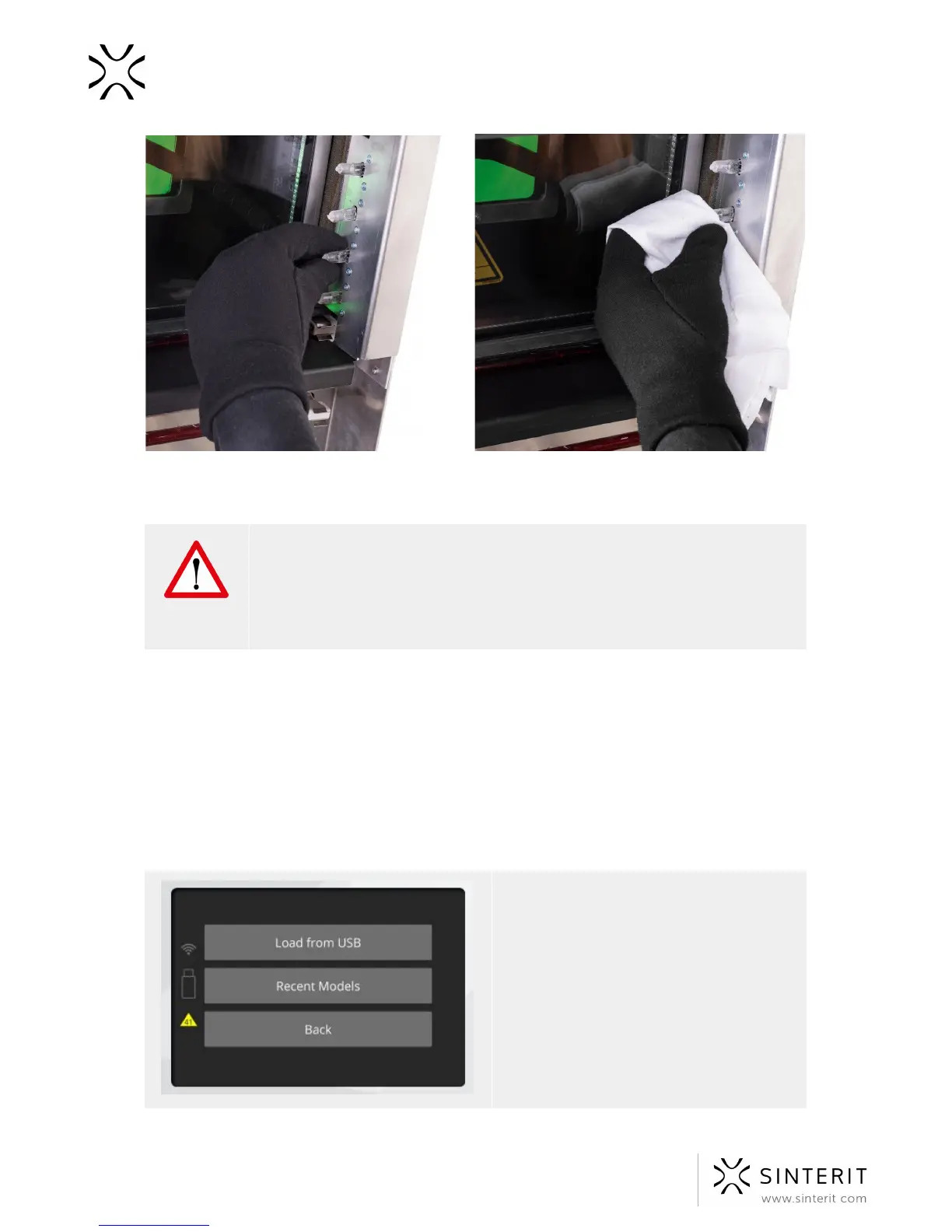
Image. Methods of verifying the setting of the heaters.
ATTENTION!
Remember, do not touch the heating bulbs with your fingers or greasy
objects (eg. a dirty cloth).
Dirt and grease may cause local overheating and burn the heaters or even
cause an explosion during printing.
7. Verify whether the Source Bed and Print Bed are ready to work (during the initial startup,
after unpacking, the Beds should be on par with the printer’s case), check the wire tension
and whether the guide bar for the Recoater is clean (should be located in the middle,
between the Beds).
8. Disassemble the Recoater cover and wipe the rotating shaft with a cotton cloth soaked
with alcohol.
9. After carrying out all of these steps, the printer may once again be connected to the power
source and prepared for work.
IMPORTANT! Yellow triangle displayed
on the side of the screen informs about a
malfunction. Printer should be checked
immediately by opening the lid. When the
lid is opened and all visible elements are
not damaged (CHECK THEM ALL
CAREFULLY), please contact Support
Section¹ referring to the code displayed
inside the warning triangle and providing
the serial number of the device.
26 Sinterit Lisa USER MANUAL



 To Next Page