WARNING!
Check whether the safety button is out. If not, release it by turning it clockwise
at a quarter of a turn.
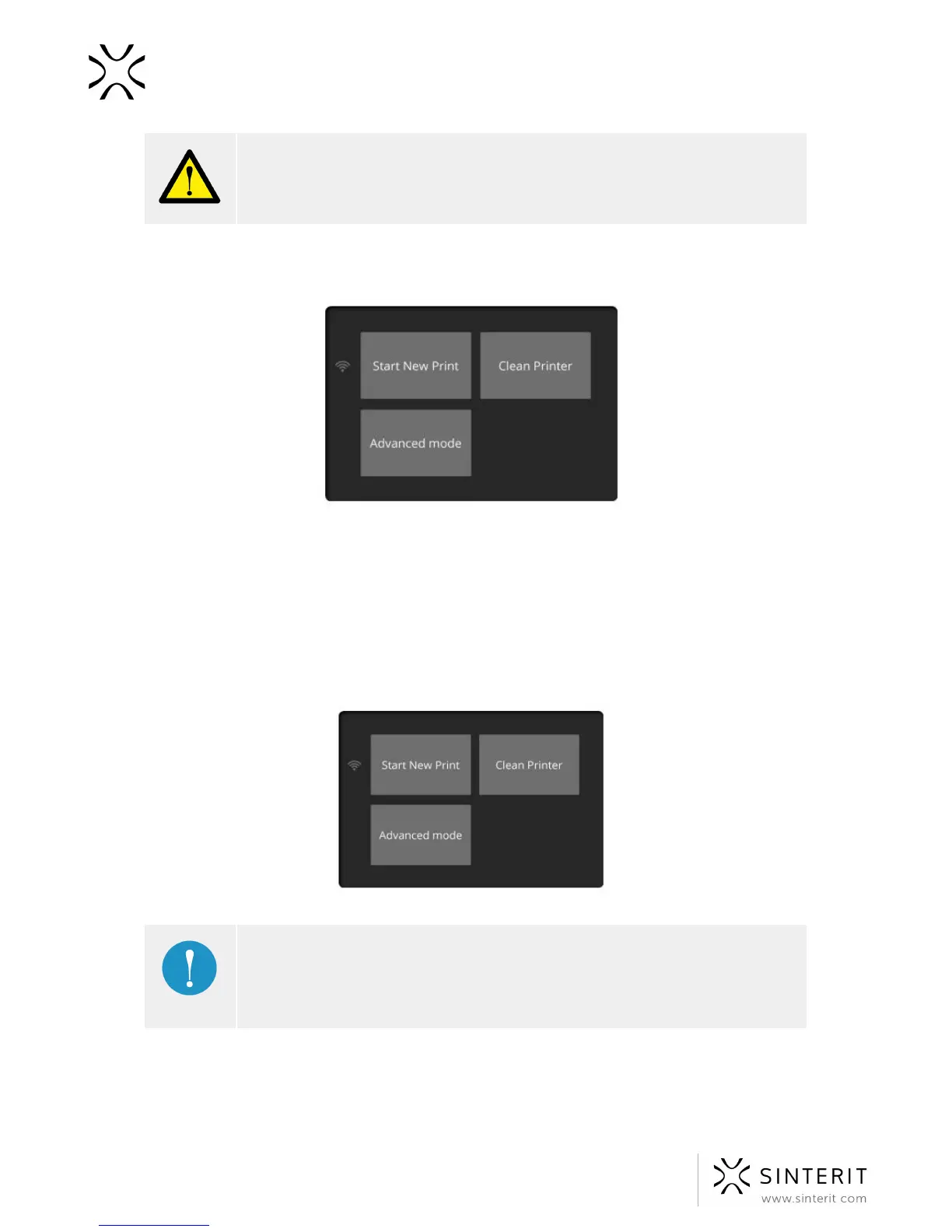
After switching on the Sinterit Lisa, the startup screen will be displayed.
Three functions will be displayed. “Start New Print”, “Clean Printer” and “Advanced Mode”.
“Advanced Mode” is a previous software version.
7. Printer’s connection to the wi-fi network
To connect the printer to a WiFi network choose ADVANCED MODE option.
IMPORTANT!
Advanced Mode should be chosen when Sinterit Lisa Printer is used for the
first time, to set the printer to WiFi network. “Advanced Mode” is a previous
software version.
1. On the Printer's touch screen, select ADVANCED MODE.
2. On the Printer's touch screen, select ADVANCED//SELECT WI-FI.
3. Find the network you want to connect to and click on its name.
20 Sinterit Lisa USER MANUAL



 To Next Page