8. Preparing the device to print
1. Choose “START NEW PRINT” option to open the lid - main screen will be displayed.
In order to open the printer release the magnetic lock of the lid - click on “UNLOCK LID”. The
lock releases the blockade for 10 seconds. System will count down 10 seconds and magnetic
lock will be closed again.
2. Softly press and then lightly lift the printer lid.
3. Turn the power off, and disconnect the power cord from the socket.
4. Carefully discard the transport protections located on the inside, also those surrounding
the laser.
5. Install the laser protection glass:
CAUTION!
Beware of sharp edges. Put on safety gloves in order to protect yourself from
injuring hands against the edge of the heating module.
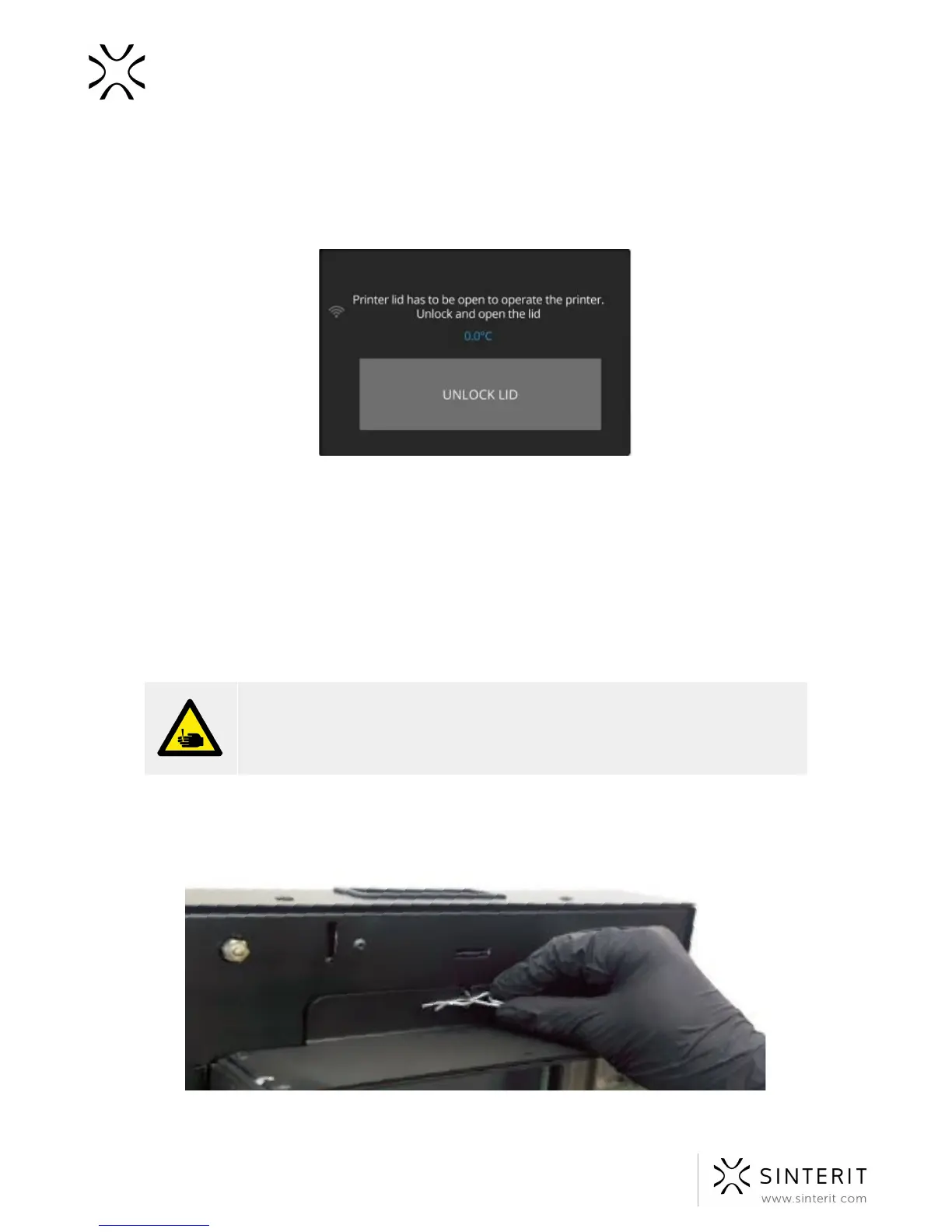
a. holding the heating module, take of the split pin positioned on the top of the inner
part of the lid.
Image. heater module - split pin system
22 Sinterit Lisa USER MANUAL



 To Next Page