laser power strengthens the printout but lowers the quality of
details.
These remarks apply to the PA12 Smooth powder. In case of Flexa
powder, an increase in laser power results in a printout stiffening (up to a
certain, maximum level).
4. While the printer is working do not touch any other elements besides: the LCD, the safety
button, the USB port and the power switch.
ATTENTION!
Do not lower the temperature inside too quickly. The permissible standard is
0.5 [⁰C] on one layer.
WARNING!
During printing, if smoke, irritating smell or any other alarming
circumstances take place, press the safety button. It will immediately cut off
the power from the printer.
However, remember that it is impossible to open the printer (e.g.: by lifting
the lid), until the temperature inside will not drop below 49 [
o
C] and the
“UNLOCK LID” option becomes available.
B. Finishing the print
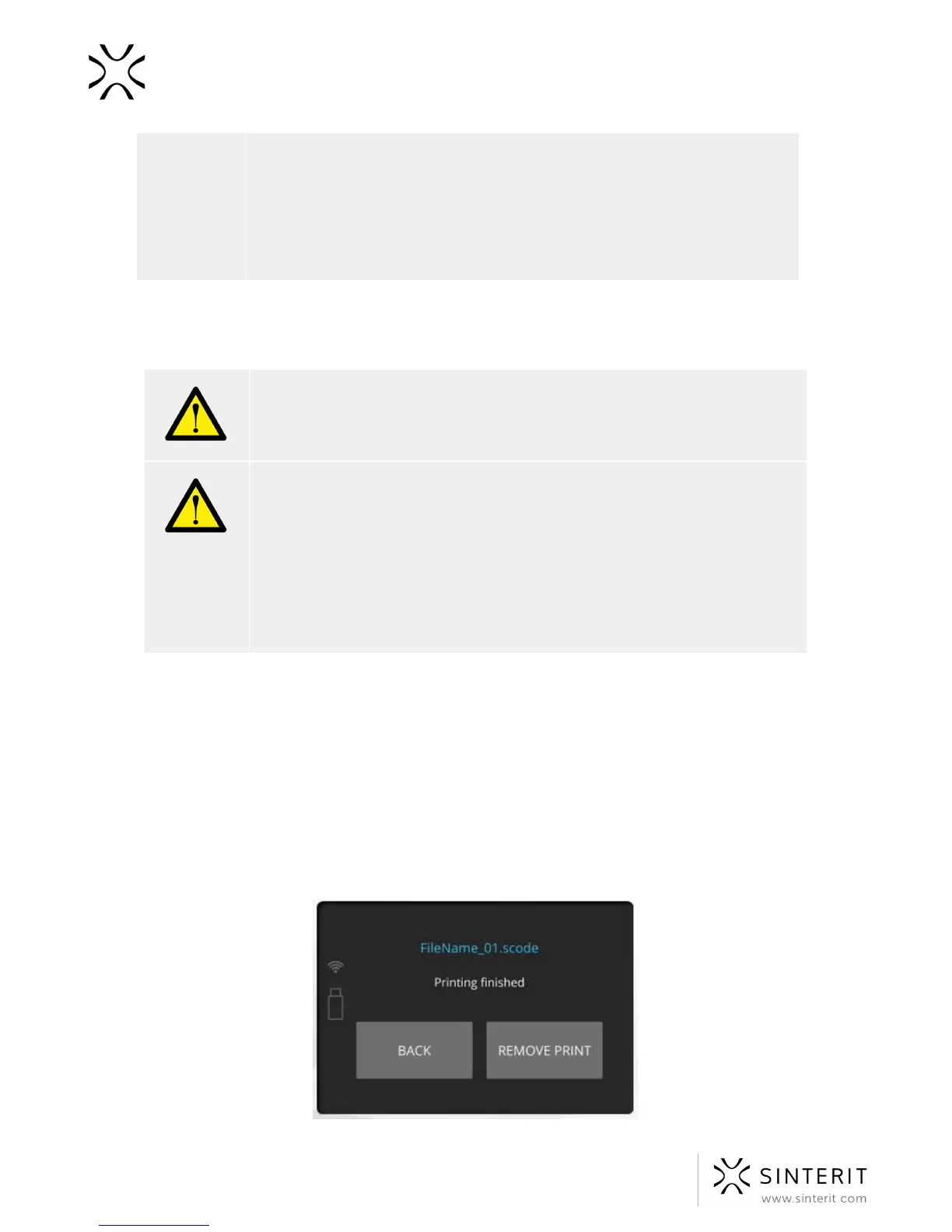
When the process will be finished, the information of possibility to remove printout will be
displayed.
● By clicking “REMOVE PRINT” the Print Bed will raise, enabling the printout to be
taken out from the chamber.
● By clicking “BACK” the system will return to the first screen.
36 Sinterit Lisa USER MANUAL



 To Next Page