13. Check the condition of the laser protection glass
14. Close the lid.
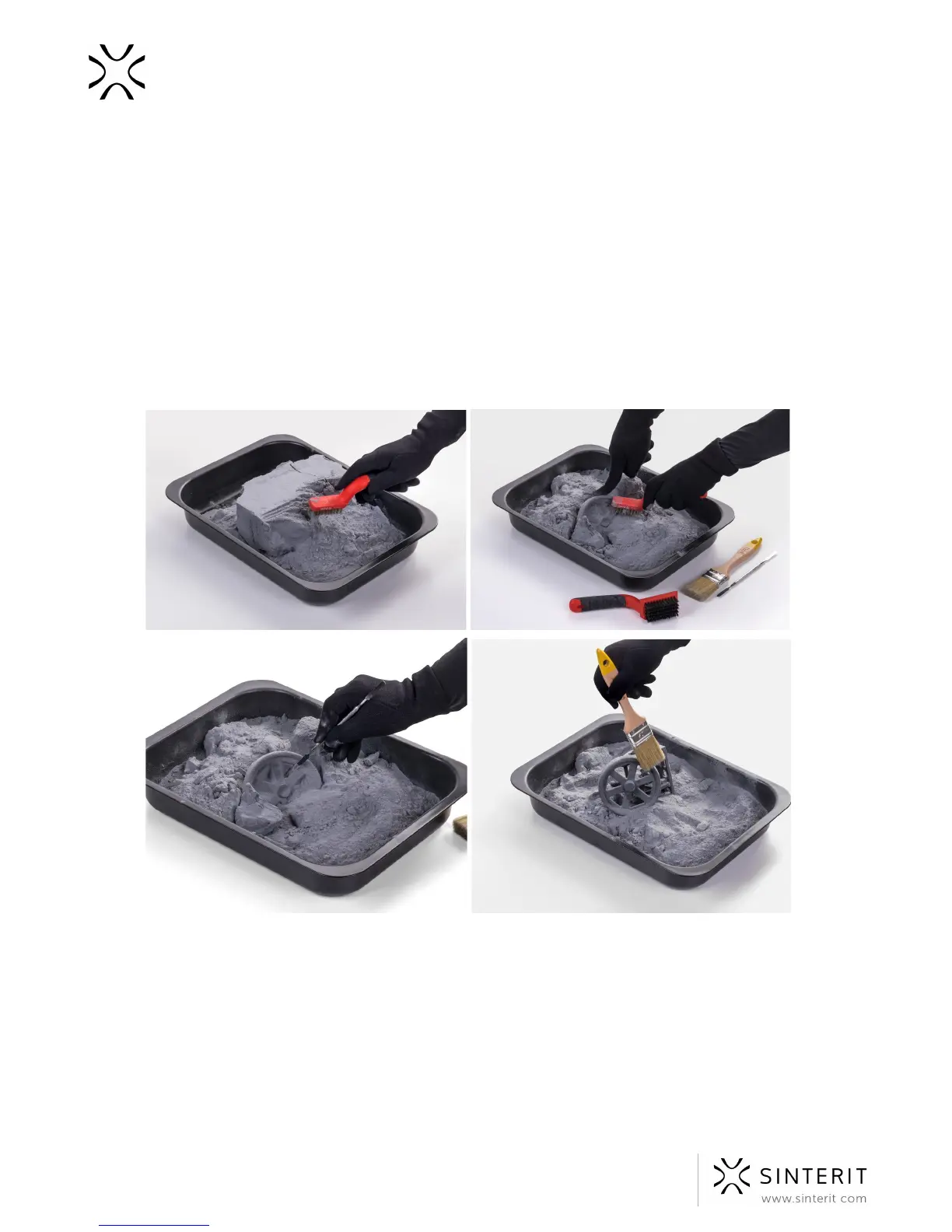
11. Cleaning the prints
1. By using a brush with a nylon bristle, initially clean the print of any unsintered powder,
until an outline of the print is visible. If the mass is still warm, leave it to cool down.
2. Separate the prints from the mass and continue to clean them with the nylon brush
included in the set. Mash up the clumps of powder remaining in the form (this will help
to sift the remaining powder through the sieve).
Image. Cleaning the prints.
3. After an initial cleaning, a Sandblaster* (available at Sinterit online store) or a brush
with a gold/bronze bristle (included in the set) may be used to clean the print details.
57 Sinterit Lisa USER MANUAL



 To Next Page