9. Printing - STANDARD MODE
1. Load the file for printing:
a. save the file prepared using the Sinterit Studio to a USB carrier (USB flash
drive recommended),
b. connect the carrier to printer’s USB por, with its power turned on,
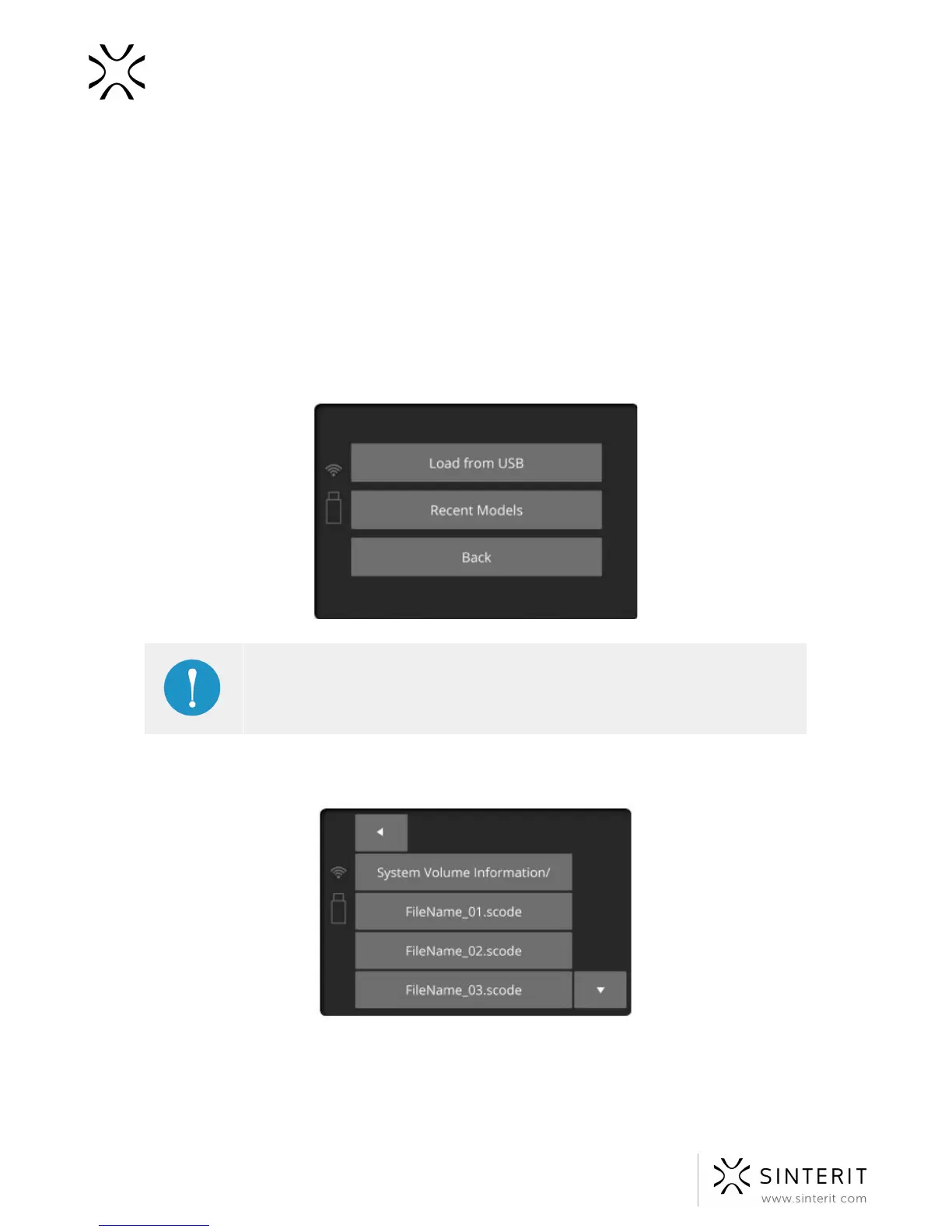
After installing a flash drive into Lisa’s USB port, “Load from USB” section will be displayed
and a flash drive icon will appear on the left side.
IMPORTANT!
Later, printed projects can be chosen from “Recent Models” section
(previously “Used Projects”).
2. Choose source. Projects’ file names will be displayed. Displayed arrows will help you
navigate through folders and files.
3. After choosing a file, it will be loaded into the device’s memory.
27 Sinterit Lisa USER MANUAL



 To Next Page