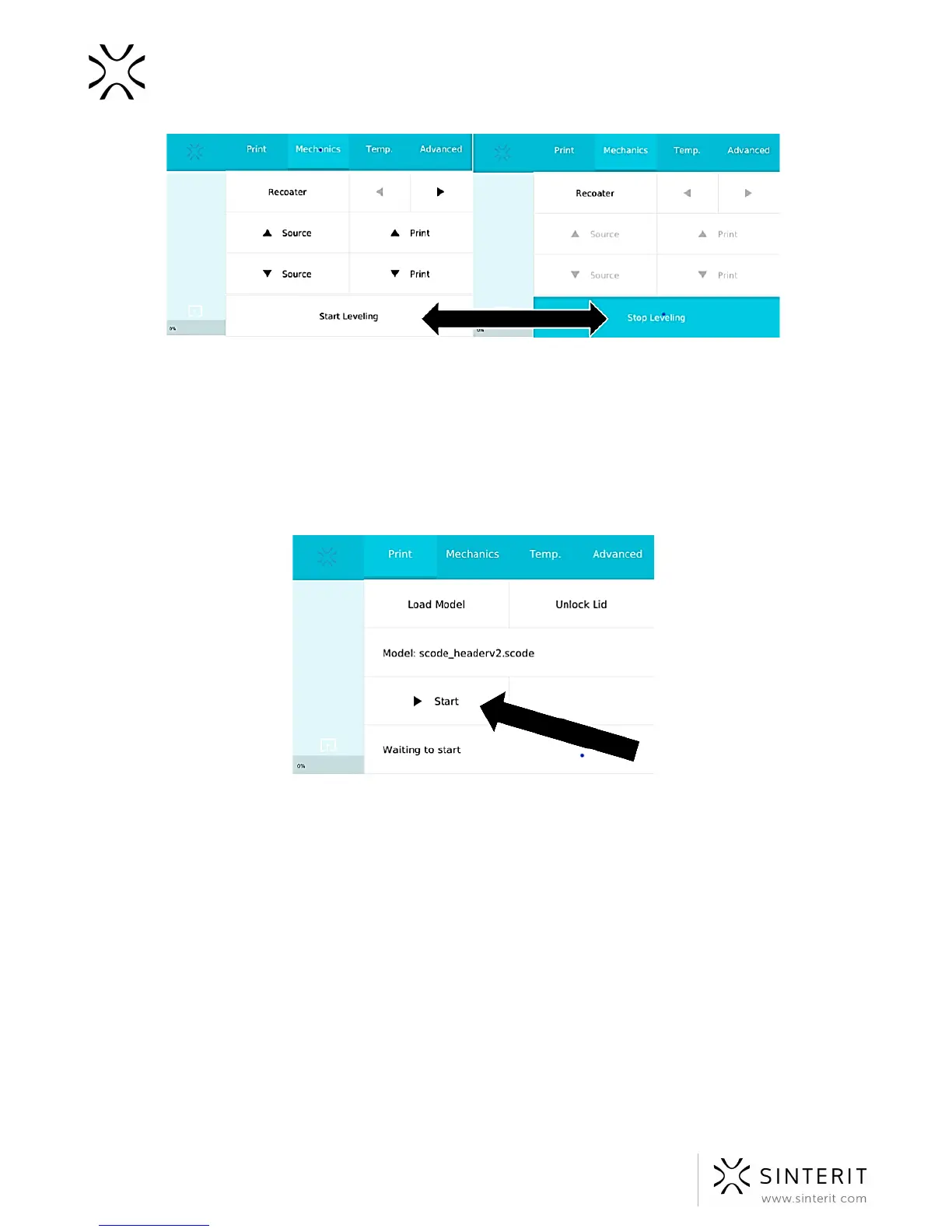
Image. The Start/Stop Leveling button for creating the first layers.
9. Clean any excess powder from the area around the BEDs, the guide bar and the wire
of the Recoater, using a paintbrush.
10. Gently blow the infrared heaters (white and red) with air.
11. Lubricate the Recoater bearing with included silicone grease
12. Use an alcohol wipe to carefully clean the vision windows of the camera and
pyrometers, as well as the laser protection glass.
Image. The Start button, initiating the printing with the Sinterit Lisa Printer.
B. Printing in ADVANCED MODE: manual version
1. Load the file for printing:
a. Save the file prepared using the Sinterit Studio to a USB flash drive.
b. Connect the drive to the printer’s USB port, with its power on.
c. In order to load a new file, select: PRINT//LOAD MODEL//LOAD FROM
USB//file name. The loading process may take a few minutes (depending on
the file size).
d. In order to load a file already stored in the printer’s internal memory select:
PRINT//RECENT MODELS//file name.
50 Sinterit Lisa USER MANUAL



 To Next Page