IMPORTANT!
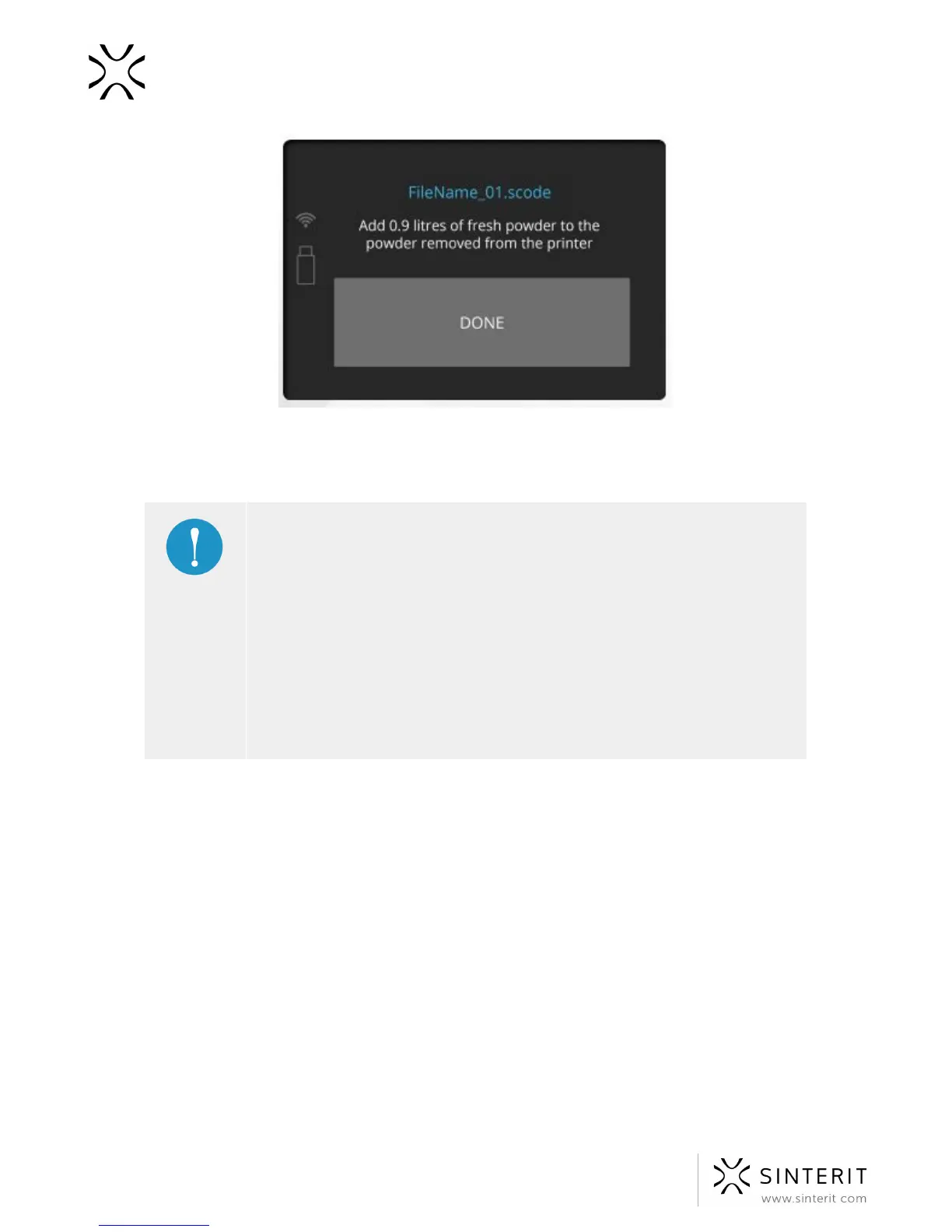
● Always pay attention to the messages displayed on the main display
of the Sinterit Lisa printer. The Sinterit Studio software calculates the
amount of Fresh Powder, which needs to be added to that already
inside of the printer. Not following instructions in the messages may
result in the following print being incorrect.
● Even if you do not intend to make the following print right after the
first one, mix both powders in the proportions given by the Sinterit
Studio software. Store the mix in the container number 2 for the
Print Ready Powder.
C. Cleaning the printer
The system will guide you through printer cleaning process when you will proceed straight
after printing. You can also do it later using CLEAN PRINTER option displayed in main
menu.
All actions should be confirmed by pressing the “Done” button.
1. Remove the powder from the Overflow Bin. See picture at page 37.
41 Sinterit Lisa USER MANUAL



 To Next Page