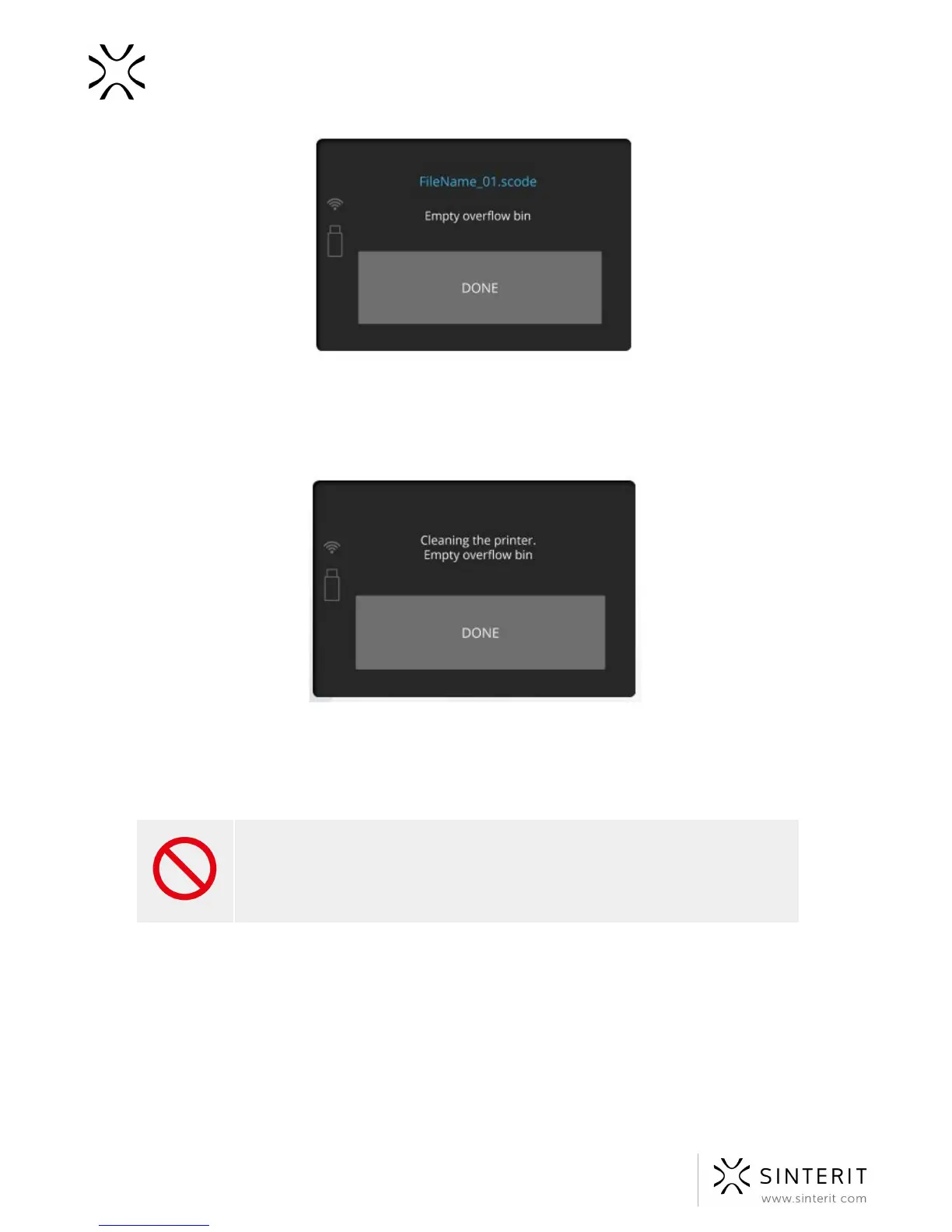
Transfer it to the container which will be used to mix the powder from the printer, with the
Fresh Powder later (to refresh the used powder and prepare it for the next print).
2. Remove and clean the laser protective glass. It is recommended to clean the glass before
and after each print:
a. in order to clean the glass, follow the instructions in the chapter “Maintenance
and service of the Sinterit Lisa Printer” paragraf at page 58
b. Place the glass back, then confirm all actions by pressing the “DONE” button.
STOP!
● Watch out for the elements of the heating system of the device.
● Do not clean the glass under running water.
● The cleaning process should be carried out outside of the device.
3. A message “Feed bed might not have been cleaned after last print” will appear.
42 Sinterit Lisa USER MANUAL



 To Next Page