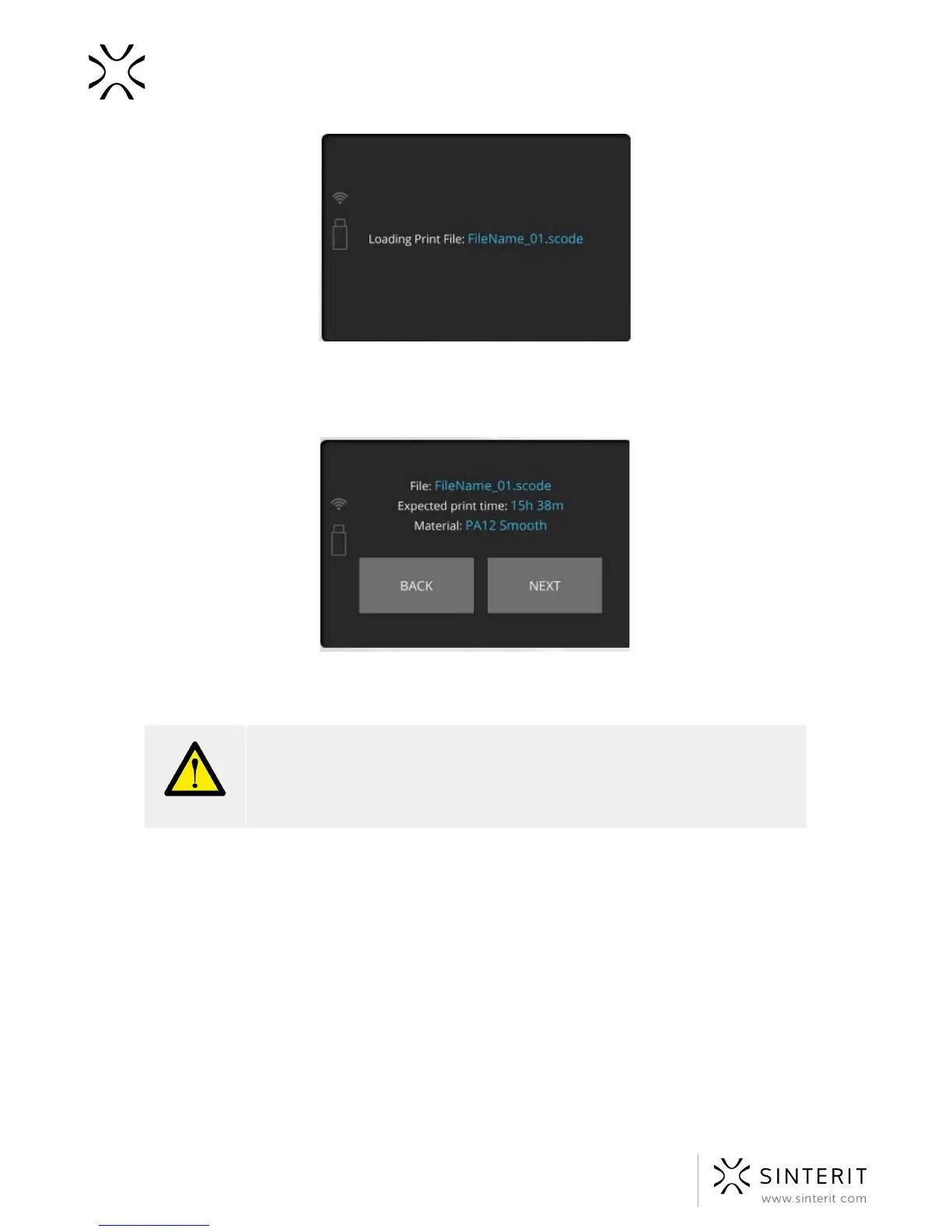
4. After loading the files, the display will show basic information such as the filename, powder
and expected printing time. The flash drive can be then safely removed.
Software will allow you to return to previous section or proceed to the next. After choosing
the next section, Sinterit Lisa will check whether it is ready to print.
WARNING!
Carefully read all messages displayed on the screen while preparing the
printing process. Skipping the described operations may result in incorrect
printing or device failure.
5. After confirming that the previous print has been removed and that the moving path of the
Recoater is not obstructed, the printer will be ready for printing - it will start preparing the
printing process by the repositioning the Beds and the Recoater.
28 Sinterit Lisa USER MANUAL



 To Next Page