Sirona Dental Systems GmbH 4 Controls and functional elements
Operating Instructions C4
+
4.1 Control panel on the dentist element
59 06 313 D 3382
D 3382.201.01.13.02
17
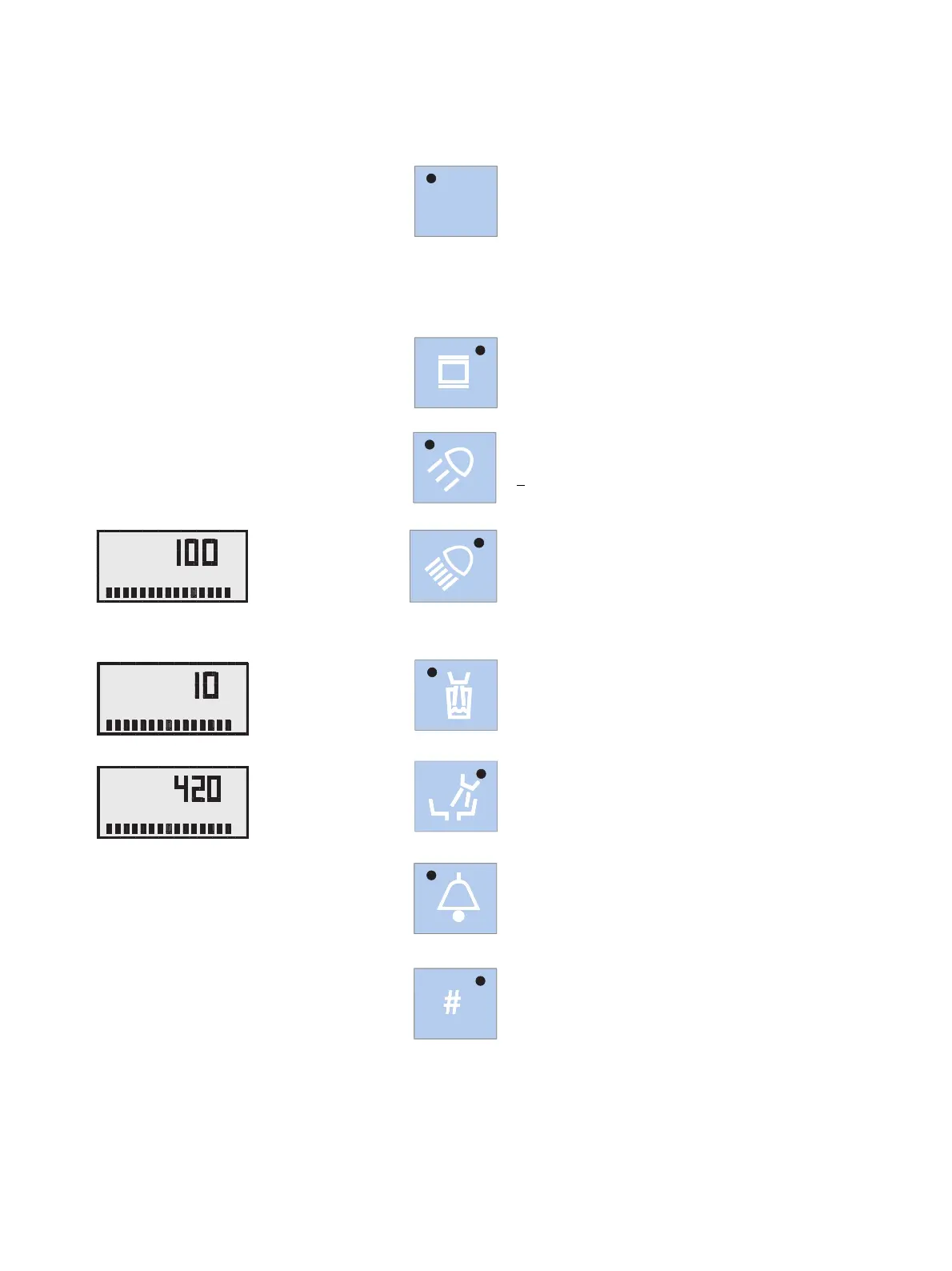
Additional functions – light blue keys
Preselection of user A or B
All instruments must be in place.
You cannot switch between the two users after picking
up an instrument
.
Saving the instrument settings
The instrument to be programmed must have been
picked up.
X-ray image viewer ON/OFF.
For SIVISION 3 also WHITE SCREEN activation
Composite key ON / OFF
for SIROLUX operation light, reduced light intensity
<
8,000 lux for composite fillings
SIROLUX operation light ON / OFF
for normal light intensity > 24,000 lux
Pressing this key for a while displays the light intensity
settings dialog:
OPERATING LIGHT
Tumbler filling
Pressing this key for a while displays the settings dialog:
CUP FILL TIMER
Cuspidor flushing
Pressing this key for a while displays the settings dialog:
BOWL FLUSH TIMER
Freely selectable function
e.g. call key, always functions as button
freely available relay 230 V, 6 A
(connected by the service engineer)
Freely selectable function
The function can be preset in the Mode dialog as button
or switch.
freely available relay 230V, 6 A
(connected by the service engineer).
A/B
A
%
OPERATING LIGHT
A
CUP FILL TIMER
A
BOWL FLUSH TIMER



 To Next Page