14 SIVISION 3 Sirona Dental Systems GmbH
14.6 SIROCAM 3 / SIROCAM C integrated in the dentist element (video) Operating Instructions C4
+
59 06 313 D 3382
80 D 3382.201.01.13.02
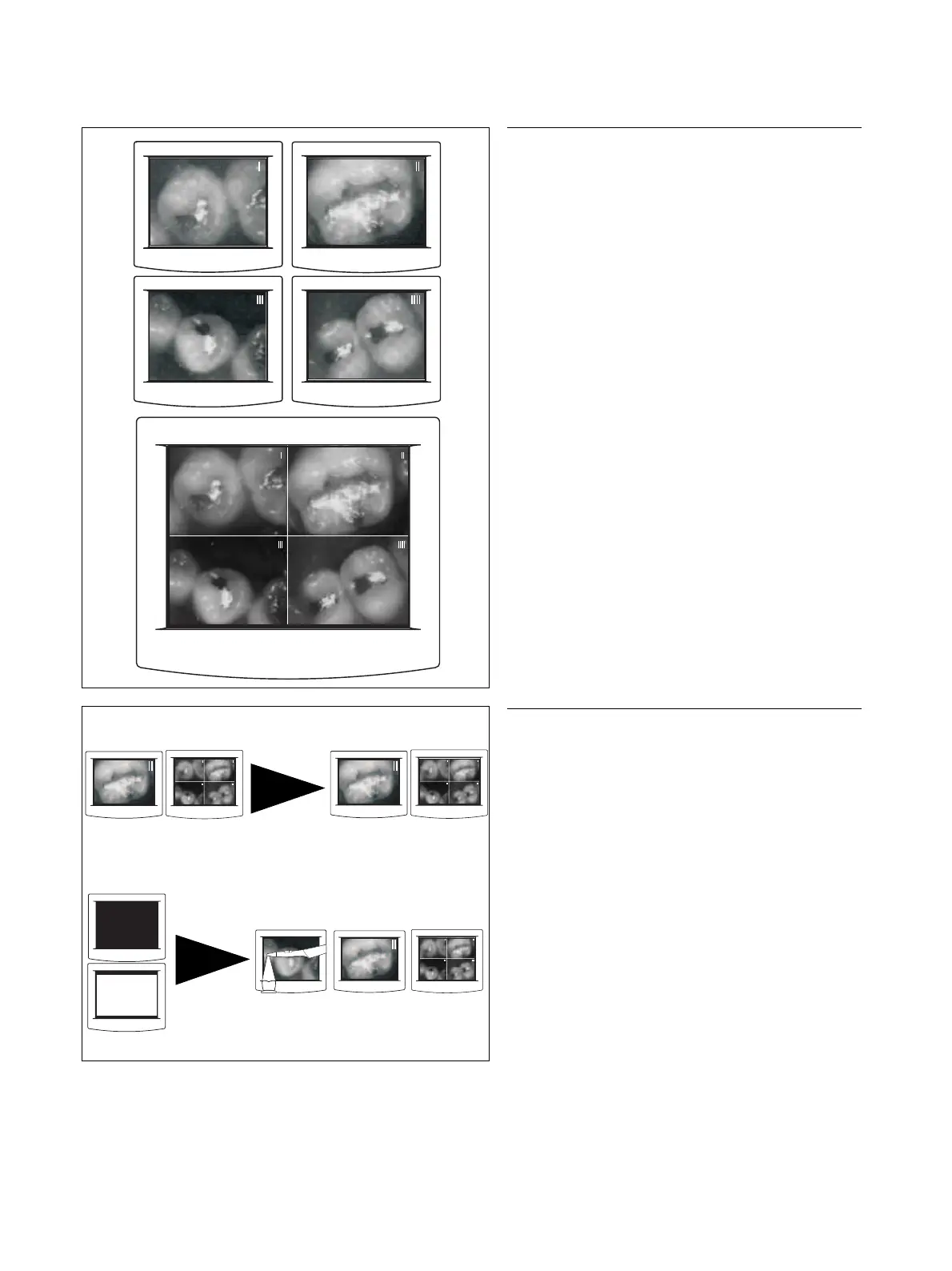
SAVING AN IMAGE
In VIDEO mode, the camera can save 4 still images con-
secutively (indexed with I, II, III and IIII).
A 5th view shows a QUAD IMAGE in which these 4 still
images are tiled on the screen.
Picking up the camera
If a STILL IMAGE or QUAD IMAGE was displayed while
the camera was in place, this view is retained.
If a BLACK SCREEN or a WHITE SCREEN was dis-
played while the camera was in place, the view preced-
ing the BLACK or WHITE SCREEN, i.e. a LIVE, STILL
or QUAD IMAGE, reappears.



 To Next Page