65 48 510 D3509
166 D3509.201.03.03.23 10.2016
4Operation Sirona Dental Systems GmbH
4.10Operating light Operating Instructions (USA) TENEO
4.10
Operating light
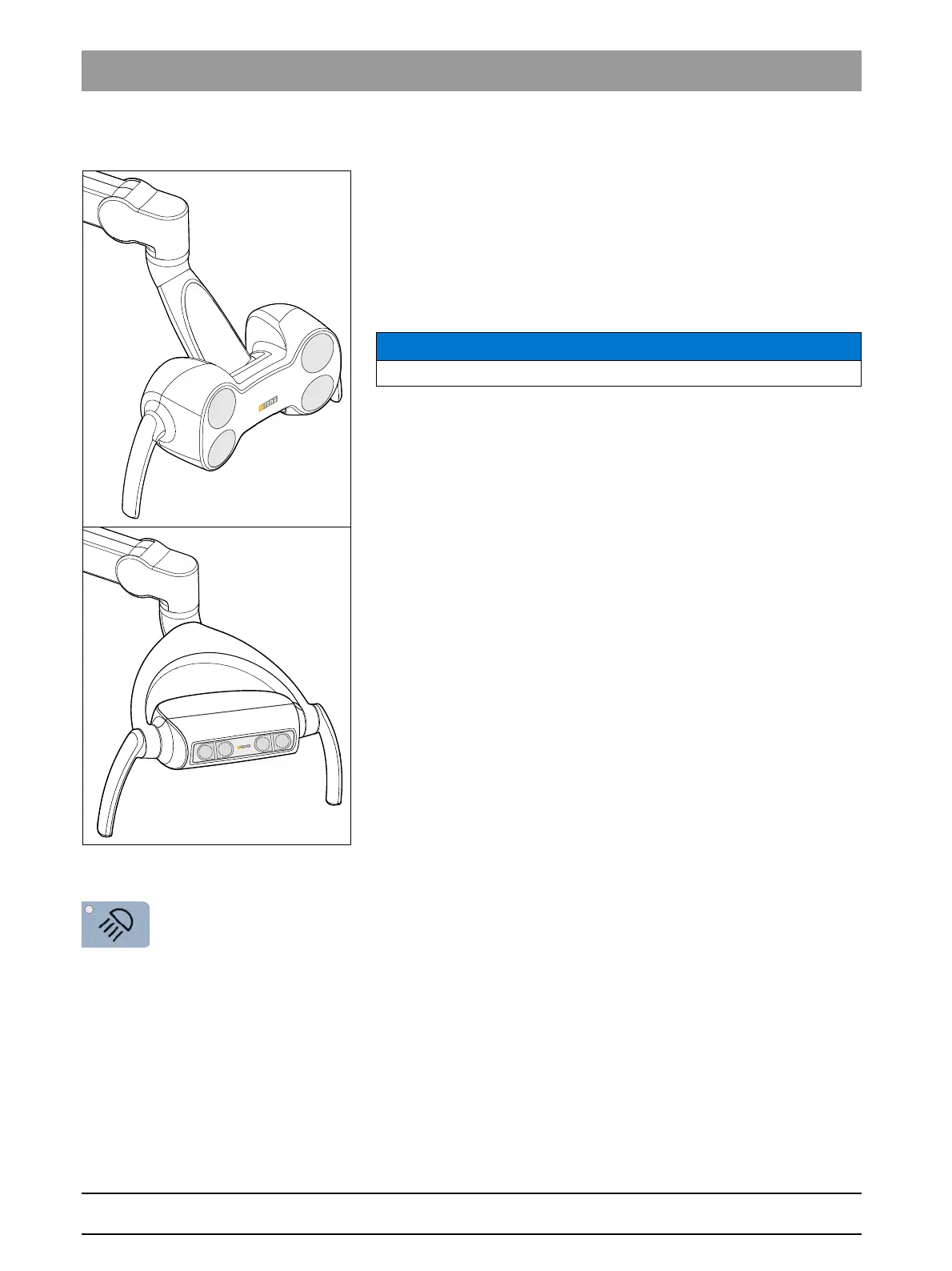
LEDview and LEDviewPLUS operating lights
The operating light is attached to a multi-jointed support arm. It can be
easily adjusted to the work area using the handles. Brakes in the support
arm hold the operating light in the position to which it has been adjusted.
The clearly defined light field illuminates the treatment area without
blinding the patient.
Tip: The ideal working distance between the light and the patient's mouth
is 70 cm/27.5 inches.
4.10.1 Switching the operating light on/off
➢ Briefly press the
Operating light
fixed key on the dentist or assistant
element.
When the operating light is switched on, the LED of the fixed key
lights up on the dentist and assistant elements.
The operating light is always switched on with the programmed
brightness level. The setting is programmed via the user interface of the
dentist element (see below).
Contactless sensor
A contactless sensor is mounted beneath the LEDview and LEDview
PLUS
operating lights. Using this sensor, the operating light can be switched on/
off or switched to the composite function using one hand movement. The
sensor control can be switched on and off via the dental treatment unit
NOTICE
Also observe the operating instructions of your operating light.
















 To Next Page