65 48 510 D3509
190 D3509.201.03.03.23 10.2016
4Operation Sirona Dental Systems GmbH
4.15Configuration of the dental treatment unit (setup) Operating Instructions (USA) TENEO
4.15.4.4
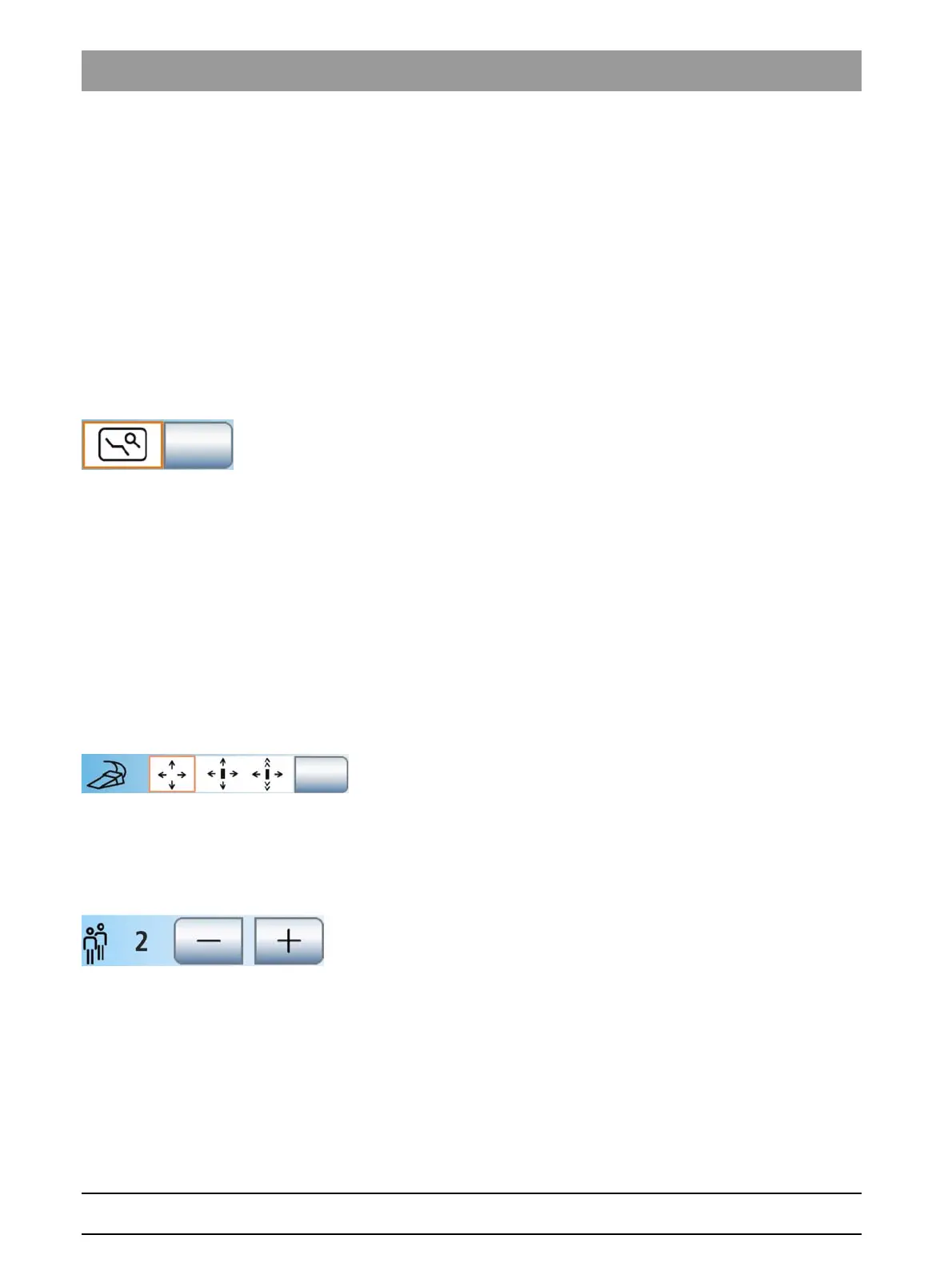
Showing/hiding the fine adjustment key
Depending on the type of treatment, it may be necessary to adjust the
patient chair more slowly and more precisely (e.g., for tiny corrections in
case of treatment under a microscope). In this case, the
Fine Adjustment
key can be displayed in the
Start program
. If this function is activated
there, the patient chair carries out the following movements at reduced
speed:
● OrthoMotion – Tilting the patient chair
● ErgoMotion – Tilting the patient couch and inclining the backrest
● Adjusting the chair height
Chair program travel movements are always executed at maximum
speed.
➢ Touch the
Fine Adjustment
key.
If the key is highlighted orange, the
Fine Adjustment
key is
displayed in the
Advanced Start program
and in the
Manual Chair
Adjustment
screen.
4.15.4.5
Setting the cursor control
The cursor control can be set as follows:
● Field 1: Cursor control switched off
● Field 2: Cursor control switched on, without screen change
● Field 3: Cursor control switched on, with screen change:
For more information, please refer to "Using the cursor control" [ → 55].
✔ A cable foot control is connected to the dental treatment unit or a
wireless foot control is registered on the dental treatment unit; see
"Setting the wireless foot control on the dental treatment unit" [ → 52].
➢ Touch the
Cursor control
key.
The selected field is highlighted orange.
4.15.4.6
Preselecting the number of user profiles
If fewer user profiles are required, their number can be limited so that only
the specified users can be selected after the dental treatment unit is
switched on.
➢ Use the – and + keys to set the number of user profiles.
If the number of user profiles is limited to one, the
User profiles
key is
hidden in the start dialog.
















 To Next Page