65 48 510 D3509
D3509.201.03.03.23 10.2016
67
Sirona Dental Systems GmbH 4Operation
Operating Instructions (USA) TENEO 4.4Patient chair
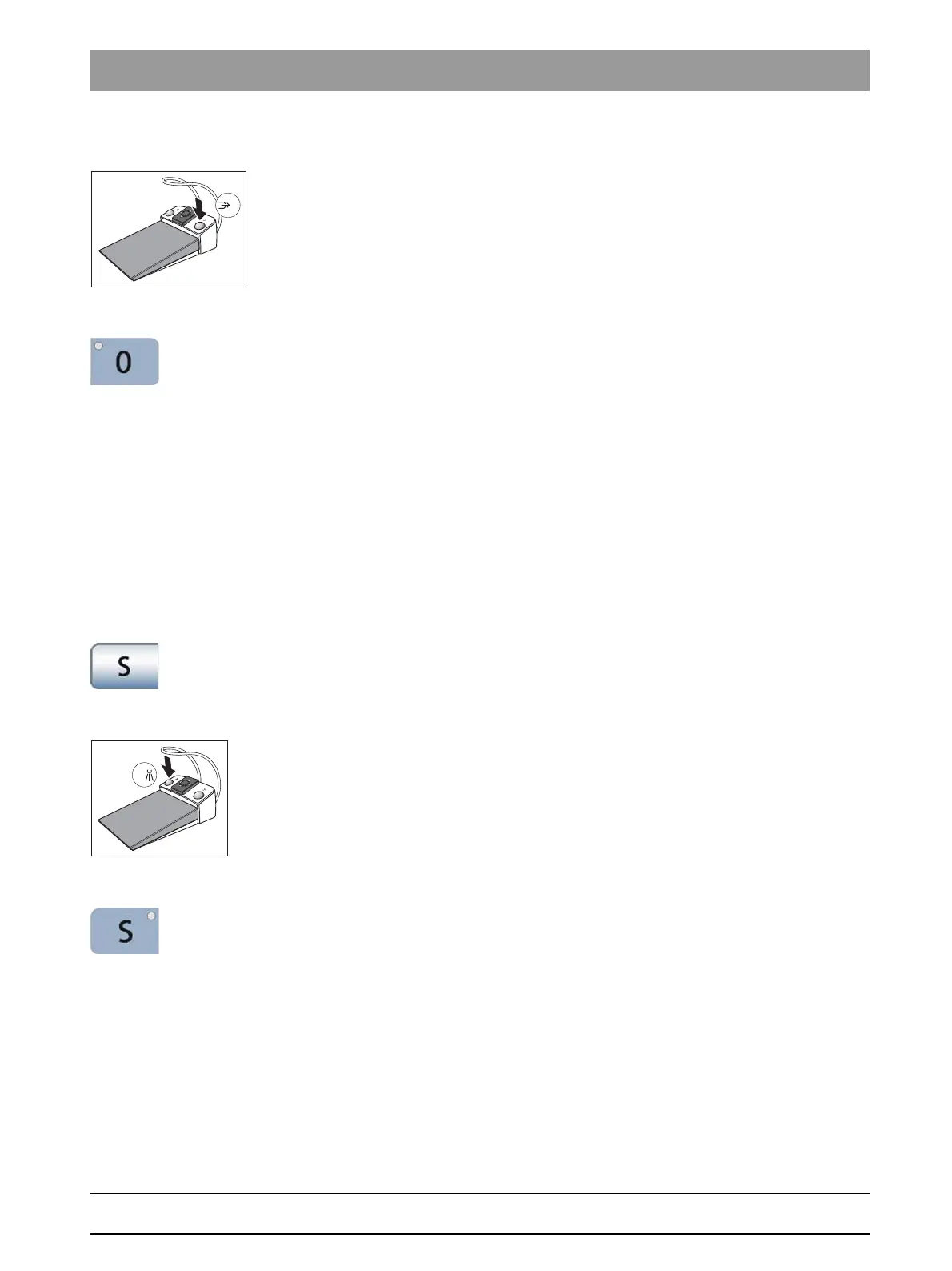
Via foot control
✔ All instruments are in place.
➢ Press the right button of the foot control.
Via the assistant element
➢ Press the
0
key on the assistant element briefly (< 2 s).
4.4.7.2
Moving the patient chair to the mouth rinsing position
The following functions are triggered in the mouth rinsing position:
● The operating light switches off
● The chair moves the patient to an upright position
Reference “Link cuspidor to mouth rinsing position”
This can be used to set the cuspidor bowl so that it automatically moves
inward when the mouth rinsing position (S) chair program is selected;
see"Linking the movement of the cuspidor bowl to the mouth rinsing
position" [ → 191].
Via touchscreen
✔ The
Start program
is displayed on the touchscreen.
➢ Touch the
S
key briefly (< 2 s).
Via foot control
✔ All instruments are in place.
➢ Press the left button of the foot control.
Via the assistant element
➢ Press the
S
key on the assistant element briefly (< 2 s).
4.4.7.3
Using the last position memory function
The last chair position is stored before the patient chair moves to mouth
rinsing position S. When mouth rinsing position key
S
is pressed again,
the dental treatment unit returns to the previously set treatment position.
✔ The patient chair can be in any treatment position.





 To Next Page