65 48 510 D3509
D3509.201.03.03.23 10.2016
85
Sirona Dental Systems GmbH 4Operation
Operating Instructions (USA) TENEO 4.5Dentist element
4.5.6 Saving instrument settings
With static quick setting keys
You can determine whether the
Memory
key should be displayed in the
instrument programs with the quick setting keys, see "Preselecting the
quick setting key or function level types" [ → 196].
SaveMode ● SaveMode – The
Memory
key is displayed in the Instrument
programs:
The settings made in the Instrument program will be saved after the
instrument is placed in its holder only if the
Memory
key was pressed
and held beforehand (> 2 s).
After an instrument is removed, the previously saved settings are preset
again.
✔ An instrument is removed from its holder.
✔ The instrument program is displayed with static quick setting keys
and the
Memory
key.
✔ The desired settings are made; see also "General instrument
functions" [ → 88].
1. Only in the
EasyMode Start program
operating mode: Touch the
Sub-
screen
key.
2. Press and hold down the
Memory
key.
An acoustic signal sounds. The settings in the Instrument
program and its sub-screen are saved.
DropMode ● DropMode –
Memory
key hidden in Instrument programs:
When the instrument is deposited, the settings made in the
Instrument program will automatically be saved.
The DropMode is not available in the
EasyMode Start program
operating
mode.
With programmable quick setting keys
With programmable quick setting keys, the set speed and intensity values
can be saved to and called up from one of the quick setting keys. The
settings for selecting and activating the coolant are saved at the same
time.
✔ An instrument is removed from its holder.
✔ The instrument program is displayed on the touchscreen with quick
setting keys.
✔ The coolant is preselected and, if relevant, activated, see
"Preselecting coolant" [ → 88] and "Switching preselected coolant on/
off" [ → 89].
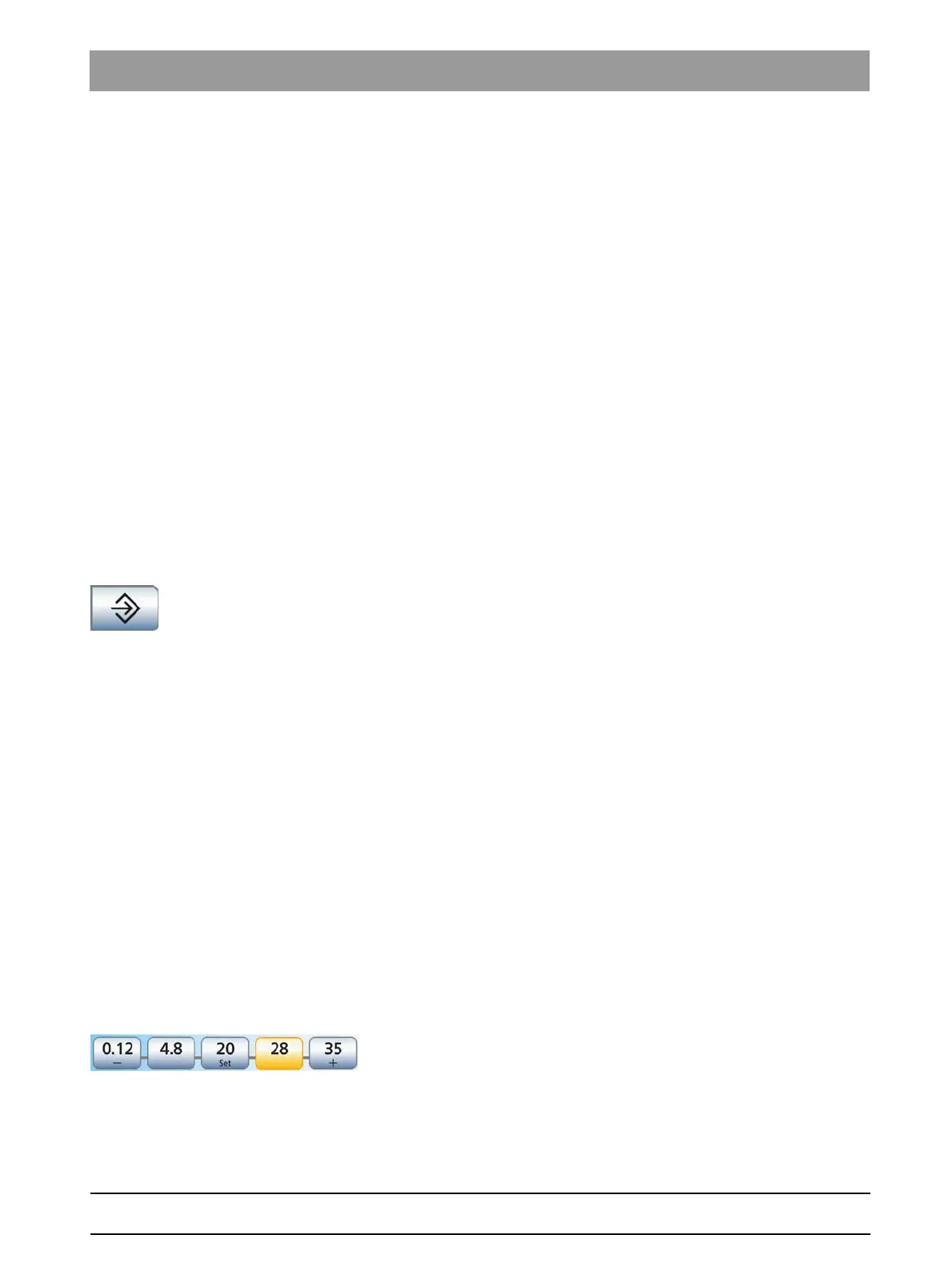
1. Keep the middle quick setting key
Set
held down (> 2 s) to save the
setting.
The programming mode is activated. The speed flashes on the
touchscreen and a flashing bar appears behind the quick setting
keys.
2. Press one of the quick setting keys. This must be done within 5
seconds otherwise the programming mode is closed.
















 To Next Page