65 48 510 D3509
72 D3509.201.03.03.23 10.2016
4Operation Sirona Dental Systems GmbH
4.4Patient chair Operating Instructions (USA) TENEO
4.4.9 Creating chair and shock positioning programs
Chair programs
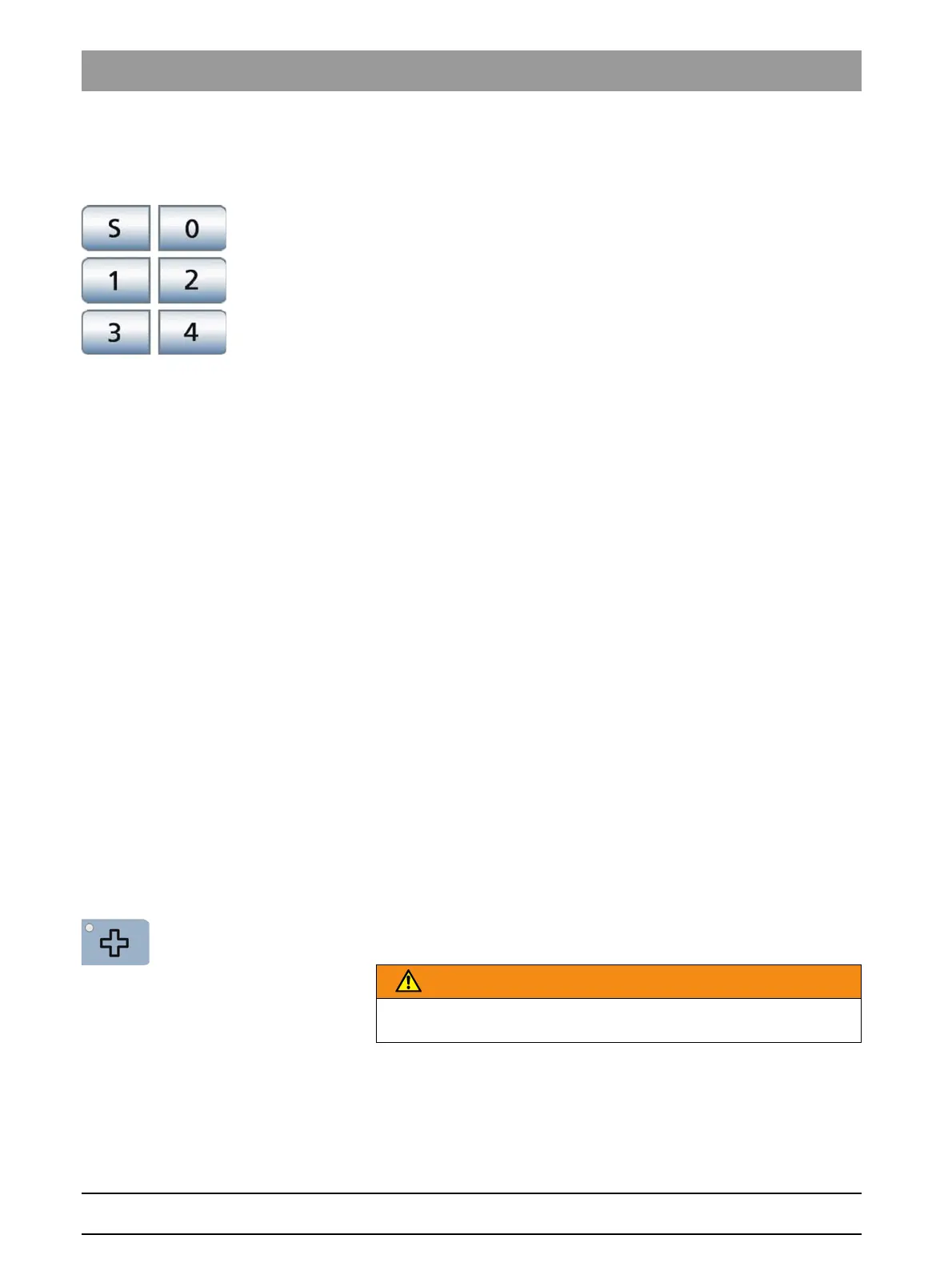
The six chair programs preset at the factory:
● Mouth rinsing position S
● Entry/exit position 0
●1 and 2
● 3 and 4 if selected
can be individually reprogrammed for each of the six user profiles (A to F).
You can determine whether chair programs 3 and 4 will be displayed in
the chair screen; see "Showing/hiding chair programs 3 and 4" [ → 189].
✔ The
Start program
is displayed on the touchscreen.
1. Move the patient chair to the required treatment position; see "Moving
the chair manually" [ → 69].
2. If a motor-driven headrest is installed: Tilt the headrest to the required
treatment position; see "Inclining the headrest" [ → 65].
3. Switch the operating light on or off (to program the desired state), see
"Switching the operating light on/off and adjusting it" [ → 166].
4. Move the dentist element to the required position; see "Moving the
dentist element" [ → 77]. You can select the chair programs during
which the dentist element is to move; see "Linking dentist element
movement to chair programs" [ → 192].
5. Press and hold the desired program key (S, 0, 1, 2 or, if applicable,
3, 4) (> 2 s).
An audible signal sounds. Your settings are now stored under the
desired program key.
Tip:Chair programs S, 0, 1, 2 can also be programmed on the assistant
element side.
Shock positioning
When the
Shock positioning
key is pressed, the patient chair immediately
moves to a position suitable for shock positioning of the patient.
The shock positioning position preset at the factory can be
reprogrammed.
1. Move the patient chair to the desired position.
2. Press and hold the
Shock positioning
key (> 2 s).
Patient chair, shock positioning
WARNING
Program this key exclusively for shock positioning the patient, never use
as a treatment position.
















 To Next Page