65 48 510 D3509
D3509.201.03.03.23 10.2016
87
Sirona Dental Systems GmbH 4Operation
Operating Instructions (USA) TENEO 4.5Dentist element
4.5.7 Placing the instruments in their holders
Automatic opening of instrument dialogs
In the
Simple/Advanced Start program
operating modes, the instrument
program of the instrument removed is displayed automatically on the
touchscreen. In the
EasyMode Start program
the touchscreen will display
the speed or intensity values of the removed instrument.
Therefore, always make sure that all instruments are placed in the correct
instrument holders. If any instruments are placed in the wrong holders,
the wrong instrument dialog will be opened when they are removed from
the holders.
If more than one instrument is removed, the screen of the instrument
removed first is displayed.
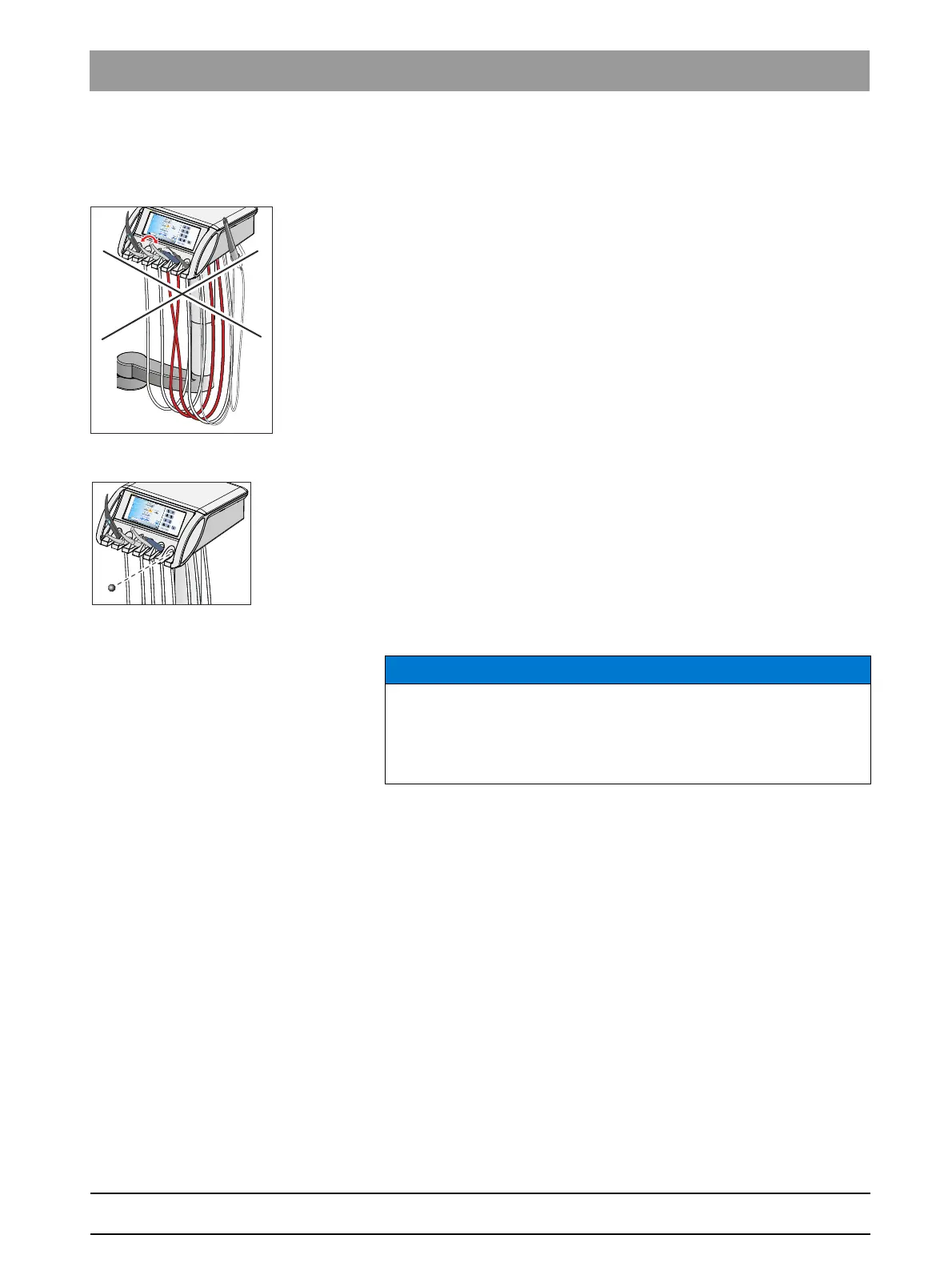
Ball stopper
Ball stopper, attached to the unit
A ball stopper for an unoccupied instrument holder is attached to the
dentist element.
Insert the ball stopper in an unassigned instrument holder. This prevents
accidental deposit of an instrument in this holder.
To reorder the ball stopper, see "Spare parts and consumables" [ → 266].
Instrument hoses
Instrument hoses
NOTICE
The instrument hoses contain electrical cables and media pipes.
Over-tensioning or pinching the hoses may cause the electrical cables
to break and the media pipes to leak.
➢ Ensure that you do not pull or bend the instrument hoses too much.
















 To Next Page