65 48 510 D3509
D3509.201.03.03.23 10.2016
33
Sirona Dental Systems GmbH 3Unit description
Operating Instructions (USA) TENEO 3.7Dentist element
3.7.3 Touchscreen
The touchscreen displays virtual function keys according to the program
selected. A list of all function keys is provided in the Appendix of this
document, see "Overview of all function keys"..
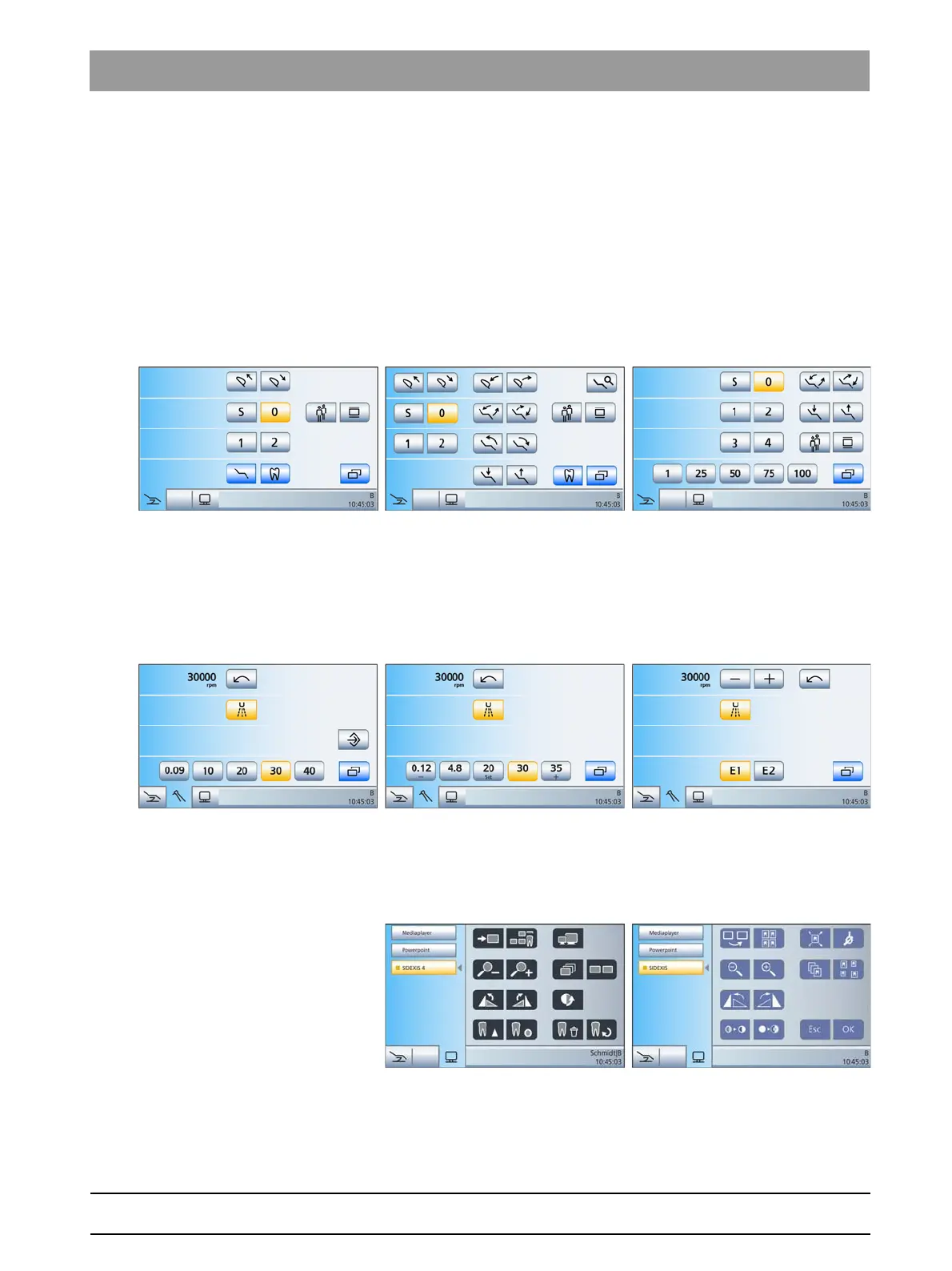
Some programs are divided into main programs and sub-screens. The
main programs are briefly introduced below:
Start dialog The Start program can be displayed in the following operating modes:
Simple Start program
,
Advanced Start program
or
EasyMode Start
program
. For further details on the operating modes, see "Operating
modes of the Start program" [ → 47].
Simple Start program (left), Advanced Start program (center), EasyMode
Start program (right)
Instrument program The
Simple Start program
and
Advanced Start program
operating modes
display the instrument program for the removed instrument. The
instrument programs can be displayed either with the fixed quick
adjustment keys, programmable quick adjustment keys or via the function
levels. For details, see "Quick setting keys and function levels." [ → 83]
Motor screen with fixed quick setting keys (left), programmable quick setting
keys (center) and function levels (right)
SIVISION program The SIVISION program enables certain computer programs running on
the PC to be controlled directly from the dental treatment unit. For details,
see "Operation with a PC" [ → 179].
SIVISION dialogue for SIDEXIS 4 (left) und SIDEXIS XG (right)
















 To Next Page