65 48 510 D3509
D3509.201.03.03.23 10.2016
71
Sirona Dental Systems GmbH 4Operation
Operating Instructions (USA) TENEO 4.4Patient chair
4.4.8.5
Moving the patient chair with the fine adjustment
Depending on the type of treatment, it may be necessary to adjust the
patient chair more slowly and more precisely (e.g., for tiny corrections in
case of treatment under a microscope). In this case, the
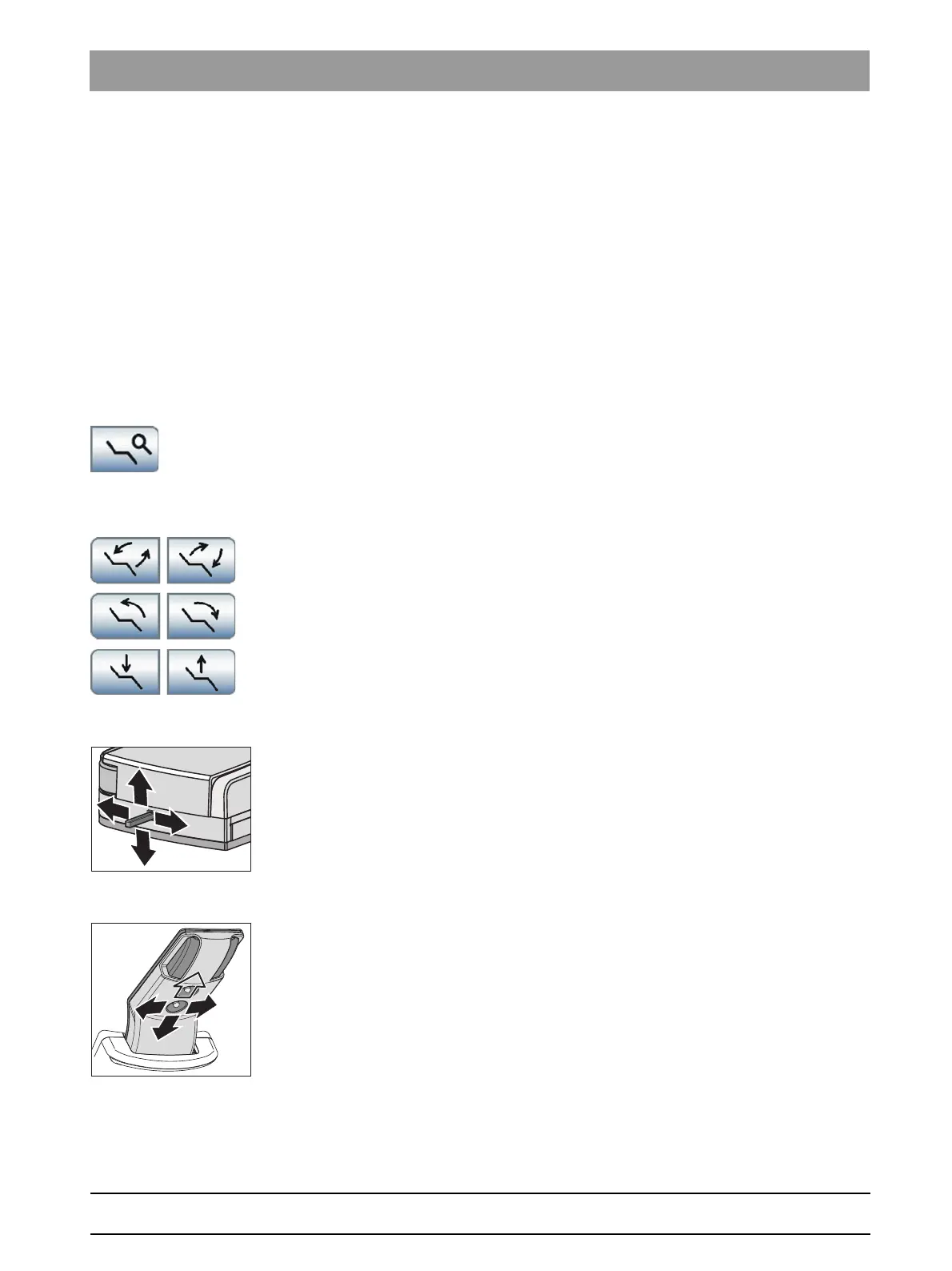
Fine Adjustment
key can be displayed in the
Start program
; see "Show/hide the fine
adjustment key" [ → 190].
This function is not available in the
EasyMode Start program
operating
mode.
Fine adjustment on/off
✔ The
Manual Chair Adjustment
program or the
Advanced Start
program
is displayed on the touchscreen.
✔ The
Fine Adjustment
key is displayed on the touchscreen.
➢ Touch the
Fine Adjustment
key.
If the key is highlighted orange, the patient chair travels at
reduced speed for the following chair movements:
Movement via touchscreen
➢ Touch the
ErgoMotion
,
OrthoMotion
or
Chair height adjustment
key.
Movement via 4-way foot switch
✔ The 4-way foot switch is not assigned to the suction system of the
assistant element via the
Setup program
.
➢ Move the 4-way foot switch to the left or right for the ErgoMotion or
up or down to adjust the chair height.
Movement via 4-way switch
➢ Move the 4-way switch to the left or right for the ErgoMotion or up or
down to adjust the chair height.
















 To Next Page