65 48 510 D3509
D3509.201.03.03.23 10.2016
79
Sirona Dental Systems GmbH 4Operation
Operating Instructions (USA) TENEO 4.5Dentist element
3. Use the
–
and
+
keys to set the required time.
Increments:
From 00:05 to 1:00 = 5 s steps
From 1:00 to 3:00 = 10 s steps
From 3:00 to 9:30 = 30 s steps
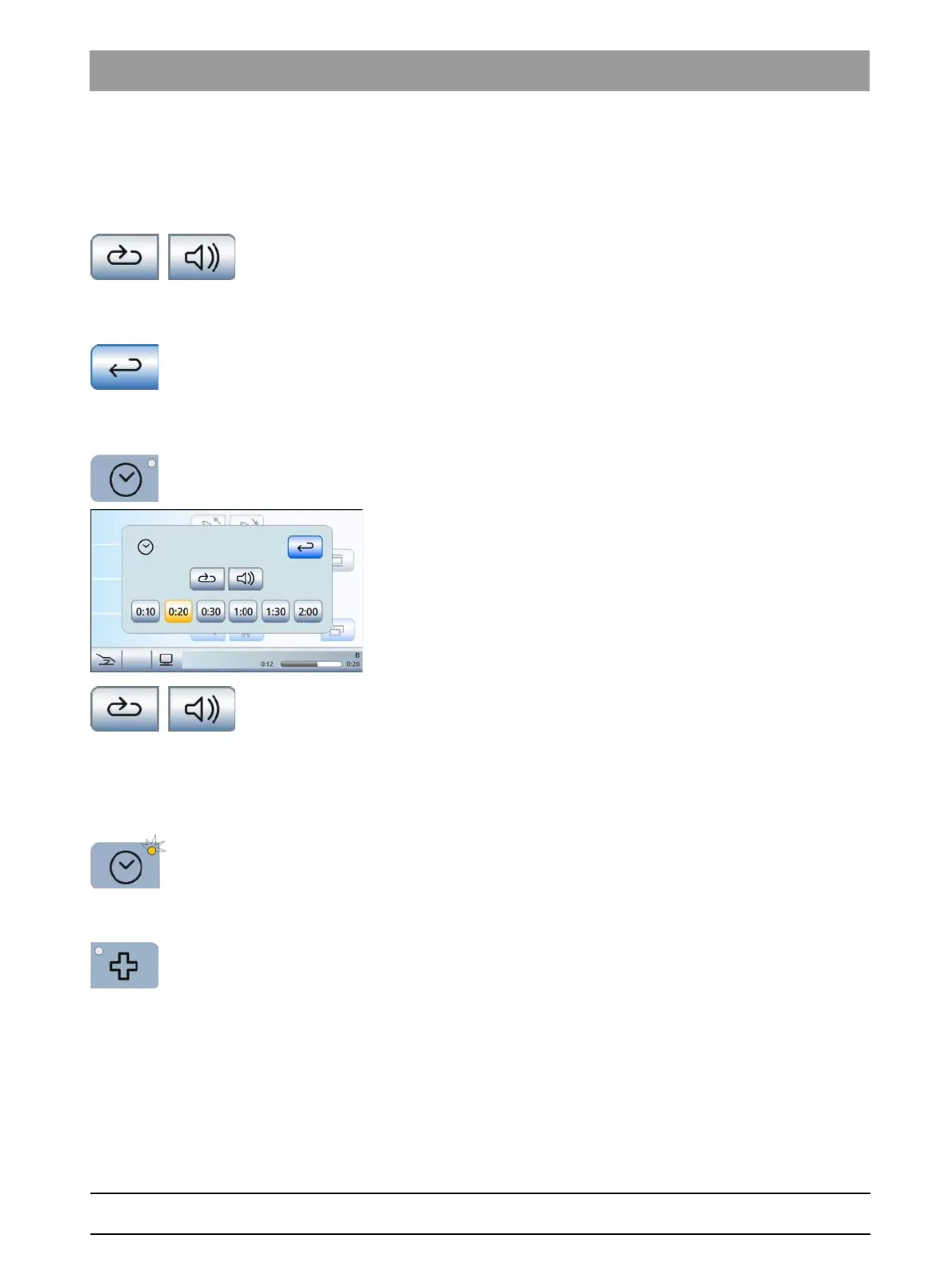
4. Select whether the time loop and the acoustic signal should be
activated/deactivated for the selected timer. Touch the
Time Loop
and/orAcoustic Signal
key
.
If a function is switched on, the corresponding key is highlighted
orange.
5. Select another timer for adjustment or close the settings screen with
the
Return
key.
All settings are automatically saved when the screen is closed.
Starting the timer
1. Press the
Timer
fixed key briefly.
The last timer used is started immediately. The set and elapsed
time are displayed in the status bar. The
Timer function
screen
remains visible.
2. If you wish to use a different timer, touch one of the timers at the lower
edge of the screen.
If the expired time is less than the new setting of the timer, the
new time will be shown in the status bar. The previously started
timer will not be reset to zero.
3. Optional: You can switch the time loop and/or acoustic signal on/off
while the timer is counting down. Touch the
Time Loop
and/or the
Acoustic Signal
key.
If a function is switched on, the corresponding key is highlighted
orange.
Stopping/resetting the timer
When the
Timer function
screen is deactivated, the timer can also be
stopped by pressing the
Timer
fixed key. If the screen is activated, the
timer will be reset to zero.
4.5.4.3
Shock positioning
Immediately moves the patient chair to a position for shock positioning of
the patient.
TENEO reference
To program the position of the shock positioning function, see "Creating
chair programs and shock positioning" [ → 72]
















 To Next Page