65 48 510 D3509
80 D3509.201.03.03.23 10.2016
4Operation Sirona Dental Systems GmbH
4.5Dentist element Operating Instructions (USA) TENEO
4.5.4.4
Operating light
Switching the operating light on/off
➢ Briefly press the
Operating light
fixed key on the dentist or assistant
element.
When the operating light is switched on, the LED of the fixed key
lights up on the dentist and assistant elements.
For details, see section "Operating light" [ → 166].
4.5.4.5
Composite function
The composite function is used to prevent premature curing of composite
materials.
➢ Press the
Composite Function
fixed key.
If the composite function is switched on, the LED of the fixed key
lights up on the dentist and assistant elements. On the assistant
element, the
Operating light
key lights up.
4.5.4.6
Tumbler filling
If the tumbler filling system of your dental treatment unit is equipped with
automatic sensor control, see “Tumbler filling with automatic sensor
control” [ → 158].
Filling the tumbler
1. Place the tumbler under the tumbler filler.
2. Press the
Tumbler Filling
fixed key.
The tumbler is filled with water for the preset time.
Pressing the
Tumbler Filling
fixed key again stops the filling function
immediately.
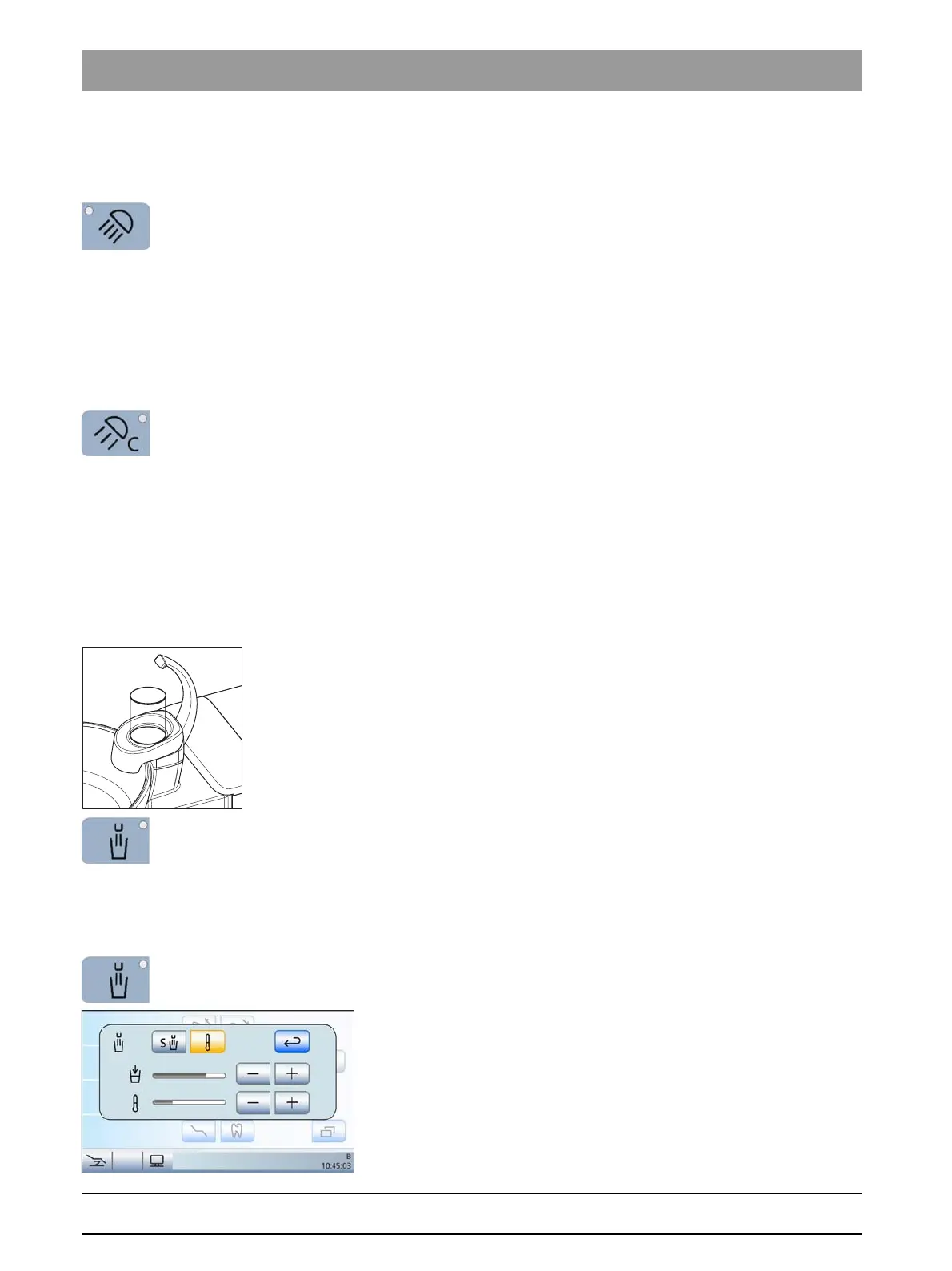
Opening the settings screen
➢ Press and hold the
Tumbler Filling
fixed key (> 2 s).
The
Tumbler Filling
settings screen is displayed.
















 To Next Page