65 48 510 D3509
64 D3509.201.03.03.23 10.2016
4Operation Sirona Dental Systems GmbH
4.4Patient chair Operating Instructions (USA) TENEO
4.4.6 Adjusting the motor-driven headrest
The motor-driven headrest can be adjusted via the touchscreen or
directly on the headrest.
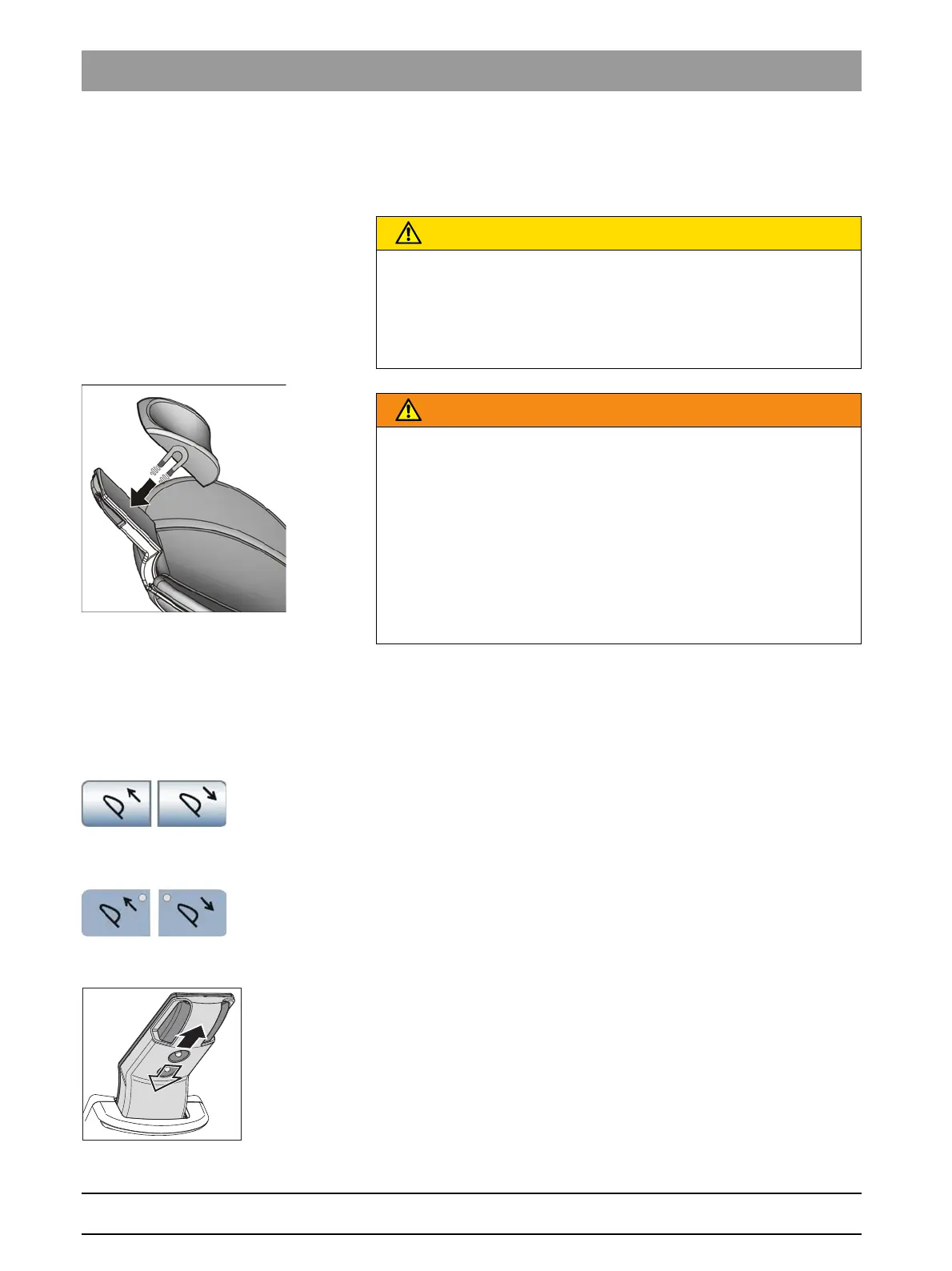
Headrest, motor-driven, catching of hair
Head support, head pad magnet
4.4.6.1
Moving the headrest in/out
The treatment chair is adjusted to the patient's stature by moving the
headrest in or out.
Moving the headrest in/out via dentist element and assistant element
Via touchscreen
✔ The
Simple/Advanced Start program
or the
Manual Chair Adjustment
program is displayed on the touchscreen.
➢ Touch the
Headrest in/out
keys.
Via the assistant element
➢ Press the
Headrest in/out
fixed keys.
Via the 4-way switch
➢ Slide the upper 4-way switch upward or downward.
CAUTION
Fine objects can enter the mechanism of the motor-driven headrest
through the gap.
Long hair, dangling jewelry or loosely fitting clothing can be pulled in.
➢ Position the patient in such a way that his/her hair and any objects
he/she is wearing cannot be pulled in.
WARNING
The head pad contains a strong magnet on its bottom side.
The magnet could affect any active implant located nearby.
Furthermore, direct contact of the head pad with magnetic cards can
delete data stored on the cards.
➢ Therefore, make sure that the magnet is never located in the
immediate vicinity of any patients, users or technical personnel with
an active implant. If necessary remove the head pad from the
headrest.
➢ Make sure that no magnetic cards or any other data storage media
are located in the immediate vicinity of the head pad.
















 To Next Page