65 48 510 D3509
84 D3509.201.03.03.23 10.2016
4Operation Sirona Dental Systems GmbH
4.5Dentist element Operating Instructions (USA) TENEO
quick setting key to which the set value is to be saved. A signal sounds
as confirmation. Further settings such as activation of the coolant or Endo
mode are also saved on the quick setting key.
The settings can be recalled by touching the respective quick setting key.
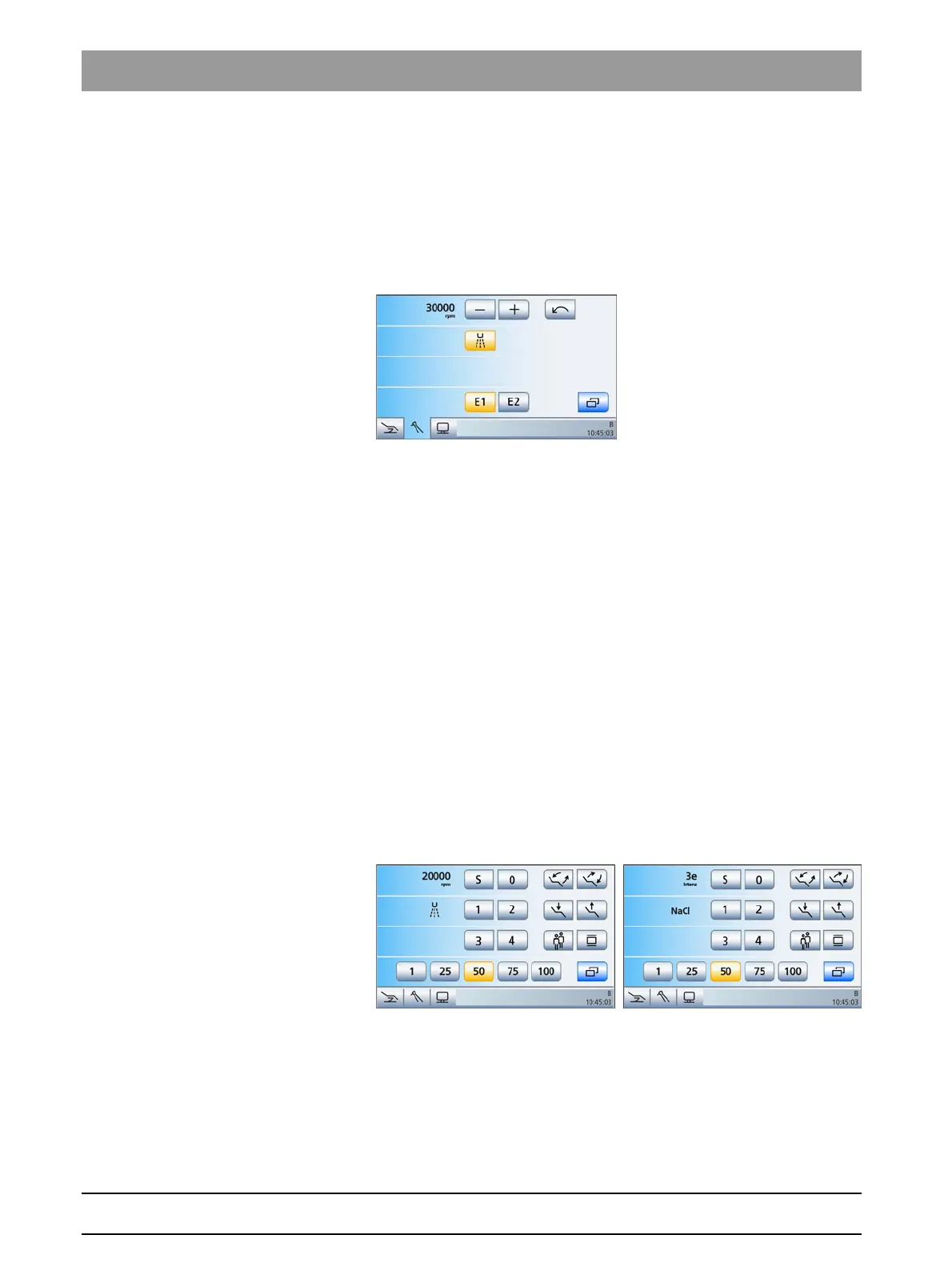
Function levels When using function levels, you have two "storage locations" (E1/E2) at
your disposal for saving settings or recalling them at the push of a button.
These settings can nevertheless be changed during treatment.
Motor screen with function levels
A distinction is made between a coarse and fine adjustment of the
settings for speed and intensity. If the – or + key is touched briefly (< 1 s),
the increments correspond to the quick setting keys (speed: 0.09, 10, 20,
30, 40; intensity: 1, 25, 50, 75, 100). If the – or + key is held (> 1 s),
intermediate values can also be set.
The key is displayed in gray if the values saved in the function level have
been changed ("Function level no longer valid").
Preselecting the quick setting key or
function level types
You can decide whether you wish to work with static quick setting keys,
programmable quick setting keys or the function levels in the setup
program, see "Preselecting how instrument settings are to be saved"
[ → 196]. The setting applies for each user profile A-F.
EasyMode Start program
In the
EasyMode Start program
the static quick setting keys are used to
adjust the values for the speed and intensity (1%, 50%, 75%, 100%). The
quick setting keys with the values for intensity are also displayed in the
motor and ultrasonic programs when the endodontics function is
activated. The operating concept corresponds with other Sirona dental
treatment units which have membrane keys.
The EasyMode Start program with instrument functions for motor and
ultrasonic (active endodontics function)
Intermediate values are set in the same way as in the
Simple/Advanced
Start program
operating mode with static quick setting keys, see above.
















 To Next Page