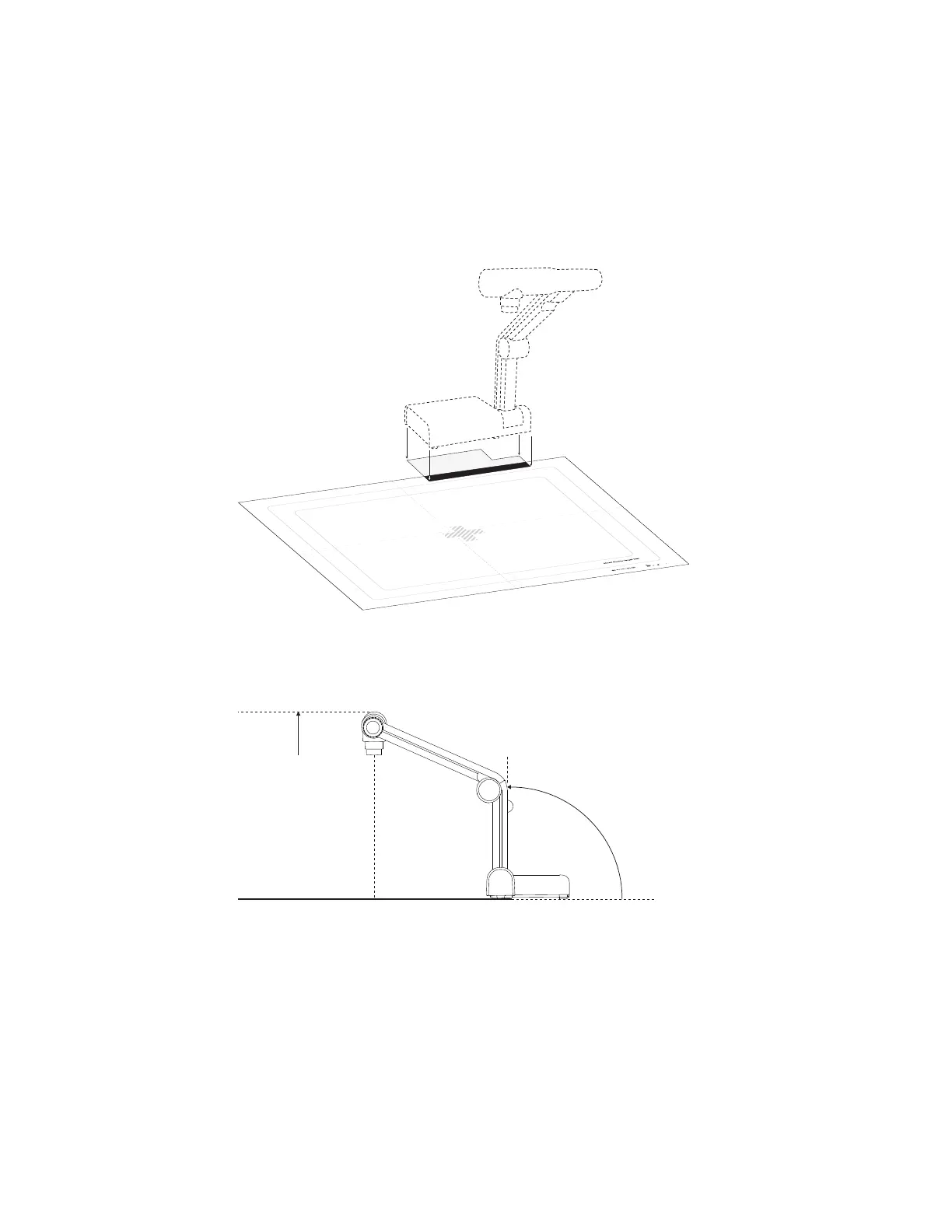
g To use the mixed reality mat
1. Place the mixed reality mat on your work surface.
2. Place the document camera over the darkened area on the mat.
3. Rotate the bottom arm of the document camera so that it’s 90° from your work surface.
4. Rotate the upper arm of the document camera upward until it’s at its highest spot, ensuring the
bottom arm is still set to 90°.
C H A P T E R 7
Using Mixed Reality Tools for the SMARTDocumentCamera
53



 To Next Page