Chapter 1
Welcome
smarttech.com/kb/171744 13
Tools and features
The display’s built-in Android™ computing provides access to apps that enable you to browse the web, use
a whiteboard, share your screen, and more without using a connected device.
Accessory slot
You can install an OPS-compatible device, such as a SMART OPS PC module, in the accessory slot.
SMARTOPS PC modules provide a complete Windows® 10 Pro installation.
For more information on SMART OPS PC modules, see SMART OPS PC module on the next page.
CAUTION
l The accessory slot’s maximum available power is 60 W. The slot is not a limited power source. To
reduce the risk of fire, make sure that accessories connecting to the slot satisfy the fire enclosure
requirements of IEC60950-1 and/or IEC 62368-1.
l Do not remove the OPS PC or other devices from the accessory slot while they are turned on.
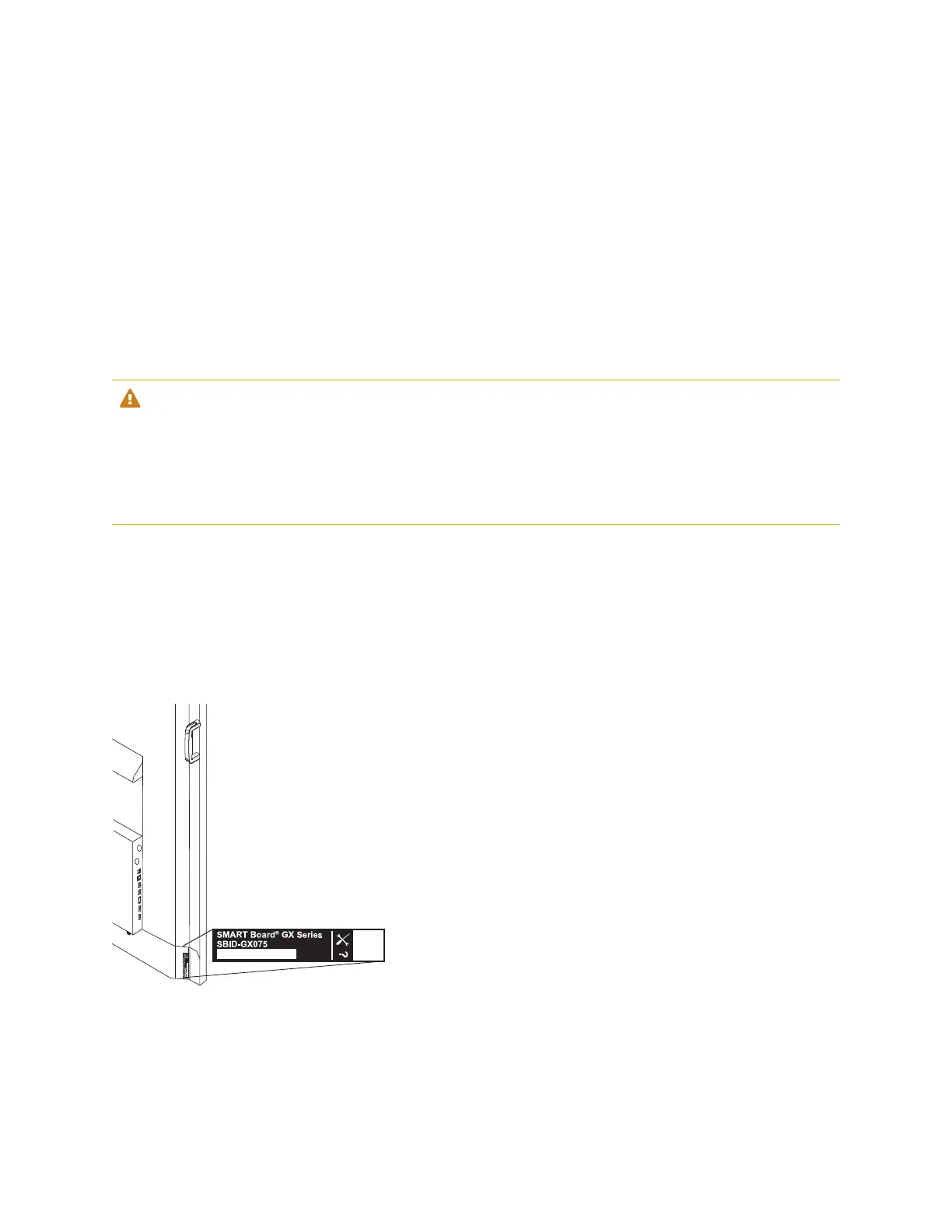
Identifying your specific model
SMART offers several models of the SMART Board GX series interactive display.
For help identifying your model, see the labels on the back or left side of the display.



 To Next Page
 Loading...











