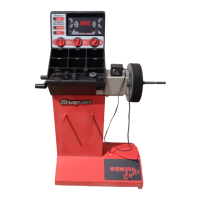
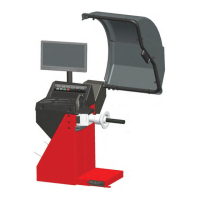
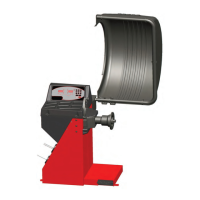
Snap‐onEEWB330AHandspinWheelBalancer
5.11Optimization/WeightMinimization
5.11.1GeneralOptimizationisafinerformofmatching.
Duringtheopto–rideprocedurestherimandtyreare
adjustedrelativetoeachotheronthebasisofdifferent
unbalancemeasurements.Thisgenerallymeansthat,
wherepresent,lateralandradialrun–outandradialand
lateralforcevariationsarereducedandthuswheel
runningconditionsoptimized.Inaddition,themass
(balanceweight)necessaryforbalancingcanbe
reduced.Ifoptimizationisnotdesired,itispossibleto
achieveweightminimization(so–calledmatching).Thisis
e.g.possibleiftherimdoesnotexhibitgeometric
deformations,inotherwordswhenunsmoothwheel
runningconditionsarearesultofanon–uniformtyre.In
thiscasetheunbalanceoftherimcanbereadjusted
relativetotheunbalanceofthetyresuchthatthe
unbalancescompensateeachotherandthesmallest
possibleweightforunbalancecorrectionisdetermined.
5.11.2Instructionsfortheoptimization/weight
minimizationprograms
Compensationofunbalanceoftheclampingdeviceis
cancelledbystartinganoptimizationorminimization
run(C47.1.1).Preparation:Makesurethetyreis
correctlymountedonrimandinflatedtospecified
inflationpressure(mountingguideribofthetyremust
becorrectlyseated).Clampthewheel.Entercorrectrim
dimensions,orcheckexistinginputsforcorrectness.
SelecttheMODE‐keyuntiltheMinimizationindicator
blinks. The“M”indicatorwillstartblinking.Thedisplay
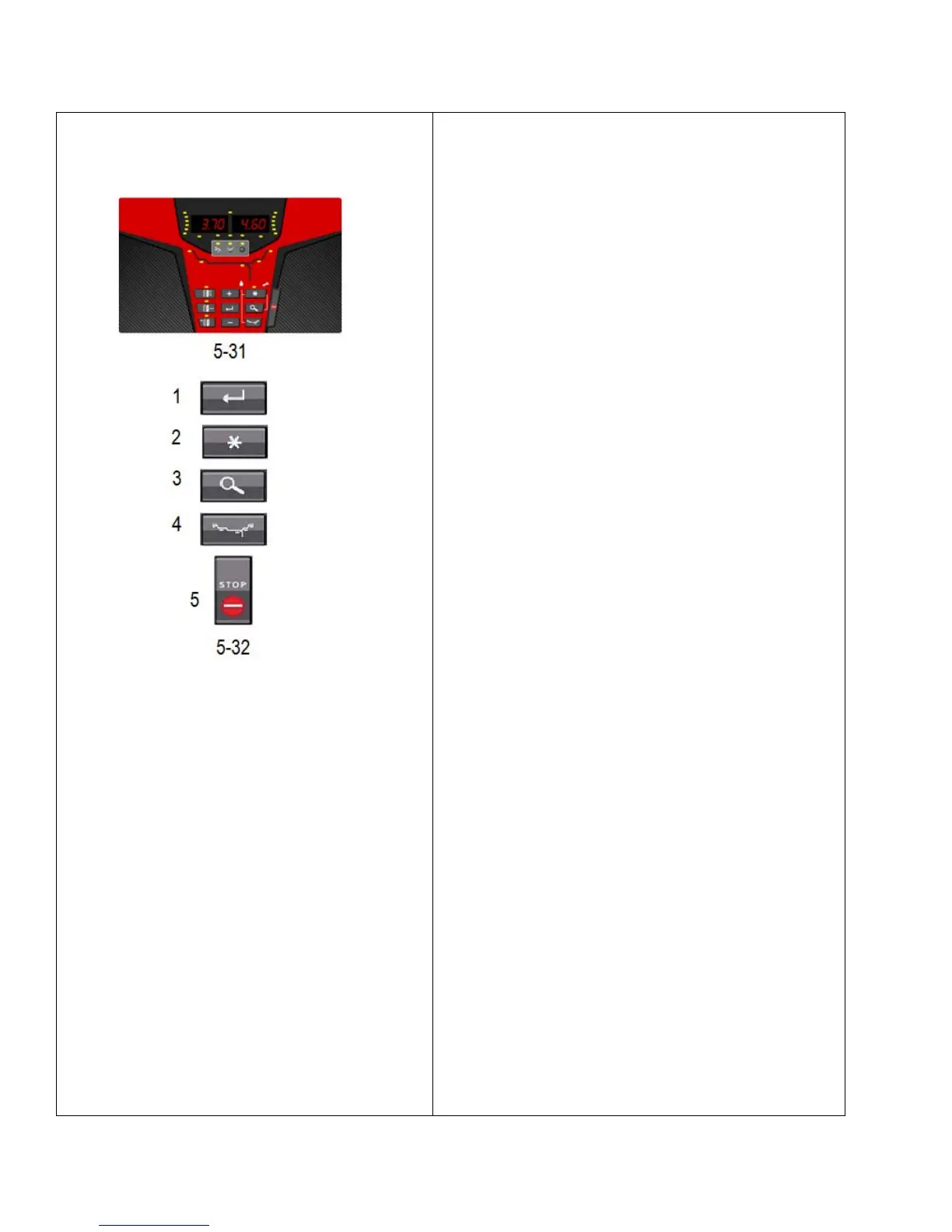
now equalsFigure5‐31.Note:TheMODE‐indicatorwillbe
on and theMinimizationindicatorwillblink.Ifthe
Minimization indicatordoesnotblink,checkifaNORMAL
wheel is selected.•SelectENTER(1,Fig.5‐32).Toexitthe
Minimizationmode,select:STOP(5,Fig5‐32).


 To Next Page