72 • Settings
[ SNOM 320 USER MANUAL V1.00 ]
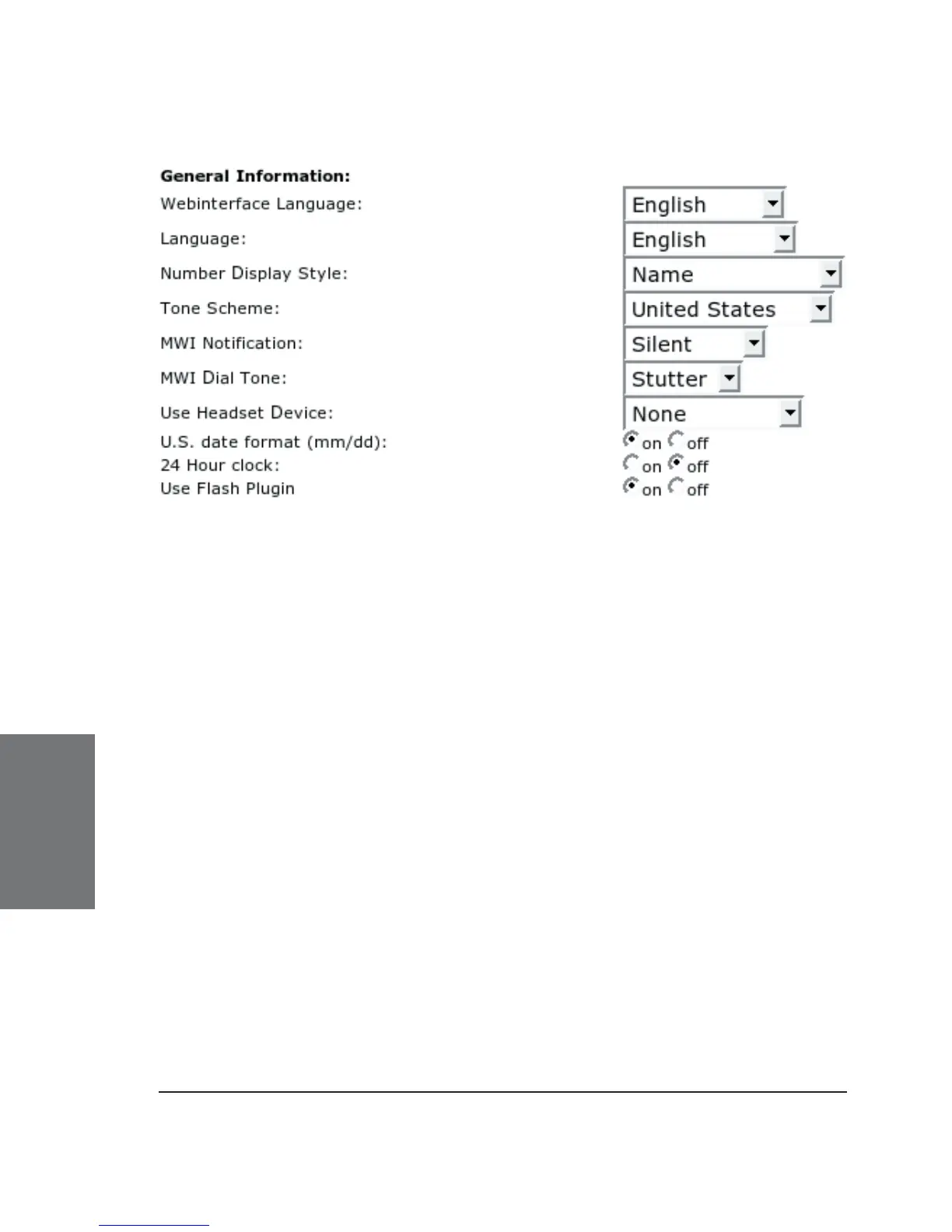
Webinterface Language: Your phone is able to show all display
texts in a number of languages. Select the language of your choice
which may be different from the one used on the phone.
Language: This is the language used on the display of your
phone. Choose a language from the drop-down menu.
Number Display Style: Specifi es how incoming and outgoing
calls are displayed:
Full Contact: The complete URL is shown
Name: Only the name is displayed
Number: Only the number is displayed
Name+Number: Name and number are displayed
Tone Scheme : Select the dialtone you prefer for your phone.
Also, DTMF echo will differ (on/off) on different schemes.
6





 To Next Page