snom technology AG • 73
[ SNOM 320 USER MANUAL V1.00 ]
MWI Notifi cation: Specify the type of MWI notifi cation that will
inform you when a new message arrives.
MWI Dial Tone: Set the dial tone to stutter mode in the case of
an active MWI.
Use Headset Device: Select the headset device you would like
to use. Select none if you don’t want to use a headset.
U.S. Date Format: Here, you can select either U.S. (month/
day) or European (day.month) format for displaying the time and date.
24 Hour clock: When you select “on”, the timestamps will be
formatted in 24-hour format, otherwise in 12-hour format.
Use Flash Plugin: If you want to have a live reaction on
incoming or outgoing calls on the phone’s “Home” page, switch this
option to “on”. Your web browser has to support the Macromedia fl ash
movie format.
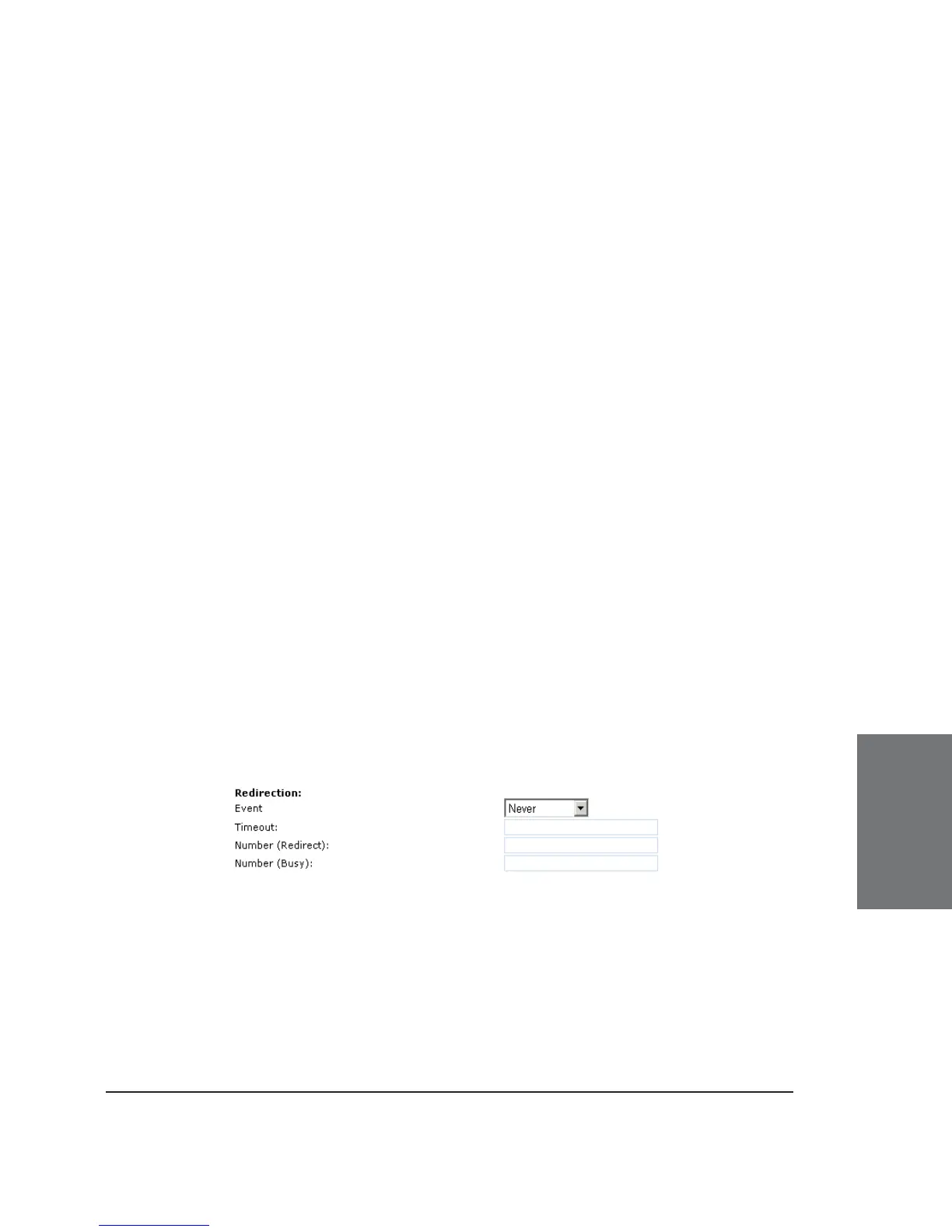
REDIRECTION
You can have all incoming calls diverted to a specifi c number.
“Event” drop-down menu options:
Never: This deactivates all call redirections.
Always: All calls are diverted to the number specifi ed in
“Number Redirect”.
6





 To Next Page