84 • Settings
[ SNOM 320 USER MANUAL V1.00 ]
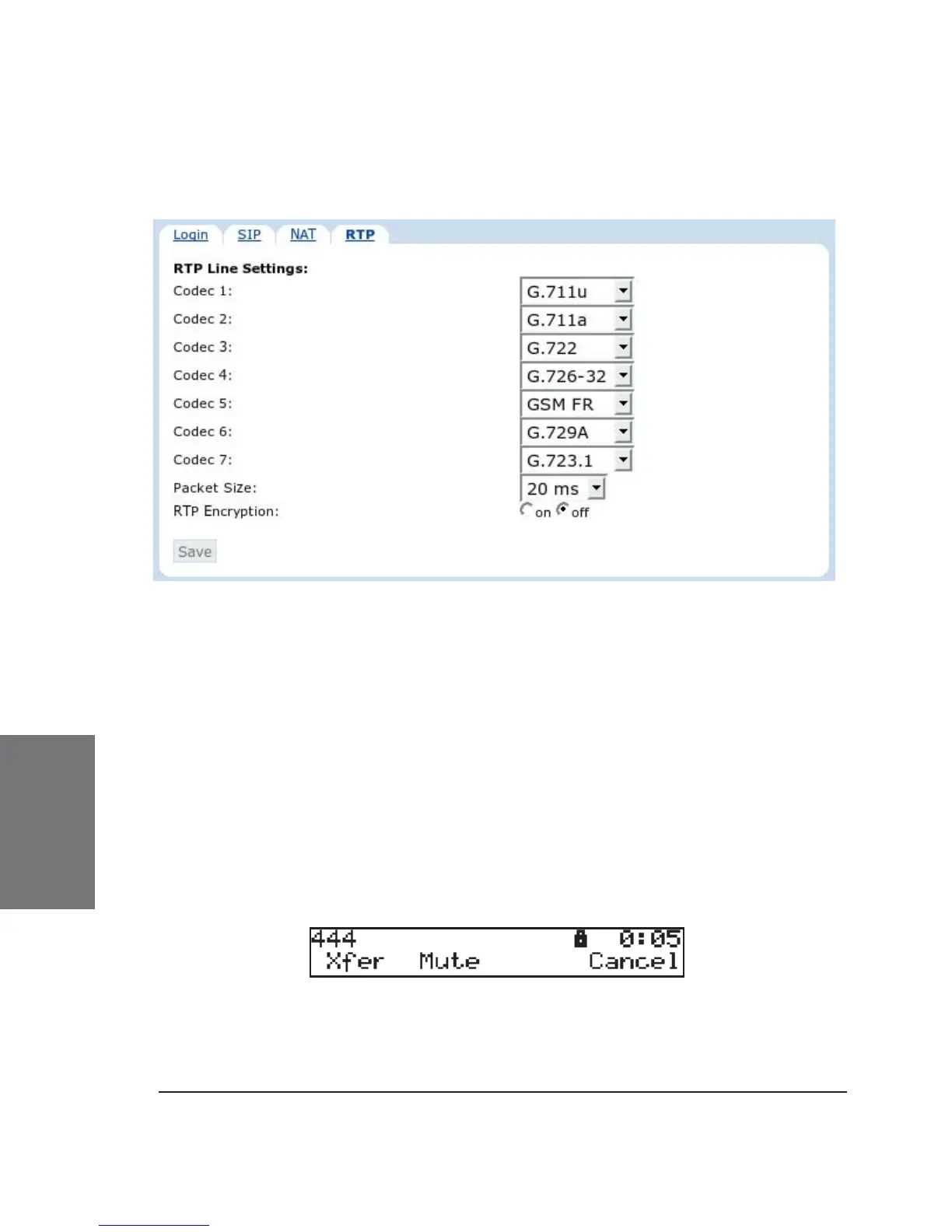
RTP Line Settings
Codec 1-7: You can select the preferred order for the codec
potentially to be used. The available options are G.711 ulaw, G.711 alaw,
G.722, G.723.1, G.726-32, GSM and G.729a. Your phone will offer exactly
this codec list to the called party and will, in return, receive a selection of
the codec list the other party wants to use for this call.
Packet Size: Select the packet size in ms. G.723.1 needs 30 or
60 ms. All other codecs work with 20, 40 and 60 ms only.
RTP Encryption: The snom 320 supports RTP encryption via
SRTP. If you want to encrypt your outgoing RTP (audio) stream, switch
this option to “on”. If, during a call, a small lock sign is shown on the
display, this means that an SRTP encrypted call is currently taking place.
Both parties have to enable the RTP Encryption option to establish an
SRTP call.
RTP encryption has nothing to do with SSL/TLS. The keys are
sent in the SDP part of SIP messages. Certifi cates are not used for this.
(See also our white paper “Providing Security in VoIP Environments”!)
6





 To Next Page